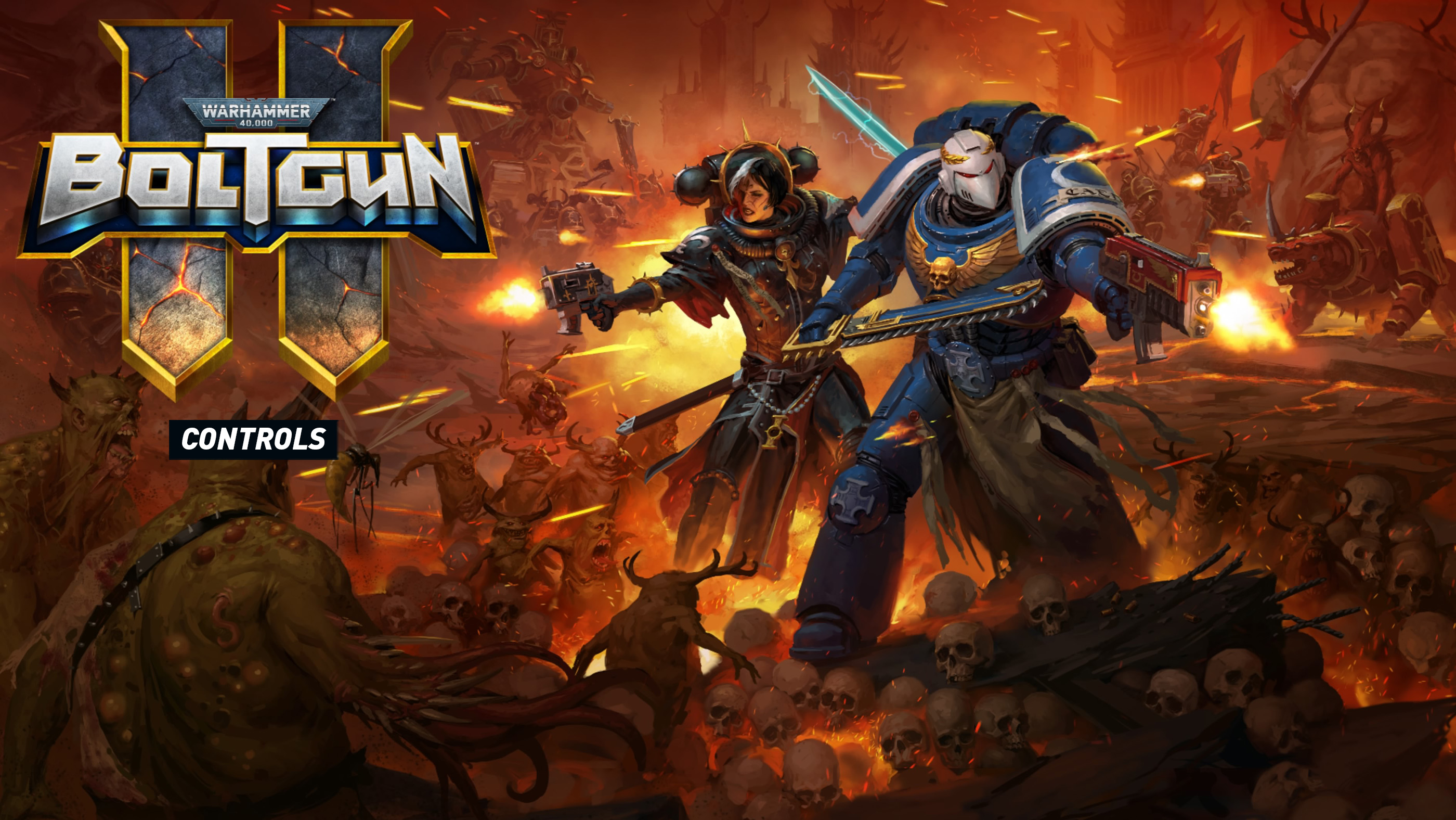
Warhammer 40,000: Boltgun 2 brings back fast, aggressive shooting in the grim darkness of the 41st millennium. Movement is just as important as your weapons, especially when enemies crowd the arena or you need to reach a distant platform.
This Boltgun 2 controls guide explains the PlayStation button combinations visible in the game, including Fervent Slide, the Power Sword, Melta Bombs and the pause menu shortcuts. It also covers the difference between a normal jump and the special leap you can perform while sliding.
Warhammer 40,000: Boltgun 2 PlayStation Controls
The controls below are taken from the in game screenshot. They cover the confirmed combat abilities and menu shortcuts. Other movement and weapon inputs should be checked in the game's control settings, as the screenshot does not show the complete button layout.
| Action | PlayStation Control |
|---|---|
| Fervent Slide | R3 |
| Leap during Fervent Slide | Press Cross while sliding |
| Slowed leap during Fervent Slide | Hold Cross while sliding |
| Throw Melta Bomb | L1 |
| Slow time while throwing Melta Bomb | Hold L1 during the throw |
| Detonate Melta Bomb early | Press L1 after throwing |
| Power Sword melee attack | L2 |
| Power Sword thrust attack | Hold L2 |
| Quick Load | L1 in the pause menu |
| Quick Save | R1 in the pause menu |
| Accept menu selection | Cross |
| Go back in menus | Circle |
The same button can have different functions depending on the situation. For example, L1 operates the Melta Bomb during gameplay but performs Quick Load when the game is paused.
How to Use Fervent Slide
Press R3 to perform Fervent Slide. While sliding, press Cross to leap forward. If you hold Cross instead, the leap happens in slowed time.
This gives you more than a basic movement trick. A slide followed by a leap can help you cover ground quickly, avoid a dangerous position or approach a platform with greater control. Practice the sequence in a safe area so you can use it naturally during combat.
How to Throw and Detonate a Melta Bomb
Press L1 to throw a Melta Bomb. Holding L1 during the throw slows time, giving you an opportunity to judge where the bomb will land. After throwing it, press L1 again to trigger an early explosion.
The ability to choose when the bomb detonates is especially useful when enemies are moving. Rather than relying entirely on the normal explosion timing, you can wait until a target enters the danger area and detonate the bomb yourself.
How to Use the Power Sword
Press L2 to perform a Power Sword melee attack. Holding L2 produces a thrust attack.
The sword provides a close combat option when an enemy gets too near or when you want to avoid spending ammunition. The thrust is a separate input worth practicing, especially when you need to judge your distance from a target.
Quick Save and Quick Load Controls
When the pause menu is open, press R1 to Quick Save or L1 to Quick Load. The menu also includes Resume, Restart Level, Save Game, Load Game, Options, Help and Quit.
Quick Load can replace your current progress with an earlier save, so check that you are using the intended shortcut. If you are experimenting with a difficult encounter or searching for secrets, saving beforehand can make repeated attempts more convenient.
Does Boltgun 2 Have Xbox and PC Controls?
Boltgun 2 uses different input labels depending on the platform. The supplied screenshot confirms PlayStation prompts, but it does not establish the complete Xbox or keyboard layout. To avoid giving incorrect bindings, use the Controls or Options menu on your platform to confirm the current assignments.
For Xbox players using an equivalent controller layout, the corresponding physical buttons are LB for L1, LT for L2, RS for R3 and A for Cross. These are button equivalents rather than independently verified Xbox default bindings.
What Is Enduring Faith?
The pause screen also describes Enduring Faith, a character ability associated with Nyra. When her Faith becomes very low, it regenerates over time.
This is useful to remember when managing your abilities during an extended fight. If Faith has nearly run out, its recovery mechanic may give you another opportunity to use it without treating the resource as permanently exhausted.
Comments
No comments yet. Be the first to share your thoughts!