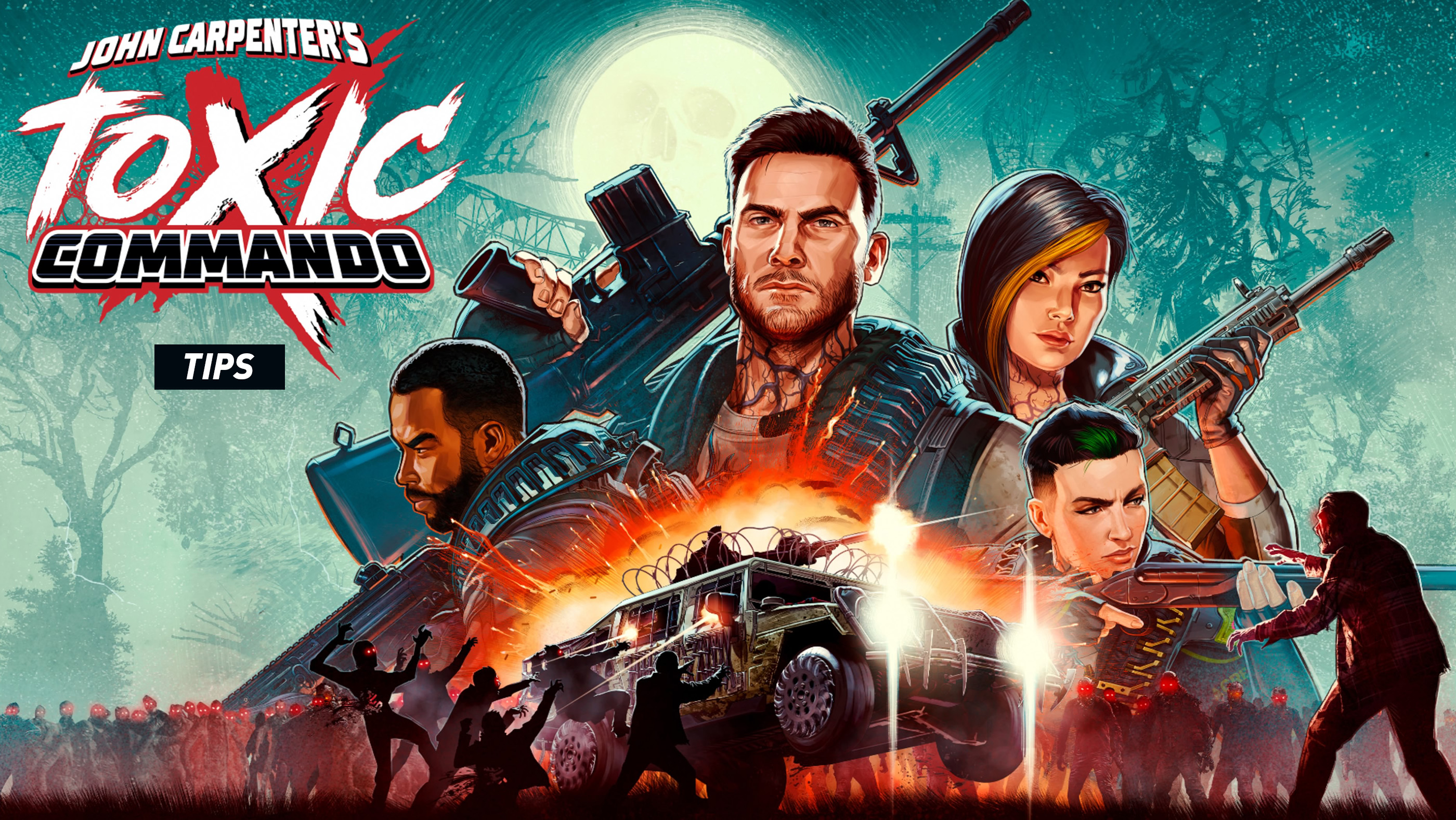
John Carpenter's Toxic Commando is a cooperative zombie shooter where surviving depends on more than firing into a crowd. Your team needs to manage ammunition, use class abilities, keep vehicles running and complete objectives while increasingly dangerous hordes close in.
These Toxic Commando tips and tricks cover the practical lessons worth learning early, from choosing a class to escaping swarms, recovering stuck vehicles and making the most of your squad.
Choose a Class That Helps Your Squad
Before starting a mission, look at what each class contributes rather than choosing only by appearance. Toxic Commando lets you develop your character through skills and abilities, so your choice affects how you support the team.
A squad benefits from a mixture of offensive power, survivability and support. If everyone focuses on damage, the group may struggle when several teammates need help at once.
Experiment with different classes during easier missions before investing heavily in a particular playstyle.
Do Not Split Up When a Horde Is Approaching
Many missions give you freedom to tackle objectives in different orders. Splitting up can save time when the area is quiet, but it becomes dangerous when large numbers of infected appear.
Stay close enough to support each other during major encounters. If one teammate gets surrounded or grabbed, nearby allies can respond much faster than someone on the opposite side of the map.
Use the marking system to identify threats, useful equipment and places where the team should regroup.
Use Push and Dash to Escape Crowded Positions
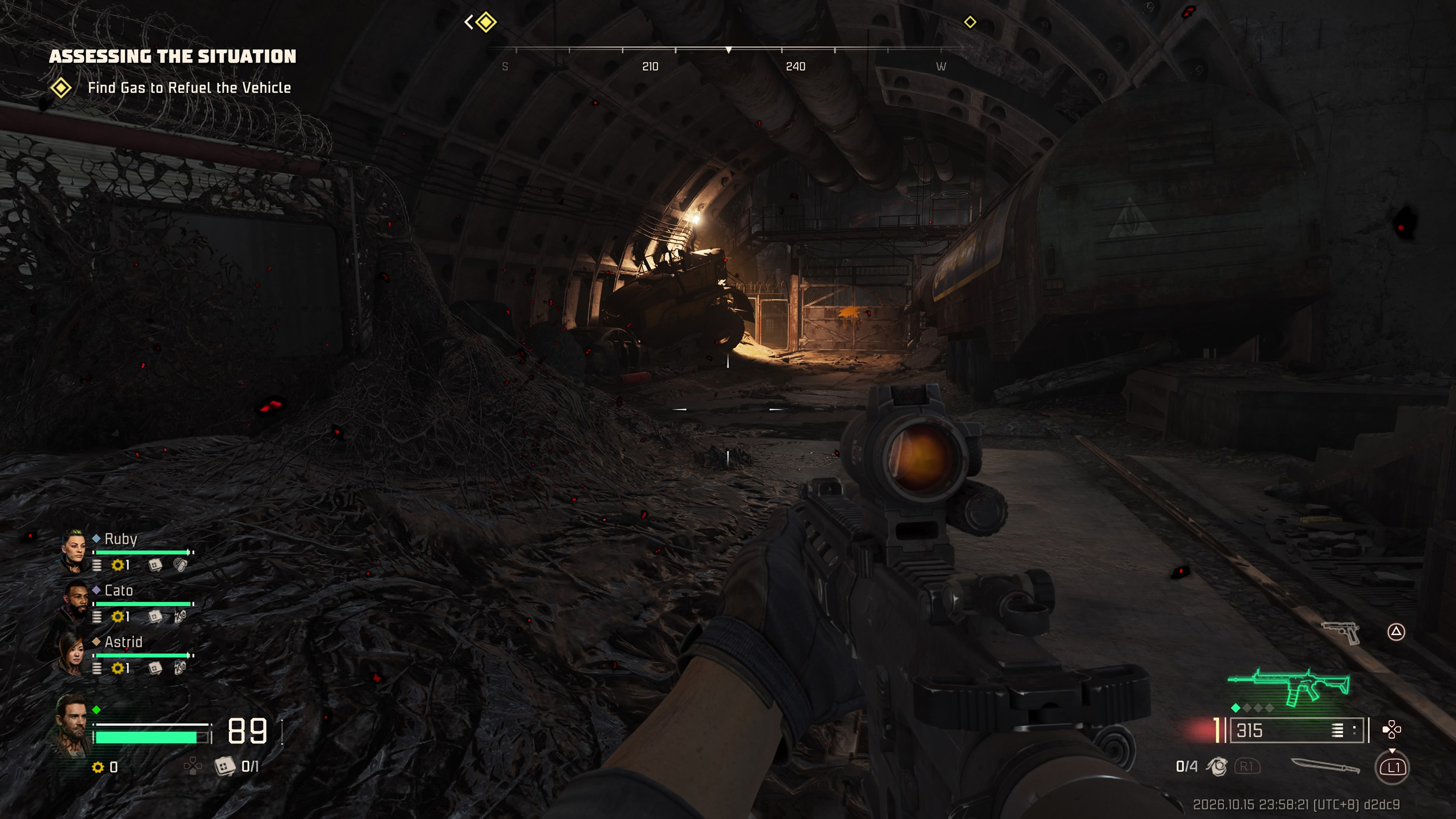
The push action is easy to overlook when you have a powerful firearm. However, creating a little space can be more useful than continuing to shoot while enemies are already within reach.
On the PlayStation Preset 1 layout, press L1 to push and hold it for melee. Double tap Cross to dash. These actions help you reposition when enemies get too close.
Dash consumes stamina, so avoid using it constantly when there is no immediate danger. Keep enough mobility available to escape grabs or sudden attacks.
Save Grenades and Abilities for Dangerous Moments
Grenades are most useful when enemies gather in a confined area or approach through a predictable route. Throwing one at a single weak enemy may leave you without an explosive when the next wave arrives.
The same principle applies to character abilities. Learn what your ability does, when it is available and how it helps the team. Coordinating abilities during a major attack can be more effective than activating everything as soon as combat begins.
Use Vehicles as More Than Transportation
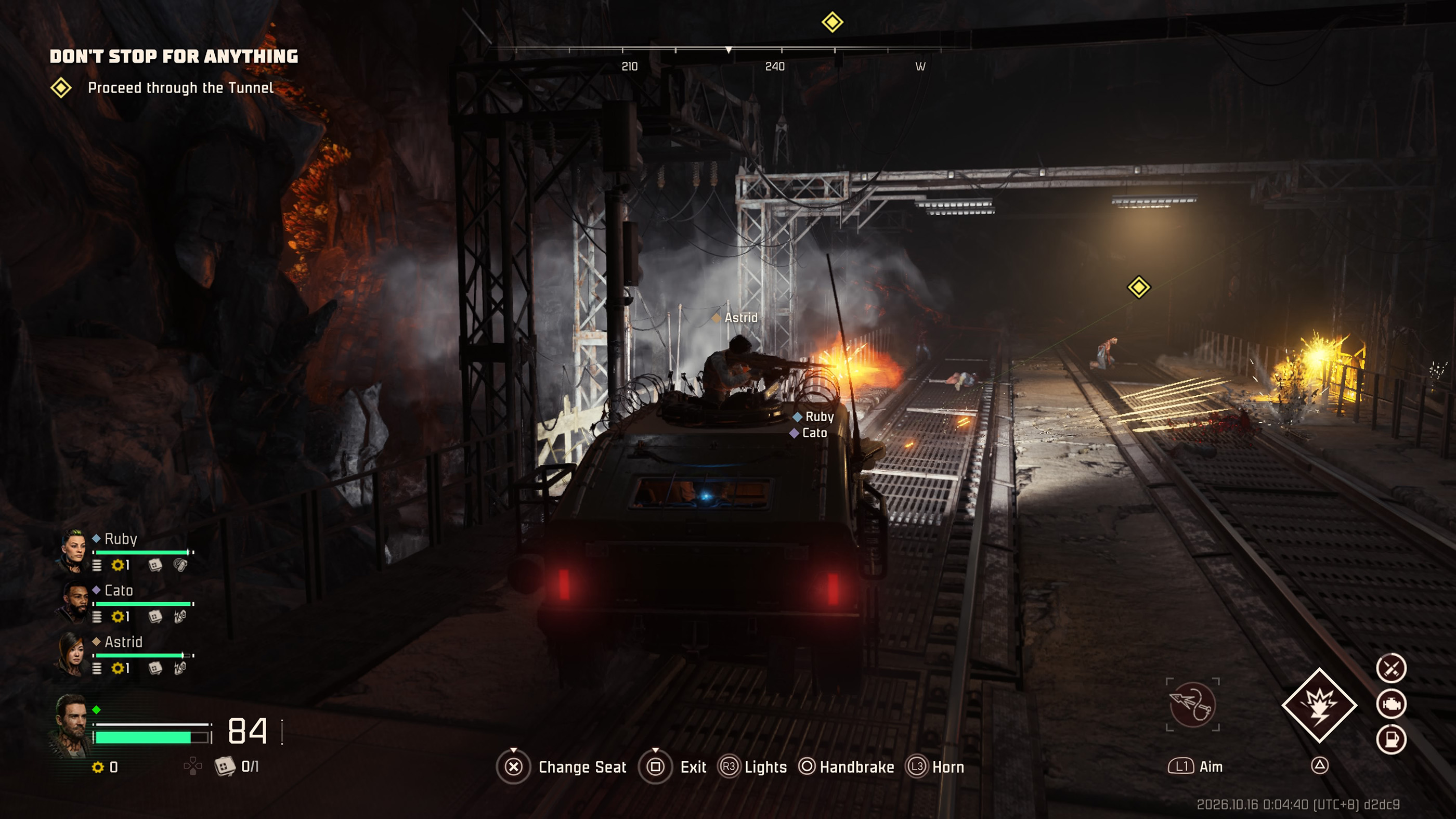
Vehicles are central to Toxic Commando. They help the squad cross dangerous terrain, carry teammates and escape areas that would be risky to travel through on foot.
Passengers can also fight from vehicles, so the driver does not have to handle every threat alone. When travelling through hostile territory, make sure the team understands who is driving and who is covering the surrounding area.
Different vehicles have different strengths and abilities. A vehicle suited to difficult terrain may be more useful for a particular objective than one chosen only for speed.
Learn the Winch Before Your Vehicle Gets Stuck
Mud, obstacles and uneven terrain can make driving difficult. The winch is designed to help you recover a vehicle when ordinary acceleration is not enough.
In Preset 1, hold L1 to aim the winch, press R1 to launch it and hold R1 to pull. Practise this sequence while the situation is calm.
When using the winch, look for a suitable attachment point and try to pull the vehicle toward firmer ground. Continuing to accelerate without changing your approach may only waste time while enemies gather.
Watch Your Vehicle's Fuel and Condition
A vehicle can become a liability if you neglect it. Keep an eye on fuel and damage during long journeys, and search for gasoline and repair resources when you have an opportunity.
Do not wait until a vehicle is completely disabled before thinking about repairs. If your current ride is badly damaged and another suitable vehicle is nearby, switching may be safer than attempting to force it through the next objective.
Remember That You Can Change Seats
The vehicle controls let you change seats without treating every stop as a complete dismount. On PlayStation Preset 1, hold Cross to change seats.
This is useful when the squad needs someone to take over driving or operate a different weapon position. Agree on who handles each role before entering a dangerous section.
Heal Before You Become Surrounded
Waiting until your health is nearly empty can be risky when dozens of infected are closing in. Use a brief lull between attacks to check your health and available medical supplies.
On the PlayStation Preset 1 layout, D Pad Down handles healing while on foot and medical gear while inside a vehicle.
If a teammate needs help, make sure someone covers the surrounding area while another player provides support. A rescue attempt is much harder when the entire squad is taking damage.
Check Side Objectives and Available Supplies
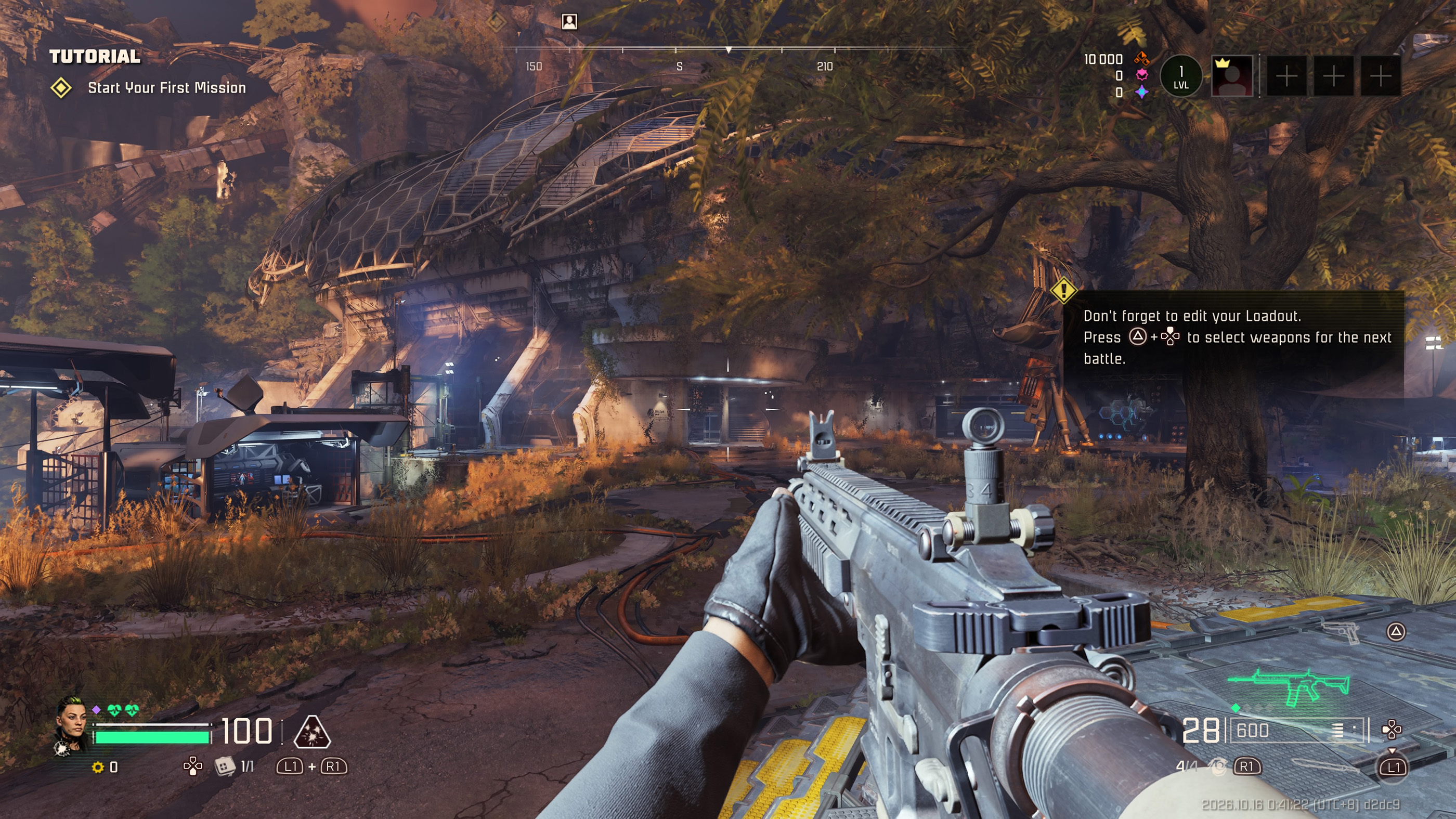
Toxic Commando missions often provide multiple objectives and opportunities to explore. Rushing straight toward the main marker can mean overlooking ammunition, equipment, vehicles or resources that would make later encounters easier.
Before leaving an area, check whether the team needs supplies and whether a nearby objective is worth completing. Just remember that exploring becomes less attractive when the squad is already low on health or ammunition.
Upgrade Skills and Experiment With Your Loadout
As you progress, invest in skills that support how you actually play. If you frequently use your class ability, improvements that strengthen that role may be more valuable than upgrades you rarely benefit from.
Try different weapons and pay attention to their fire modes. A weapon that feels comfortable against scattered enemies may not be the most efficient option against a dense horde.
The game also includes additional missions and equipment introduced through updates, so revisiting your loadout after unlocking new options is worthwhile.
Common Toxic Commando Beginner Questions
Can you play Toxic Commando with friends?
Yes. The game supports cooperative squads of up to four players, with crossplay between supported PC and console platforms.
What should you do when your vehicle gets stuck?
Try using the winch with a suitable attachment point. If recovery is not practical, look for another route or vehicle rather than remaining exposed to an approaching horde.
How do you survive large zombie hordes?
Stay mobile, keep the squad close, use explosives against groups and avoid getting trapped in narrow spaces without an escape route.
Should beginners focus on weapons or class abilities?
Learn both. Reliable shooting handles ordinary enemies, while class abilities can provide an important advantage during difficult encounters.
Is it worth exploring away from the main objective?
Yes, when the team has enough supplies and the area is reasonably safe. Exploration can reveal useful equipment, resources and alternative vehicles.
Comments
No comments yet. Be the first to share your thoughts!