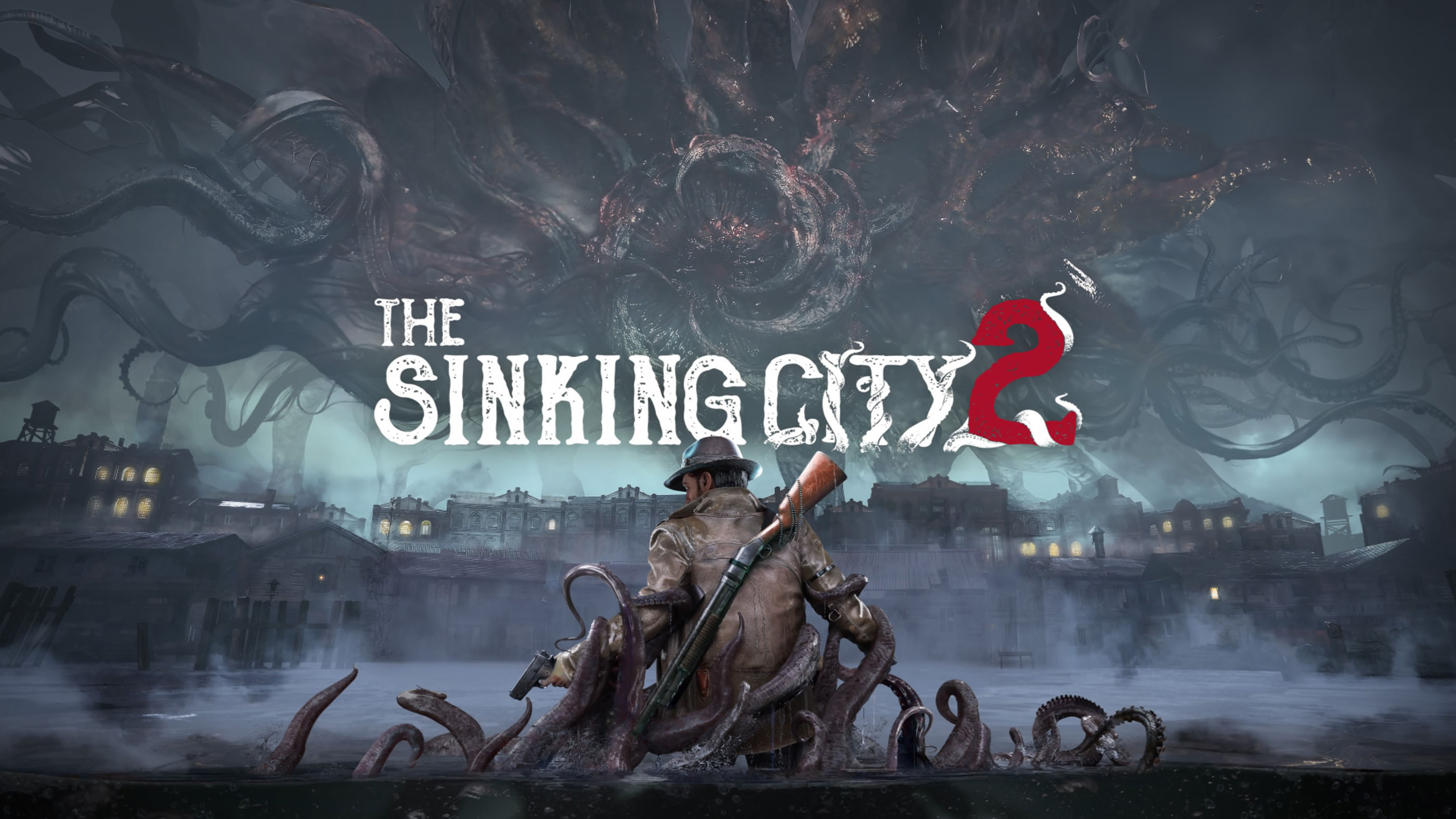
The Sinking City 2 takes you into a flooded city where danger can appear around almost any corner. Between investigating strange locations, exploring abandoned buildings, and dealing with hostile creatures, knowing when to fight and when to retreat can make a big difference.
These The Sinking City 2 tips and tricks focus on practical ways to explore more effectively, manage your equipment, survive combat, and avoid overlooking important details.
Explore Carefully Instead of Rushing Ahead
The atmosphere of The Sinking City 2 encourages you to pay attention to your surroundings. A dark doorway, an unusual object, or a route through a damaged building may deserve a closer look.
Before leaving an area, take a moment to check nearby rooms and accessible paths. You may discover useful supplies or information that makes the next section easier.
Running everywhere can also make it harder to notice environmental details. Slow down when entering unfamiliar interiors or investigating a location.
Learn to Dodge Before Relying on Firearms
One of the most useful habits in The Sinking City 2 is learning to avoid attacks instead of trying to defeat every threat immediately.
On PlayStation, Circle is assigned to dodging. The corresponding Xbox button is B.
Watch how an enemy approaches and try to dodge when an attack is coming. Creating a little distance can give you enough time to aim, reload, or find a safer position.
Repeatedly attacking at close range is not always the safest approach, especially when you do not yet understand an enemy's behaviour.
Save Your Ammunition When Possible
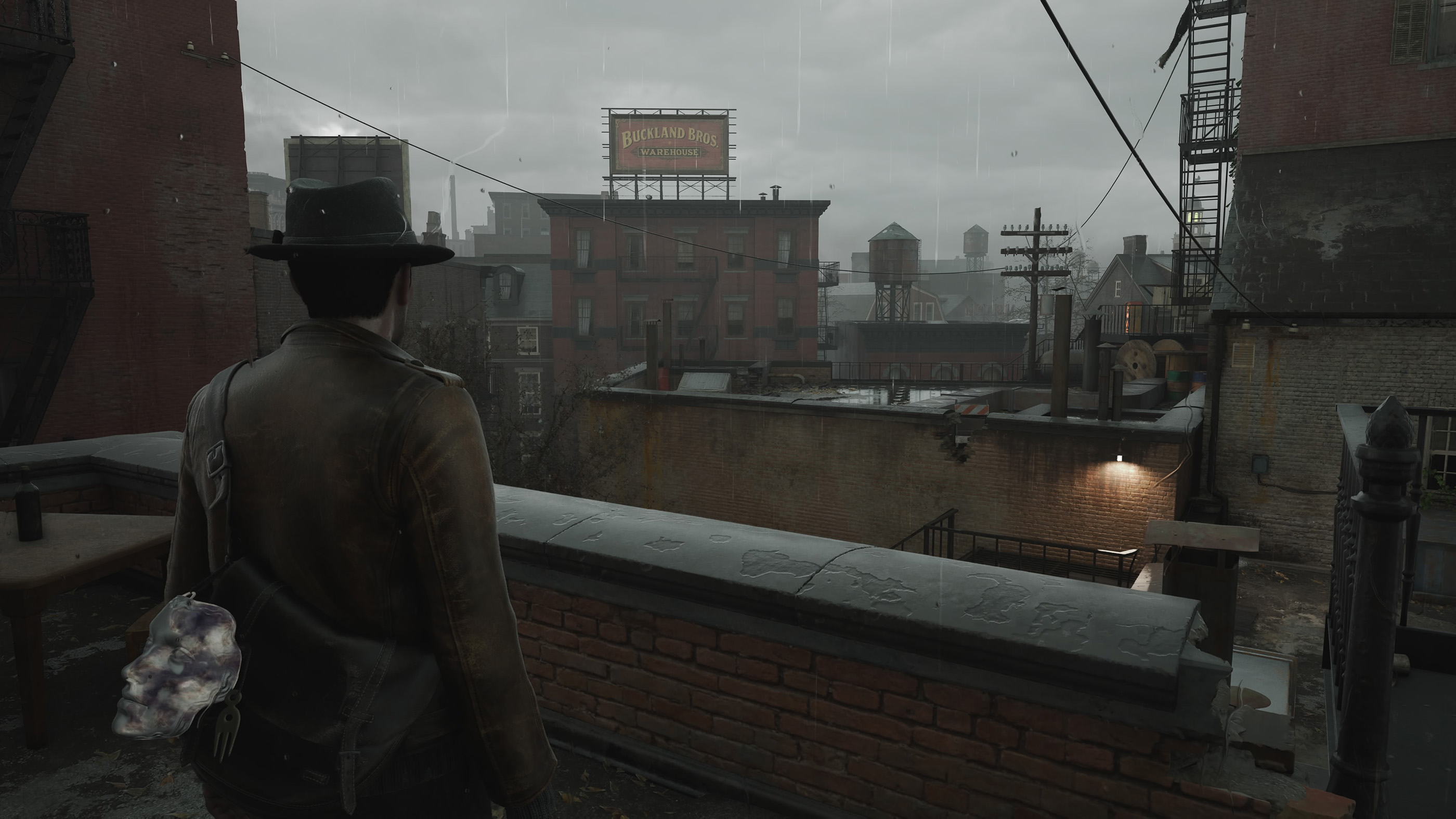
Survival horror rewards careful resource management. Even if you have enough ammunition for your current encounter, using everything immediately may leave you poorly prepared for the next one.
Aim deliberately and avoid firing simply because an enemy is moving. When you have room to reposition, take advantage of it before committing to another shot.
The game also provides a melee attack on R1 or RB. Knowing how to use both firearms and close combat gives you more options when dealing with threats.
Should you fight every enemy?
Not necessarily. If an encounter allows you to move away safely, consider whether fighting is worth the resources and risk. Your immediate objective may be exploration or investigation rather than clearing every area.
Keep Your Weapon Ready Before Entering Dangerous Areas
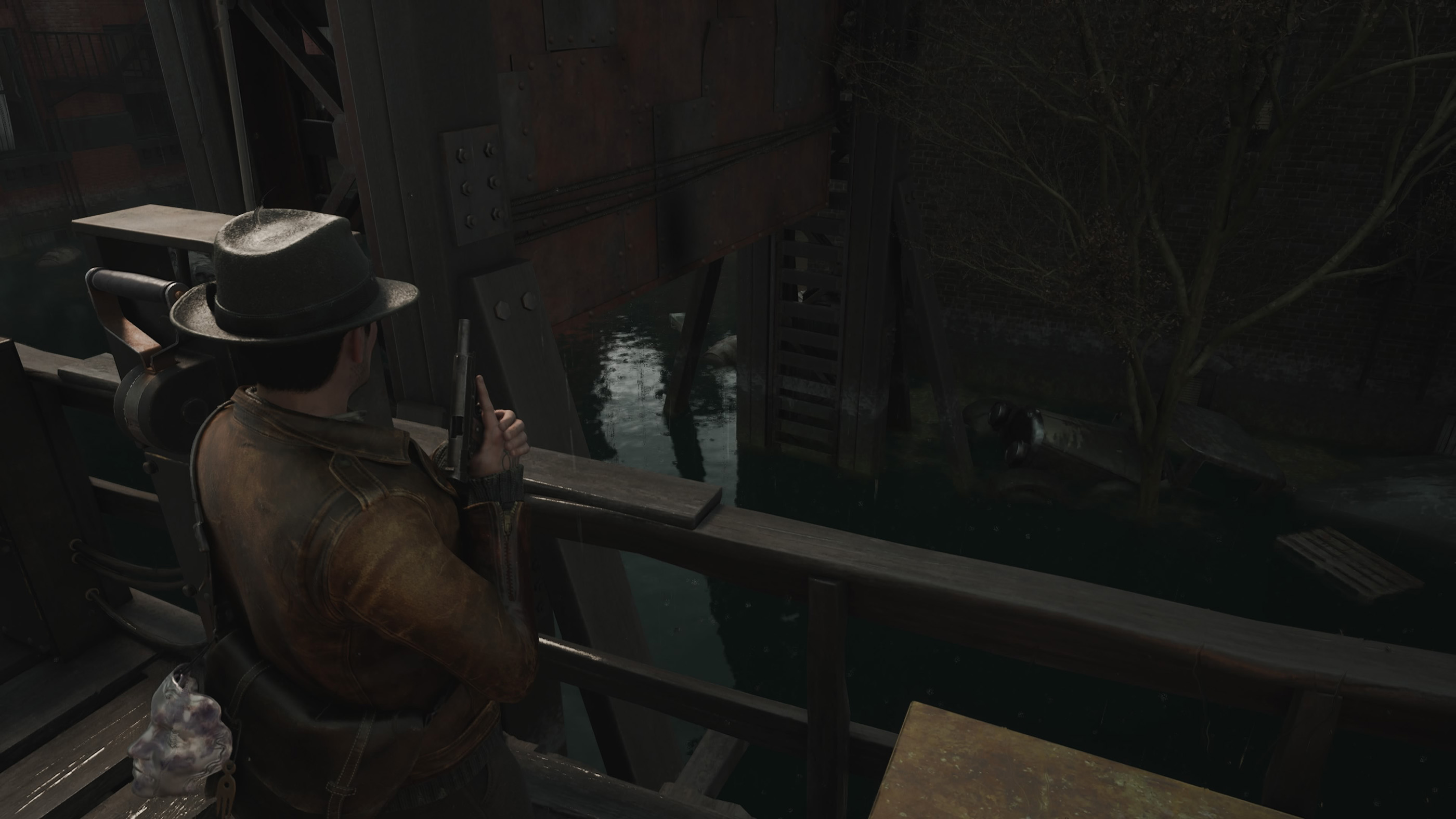
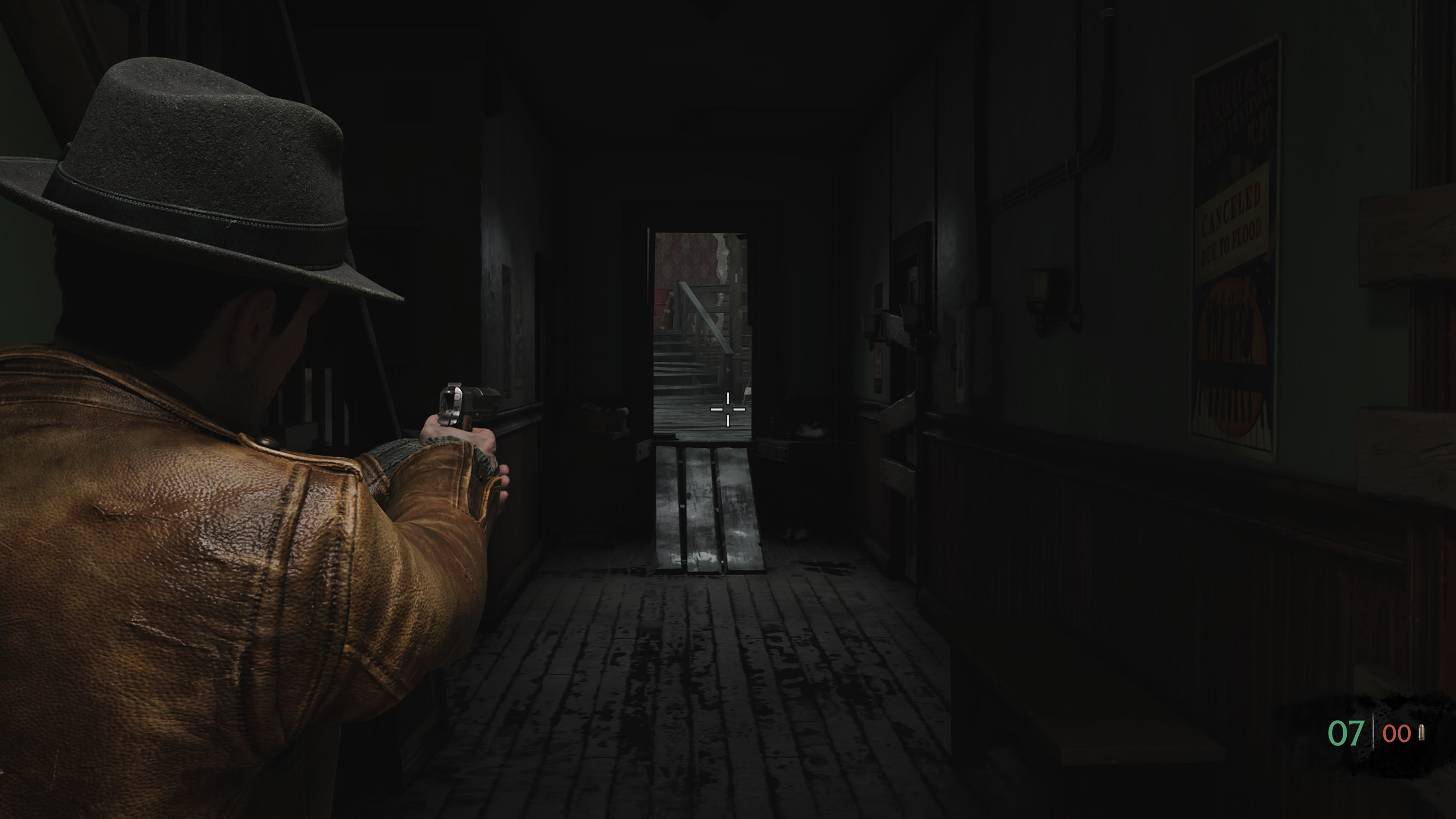
Reloading at the wrong moment can leave you vulnerable. After an encounter, check whether your weapon needs attention before continuing.
Square on PlayStation and X on Xbox are assigned to reloading.
Get comfortable with the aiming and firing combination as well. Hold L2 or LT to aim, then use R2 or RT to shoot.
Practising these basic actions in a relatively safe situation is much easier than trying to remember them during your first difficult encounter.
Use Your Flashlight to Search Dark Interiors
Poor visibility is part of the experience, and dark rooms can make it difficult to understand the layout of an area.
Click the right analog stick to toggle the flashlight. This is R3 on PlayStation and RS on Xbox.
Use the light to inspect corners, doorways, and objects that are difficult to see. It can also help you navigate unfamiliar interiors without repeatedly losing your bearings.
Do not focus exclusively on what is directly ahead. Looking to the sides and behind objects can reveal routes you might otherwise miss.
Make Investigation a Habit
The Sinking City 2 mixes survival horror with investigative elements, so noticing details is just as important as surviving encounters.
On PlayStation, the touch pad provides access to Investigation and Map functions. L1 also has a contextual camera focus action.
When an area appears important, take time to examine it instead of immediately moving toward the next obvious exit.
If you are unsure where to go, review the information available through the investigation and map interfaces before wandering through the city without a plan.
Organize Your Quick Slots Early
The directional pad is used for quick slot selection, while Triangle on PlayStation or Y on Xbox opens the inventory.
Familiarize yourself with these controls before entering a dangerous area. Knowing where your equipment is located can reduce confusion when you need to react quickly.
It is also worth checking your inventory after exploring a new location. You may have collected something useful without immediately needing it.
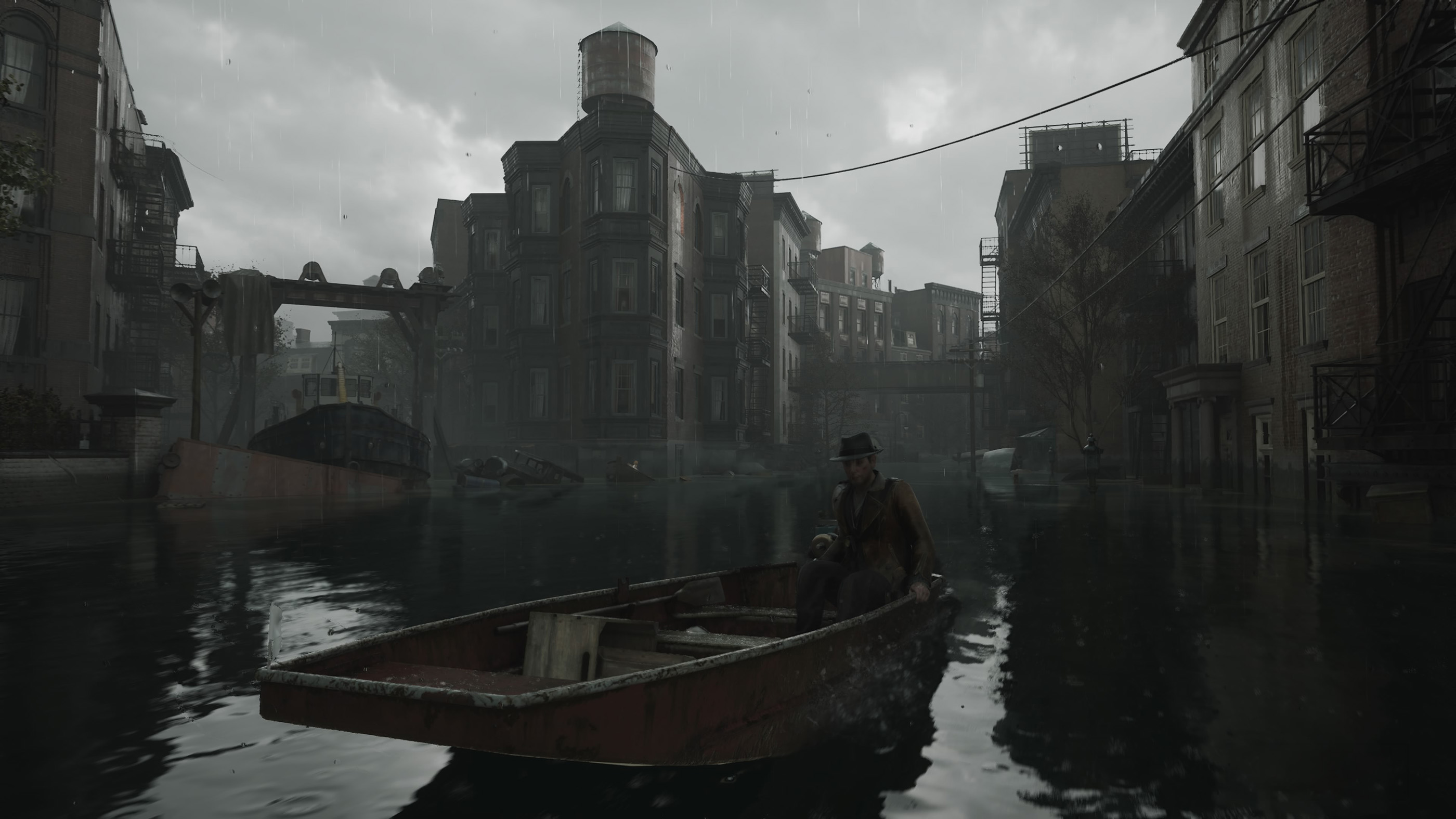
Use the Boat to Navigate Flooded Areas
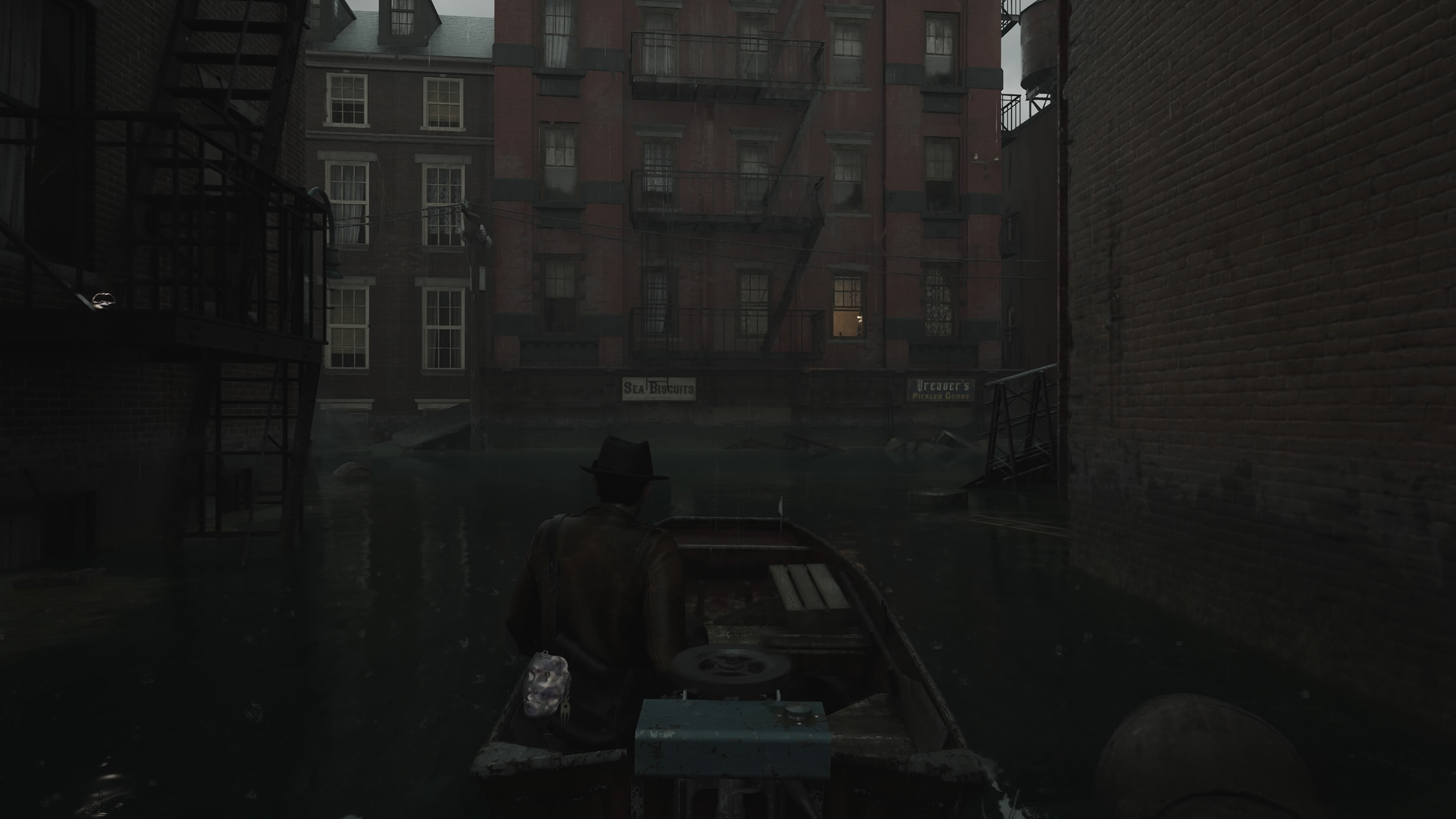
Flooded streets are a defining feature of The Sinking City 2, and boats provide a way to travel through areas where ordinary movement is restricted.
The left stick steers the boat, while the right stick controls the camera. The gameplay interface also shows L2 and R2 as boat movement inputs.
When navigating narrow waterways, make smaller steering adjustments rather than constantly changing direction. Keep an eye on nearby obstacles, damaged structures, and possible landing points.
If a route seems blocked, look around before assuming you have reached a dead end. The surrounding environment may offer another way forward.
Adjust the Controls to Suit Your Playstyle
The Controls menu includes options for changing the Run setting, swapping the analog sticks, and swapping the touch pad actions.
If movement feels uncomfortable, check these settings before spending time trying to adapt to a layout you dislike.
The ability to swap sticks is particularly useful for players who prefer an alternative camera and movement arrangement.
It is also worth reviewing the Run option carefully because the game's settings provide a configurable input.
Common Beginner Mistakes to Avoid
A few simple habits can make your first hours in The Sinking City 2 much smoother.
- Do not waste ammunition by firing without taking time to aim.
- Do not forget to reload after a fight.
- Use dodging to create space when enemies approach.
- Check your inventory regularly instead of ignoring collected items.
- Use the flashlight when visibility makes exploration difficult.
- Review investigation information when you are unsure about your next objective.
- Learn the boat controls before navigating tight flooded passages.
The Sinking City 2 Beginner FAQ
Is The Sinking City 2 more focused on combat or investigation?
The game combines survival horror combat with exploration and investigation. Players need to manage dangerous encounters while paying attention to their surroundings and the information they uncover.
What should you do when you run out of ammunition?
Avoid unnecessary confrontations where possible and look for opportunities to reposition. Melee combat is available, but getting close to an enemy carries its own risks.
How do you find your way through flooded streets?
Use the map to help orient yourself and pay attention to accessible waterways, obstacles, and places where you can leave the boat.
What is the most useful beginner combat tip?
Learn the timing of your dodge. Avoiding an attack can give you the space needed to aim carefully, reload, or retreat.
What should you check before leaving an investigation area?
Look for objects you have not examined, review the available investigation information, and make sure you understand your next objective.
Comments
No comments yet. Be the first to share your thoughts!