Roblox is easier to enjoy once you stop treating it like a single game. Every experience can have different objectives, controls, progression systems and monetization, so the smartest habits are the ones that help you quickly understand a new game without wasting time or Robux.
These Roblox tips focus on things that are useful across many experiences, including controller setup, camera control, finding good games, protecting your account, spending Robux carefully and getting better performance on PC and console.
Check the Controls whenever You Join a New Experience
Do not assume the buttons you learned in one Roblox game will work identically in another.
Movement and camera controls are usually familiar, but creators can assign weapons, abilities, sprinting, vehicles and interaction commands differently.
PlayStation Players Can Use the Help Tab
Open the Roblox menu with Options and check Help whenever you forget the standard controller layout.
Watch for Custom Prompts
The experience itself may display additional commands in a tutorial, HUD or settings menu. Those instructions take priority over the general Roblox layout.
Spend a Minute Learning before Rushing Ahead
When entering an unfamiliar Roblox experience, test movement, jumping, interaction and any equipped tools before running directly toward the first objective.
A minute of experimentation can prevent much more confusion later, especially in games with custom combat or inventory systems.
Adjust the Camera Early
A poor camera setup can make even simple movement feel awkward.
Try Classic and Follow
If the developer allows both camera styles, test each one and keep the mode that makes your avatar easiest to control.
Use a Comfortable Zoom Distance
A closer view can help with precise interaction, while a wider camera can provide better awareness during exploration and platforming.
Remember That Some Games Lock the Camera
If camera options are unavailable, the developer may intentionally be controlling the viewpoint.
Use Shift Lock When It Helps
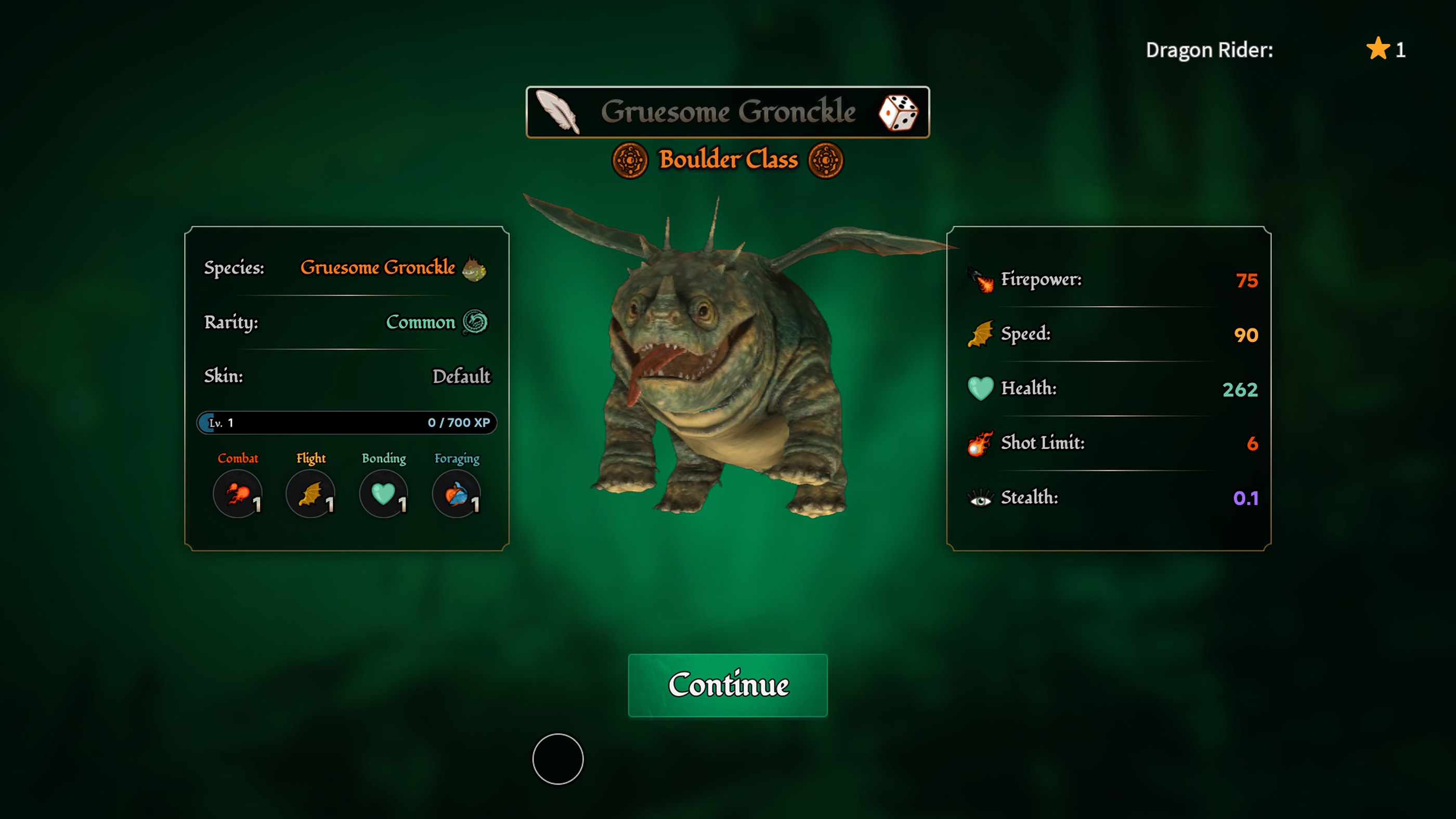
On PC, Shift Lock can improve control in compatible third person experiences.
Try It in Obbies
Keeping the avatar aligned with the camera can make narrow jumps and directional changes easier.
Try It in Combat Games
A more stable relationship between camera and character direction can make tracking another player easier.
Not every experience supports Shift Lock, so do not worry if the option is missing.
Lower Graphics If Roblox Feels Sluggish
Smooth controls matter more than visual detail in fast experiences.
If Roblox suffers from inconsistent performance, open Settings and reduce graphics quality. A more stable frame rate can improve aiming, jumping and general responsiveness.
Do Not Wait for Severe Lag
Even small performance drops can make timing difficult in competitive games and obstacle courses.
Learn the Difference between Roblox Lag and Internet Lag
Not every problem has the same cause.
Low Frame Rate
If animation and camera movement appear choppy while other players behave normally, reducing graphics may help.
Network Delay
If characters suddenly teleport, actions register late or other players freeze and move again, the connection may be the issue.
Try Another Server
Sometimes leaving and joining a different server provides a better experience than changing every graphics option.
Do Not Spend Robux immediately
A new experience can make its upgrades look essential before you understand how progression works.
Play First
Spend enough time to understand what the game gives you normally before purchasing boosts or premium items.
Ask What the Purchase Actually Does
Cosmetics, permanent upgrades and temporary boosts offer very different value. Read the description carefully before confirming anything.
Be Careful with Repeated Purchases
Consumable items can become expensive when a game encourages you to buy them again after every failure.
Never Trust Free Robux Offers
Websites, messages and videos promising free Robux in exchange for your password, account information or suspicious downloads should be avoided.
Do not enter your Roblox login details on an unfamiliar website just because it claims to provide currency, rare items or account upgrades.
Do Not Share Your Password
Another player does not need your password to give you an item, play with you or add you as a friend.
Be Suspicious of Urgency
Messages claiming you must act immediately to receive a reward or prevent an account problem are designed to make you react before thinking.
Protect Your Roblox Account
Use a strong password that you do not reuse on other services.
Review the account security options available to you and make sure the email address or other recovery information attached to the account remains accessible.
Do Not Share Verification Codes
Treat login and verification codes like passwords. Someone asking for one is trying to gain access to your account.
Parents Should Review Roblox Settings
Roblox provides account controls that can help families manage communication, experience access and other account behavior.
Settings and available features can vary according to the age associated with the account, so review them directly instead of relying on an older tutorial.
Talk about Purchases Too
Spending rules are easier to follow when everyone understands which purchases are allowed before a tempting game pass appears.
Use Favorites to Build Your Own Game Library
Roblox contains an enormous number of experiences, and it is easy to forget a good one after trying several new games.
Save experiences you genuinely enjoy so you can return without searching for the exact title again.
Do Not Judge Roblox by One Experience
A disappointing game says very little about the platform as a whole. Racing, role playing, horror, shooters, simulators and obstacle courses can feel completely different from one another.
Check Player Counts with Context
A large active player count can indicate that an experience has a healthy community, but popularity does not automatically mean the game will suit you.
Look at the description, screenshots and gameplay style before joining instead of selecting purely by player numbers.
Read the Tutorial Once
Skipping every instruction is one of the fastest ways to become confused in a complex Roblox experience.
Pay Attention to Currency and Progression
Understand what each resource does before spending it.
Remember Special Controls
Sprint, dodge, block, reload, interact and ability commands frequently differ between experiences.
Use Private or Quiet Servers for Practice When Available
Some games are much easier to learn without several experienced players interfering with you.
When an experience offers a suitable private or less crowded environment, use it to learn controls, maps and mechanics before entering more competitive sessions.
Do Not Chase Every Upgrade at Once
Many simulator and progression focused Roblox games offer several upgrade paths simultaneously.
Improve Your Biggest Bottleneck
If storage constantly fills first, improve capacity. If earning currency is painfully slow, consider upgrades that increase output. Buy what solves an actual problem.
Check Permanent Value
An upgrade that helps for many hours can be more useful than a temporary boost that disappears quickly.
Learn Maps instead of Following Everyone
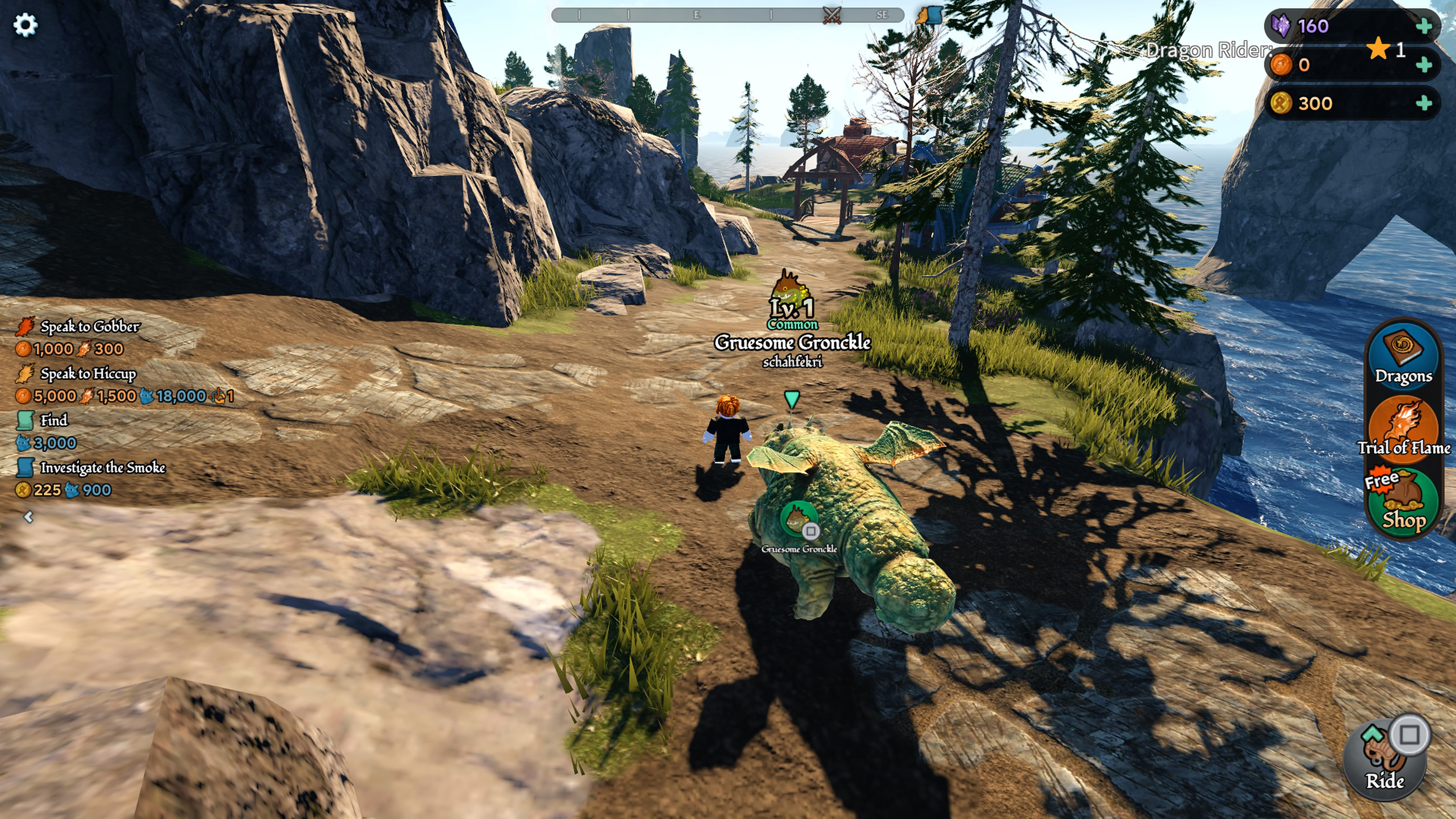
Multiplayer games become considerably easier once you know important routes, objectives, exits and resource locations.
Use Early Matches for Exploration
Do not worry about winning every first attempt. Learning the environment can provide more long term value than one lucky victory.
Remember Safe Areas and Shortcuts
This becomes especially important in horror, survival, combat and role playing experiences.
Use Headphones in Games Where Sound Matters
Many Roblox horror and competitive experiences use directional audio to communicate approaching enemies, events or environmental clues.
Listening carefully can reveal information that is not visible on screen.
Adjust Volume instead of Muting Everything
If music becomes distracting, reduce it where the experience provides separate audio controls instead of automatically muting the entire game.
Sound effects may communicate attacks, collectible locations or other important events.
Do Not Ignore Accessibility Options
Roblox includes settings such as Reduce Motion and Background Transparency that can make the interface more comfortable.
Explore the available options if animated menus, transparent panels or rapid visual effects make information difficult to follow.
Use Controller on PC When It Suits the Game
Keyboard and mouse are excellent for shooters and interface heavy experiences, but some platforming, racing and casual games may feel more comfortable with a controller.
Roblox can detect gamepad input, although the quality of controller support depends on the individual experience.
Do Not Assume Every Roblox Game Is Designed for Console
Some experiences were originally designed around keyboard, mouse or touch controls.
If a console interface feels awkward, check whether the experience officially supports your platform and look for controller specific instructions.
Watch What Good Players Are Doing
When you join an unfamiliar experience, observing experienced players can reveal shortcuts and mechanics the tutorial barely explains.
Copy the Method, Not Just the Destination
Pay attention to how they move, what they collect and which actions they perform before an objective rather than simply following them around the map.
Common Roblox Beginner Mistakes
Assuming Every Experience Uses the Same Controls
Always check game specific instructions when standard inputs do not work.
Spending Robux before Understanding the Game
Play enough to know what the purchase actually improves.
Ignoring Camera Settings
The correct camera style can make movement and platforming significantly easier.
Keeping Graphics Too High
Reduce visual quality if performance problems are affecting your controls.
Trusting Free Robux Links
Never give account credentials or verification information to websites promising rewards.
Skipping Every Tutorial
Custom Roblox experiences can have systems that are impossible to understand from the standard controls alone.
Ignoring Sound
Audio cues can contain vital information in horror, survival and competitive games.
A Good Routine for Any New Roblox Experience
- Read the game description before joining.
- Test movement and camera controls.
- Find the jump and interaction buttons.
- Check any custom tool or ability controls.
- Adjust the camera if the developer allows it.
- Reduce graphics if performance feels inconsistent.
- Complete the opening tutorial before spending currency.
- Explore the map and learn important locations.
- Save the experience if you want to play it again.
- Spend Robux only after understanding what the purchase provides.
Frequently Asked Questions
What should a new Roblox player do first?
Learn the current experience's controls, complete its tutorial and understand its currencies before worrying about upgrades or purchases.
Why does every Roblox game feel different?
Roblox experiences are created by different developers who can build their own movement, combat, progression and interface systems.
How can I make Roblox run better?
Reduce graphics quality when frame rate is inconsistent and check your internet connection if players are teleporting or actions are delayed.
Should I use keyboard and mouse or controller?
Use whichever suits the experience. Keyboard and mouse can be excellent for precise aiming, while controllers often feel comfortable for platforming, racing and casual play.
How do I find Roblox controls on PS5?
Press Options while playing and open the Help tab to view the standard controller map.
Why can I not use Shift Lock?
The experience developer may have disabled it or replaced the standard camera system.
Is free Robux from websites real?
Avoid websites or messages asking for account credentials, verification codes or suspicious downloads in exchange for Robux.
Should I buy a game pass immediately?
Usually it is better to play first so you understand whether the pass provides something valuable for the way you actually play.
How can I get better at Roblox obbies?
Use controlled movement, adjust the camera before difficult jumps and try Shift Lock on PC when the experience supports it.
Learn Each Experience on Its Own Terms
The best Roblox habit is simple: spend the first few minutes understanding the experience instead of assuming you already know how it works. Test the controls, read the tutorial, adjust your camera and learn what the currencies and upgrades actually do.
Once those basics are clear, Roblox becomes much easier to navigate. You spend less time wondering which button performs an action and more time deciding what you actually want to play.
See our Roblox Controls Guide for PlayStation, Xbox and PC movement, camera, tool and menu controls.
Comments
No comments yet. Be the first to share your thoughts!