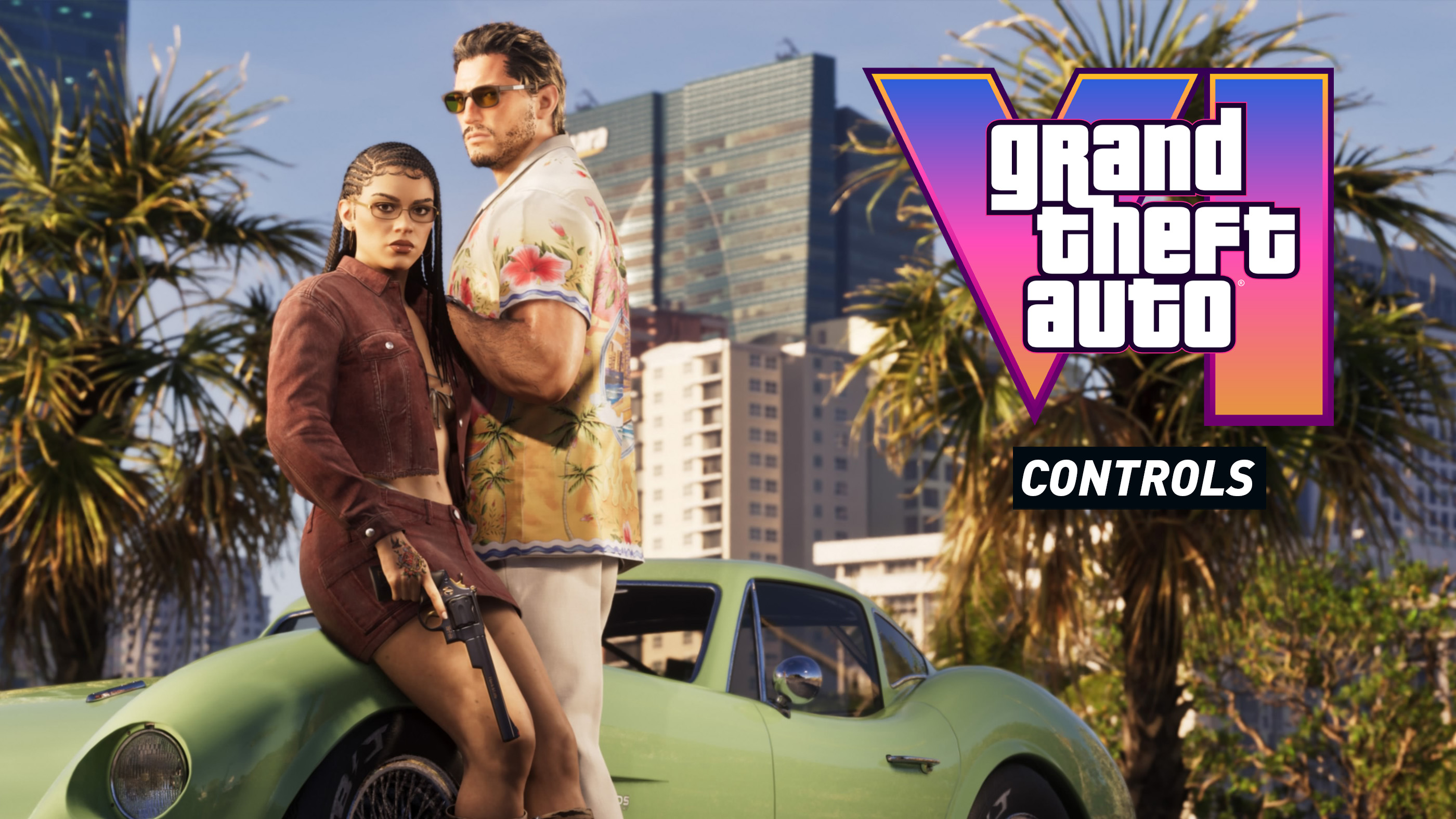
Grand Theft Auto VI takes players back to Vice City and across the state of Leonida, following Jason and Lucia as a robbery gone wrong pulls them into a much bigger criminal conspiracy. From driving through busy streets to gunfights, swimming and exploring the open world, knowing the controls will help you get comfortable with the action.
This GTA 6 controls guide covers PlayStation 5 and Xbox Series X|S, including movement, shooting, driving, aircraft, bicycles and parachuting. The button tables are based on available gameplay footage, preview information and established Rockstar control layouts. They are a prelaunch reference, since Rockstar has not yet published a complete final controller chart.
GTA 6 Controls for PS5 and Xbox Series X|S
The basic controls cover movement, camera operation and interacting with the world. One of the biggest reported changes from GTA 5 is sprinting with the left stick button rather than repeatedly tapping a face button.
| Action | PS5 | Xbox Series X|S |
|---|---|---|
| Move character | Left Stick | Left Stick |
| Look around | Right Stick | Right Stick |
| Sprint | Press L3 | Press LS |
| Jump or climb | Square | X |
| Crouch | Cross | A |
| Look behind | Press R3 | Press RS |
| Enter or exit vehicle | Triangle | Y |
| Contextual interaction | Triangle | Y |
| Use consumable | R1 | RB |
| Open phone | D Pad Up | D Pad Up |
| Character selection | Hold D Pad Down | Hold D Pad Down |
| Pause menu | Options | Menu |
| Change camera | Touchpad | View |
Contextual actions can use different buttons depending on the situation. Rockstar's gameplay footage shows Triangle for actions such as opening a car with a slim jim and Circle for smashing a window. The remaining general movement assignments are based on the available preview layout and should not be treated as final default bindings.
GTA 6 Combat and Shooting Controls
Combat combines aiming, shooting, melee attacks and taking cover. GTA 6 also introduces more detailed character interactions and weapon handling, making it useful to understand the difference between a quick action and a contextual prompt.
| Action | PS5 | Xbox Series X|S |
|---|---|---|
| Aim weapon | L2 | LT |
| Fire weapon | R2 | RT |
| Melee attack | Circle | B |
| Reload | Circle | B |
| Take cover | R1 | RB |
| Open weapon wheel | Hold L1 | Hold LB |
| Select weapon | Right Stick while wheel is open | Right Stick while wheel is open |
| Pick up or swap ground weapon | L1 | LB |
| Switch target | Right Stick | Right Stick |
| Sniper zoom | Left Stick | Left Stick |
The combat table reflects the available preview control reference, not a complete final game verification. GTA 6 footage also demonstrates aiming and shooting from cover, making positioning and camera control important parts of combat.
GTA 6 Driving Controls
Driving is a major part of exploring Vice City and Leonida. GTA 6 features cars, motorcycles and other vehicles, with a reported change to the handbrake control that could make shooting while driving easier.
| Action | PS5 | Xbox Series X|S |
|---|---|---|
| Accelerate | R2 | RT |
| Brake or reverse | L2 | LT |
| Steer | Left Stick | Left Stick |
| Handbrake | Cross | A |
| Exit vehicle | Triangle | Y |
| Fire from vehicle | R1 | RB |
| Horn or siren | Press L3 | Press LS |
| Radio station wheel | Hold D Pad Left | Hold D Pad Left |
| Look around | Right Stick | Right Stick |
| Look left | Square | X |
| Look right | Circle | B |
| Look behind | Press R3 | Press RS |
| Change camera | Touchpad | View |
The handbrake assignment to Cross on PS5 and A on Xbox comes from preview reporting. It differs from GTA 5's familiar handbrake layout, so returning players should pay particular attention to this change.
GTA 6 Plane and Helicopter Controls
Aircraft require more precise movement than ordinary vehicles. The following preview layout covers throttle, steering, pitch, roll and basic aircraft actions.
| Action | PS5 | Xbox Series X|S |
|---|---|---|
| Increase thrust or ascend | R2 | RT |
| Reduce thrust or descend | L2 | LT |
| Rudder left | L1 | LB |
| Rudder right | R1 | RB |
| Roll aircraft | Left Stick Left or Right | Left Stick Left or Right |
| Pitch aircraft | Left Stick Up or Down | Left Stick Up or Down |
| Landing gear | Press L3 | Press LS |
| Auto hover | D Pad Up | D Pad Up |
| Primary aircraft weapon | Cross | A |
| Secondary aircraft weapon | Circle | B |
| Camera or turret | Right Stick | Right Stick |
These aircraft assignments are carried over from the available GTA control reference. Individual aircraft may have different functions depending on their equipment and capabilities.
GTA 6 Bicycle Controls
Bicycles use a separate movement style from motor vehicles. The preview control reference includes pedalling, braking, jumping and balancing.
| Action | PS5 | Xbox Series X|S |
|---|---|---|
| Pedal | Hold Cross | Hold A |
| Brake | Square | X |
| Bunny hop | L1 | LB |
| Steer | Left Stick | Left Stick |
| Lean forward | Left Stick Up | Left Stick Up |
| Lean backward | Left Stick Down | Left Stick Down |
| Ring bell | Press L3 | Press LS |
| Fire weapon | R1 | RB |
GTA 6 Swimming Controls
Leonida features coastal areas, beaches and waterways, making swimming an important part of exploration.
| Action | PS5 | Xbox Series X|S |
|---|---|---|
| Swim | Hold Cross | Hold A |
| Change swimming direction | Left Stick | Left Stick |
| Jump or dive | Square | X |
| Dive underwater | R2 | RT |
| Move camera | Right Stick | Right Stick |
GTA 6 Parachute Controls
Parachuting requires careful steering and braking to land accurately. The following controls reflect the provisional parachute layout.
| Action | PS5 | Xbox Series X|S |
|---|---|---|
| Deploy parachute | Cross | A |
| Steer parachute | Left Stick | Left Stick |
| Pitch forward or backward | Left Stick Up or Down | Left Stick Up or Down |
| Brake left | L1 | LB |
| Brake right | R1 | RB |
| Precision control | L1 + R1 | LB + RB |
| Detach parachute | Triangle | Y |
| Parachute smoke | Hold Cross | Hold A |
| Aim weapon | L2 | LT |
GTA 6 Character Interactions
GTA 6 expands interactions with people and objects around Leonida. Rockstar's gameplay footage shows contextual actions such as opening a locked car quietly, smashing its window and interacting with other characters.
| Action | PS5 | Xbox Equivalent |
|---|---|---|
| Open locked car with slim jim | Triangle | Y |
| Smash car window | Circle | B |
| Hold hands | R2 | RT |
| Knock on door | Triangle | Y |
| Pick up mission bag | Triangle | Y |
| Interact with nearby character | L2 | LT |
| Positive interaction | Cross | A |
| Negative interaction | Circle | B |
The PS5 contextual prompts are taken from gameplay footage and preview reporting. Xbox entries represent corresponding controller positions rather than separately demonstrated Xbox prompts. Some interactions are only available in particular missions or situations.
GTA 6 PC Controls and Keyboard Support
Grand Theft Auto VI launches on PlayStation 5 and Xbox Series X|S on 19 November 2026. Rockstar has not announced a PC release date or published a GTA 6 keyboard and mouse control scheme.
Therefore, keyboard shortcuts from GTA 5 should not be presented as GTA 6 defaults. The controller tables above cover the announced launch platforms.
GTA 6 Controls FAQ
How do you sprint in GTA 6?
Preview reports indicate that pressing L3 on PS5 or LS on Xbox activates sprinting, replacing the repeated button tapping used in earlier GTA games.
How do you shoot in GTA 6?
The preview controller layout uses L2 to aim and R2 to fire on PS5, with LT and RT as the corresponding Xbox inputs.
How do you use the handbrake in GTA 6?
The reported new handbrake controls are Cross on PS5 and A on Xbox. This is one of the notable changes from GTA 5.
How do you switch between Jason and Lucia?
The preview reference uses holding D Pad Down to access character selection. Rockstar has shown character switching, although the final button assignment has not been officially documented.
Can you crouch in GTA 6?
Yes. Crouching has been demonstrated in preview information. The provisional layout assigns it to Cross on PS5 and A on Xbox.
Is GTA 6 available on PS4 or Xbox One?
No. The announced launch platforms are PlayStation 5 and Xbox Series X|S.
Does GTA 6 support DualSense features?
Yes. The PS5 version supports haptic feedback, adaptive trigger effects and controller speaker features. These can add physical feedback to actions and environmental effects during gameplay.
When does GTA 6 release?
Grand Theft Auto VI releases on 19 November 2026 at midnight local time for PlayStation 5 and Xbox Series X|S.


Comments
No comments yet. Be the first to share your thoughts!