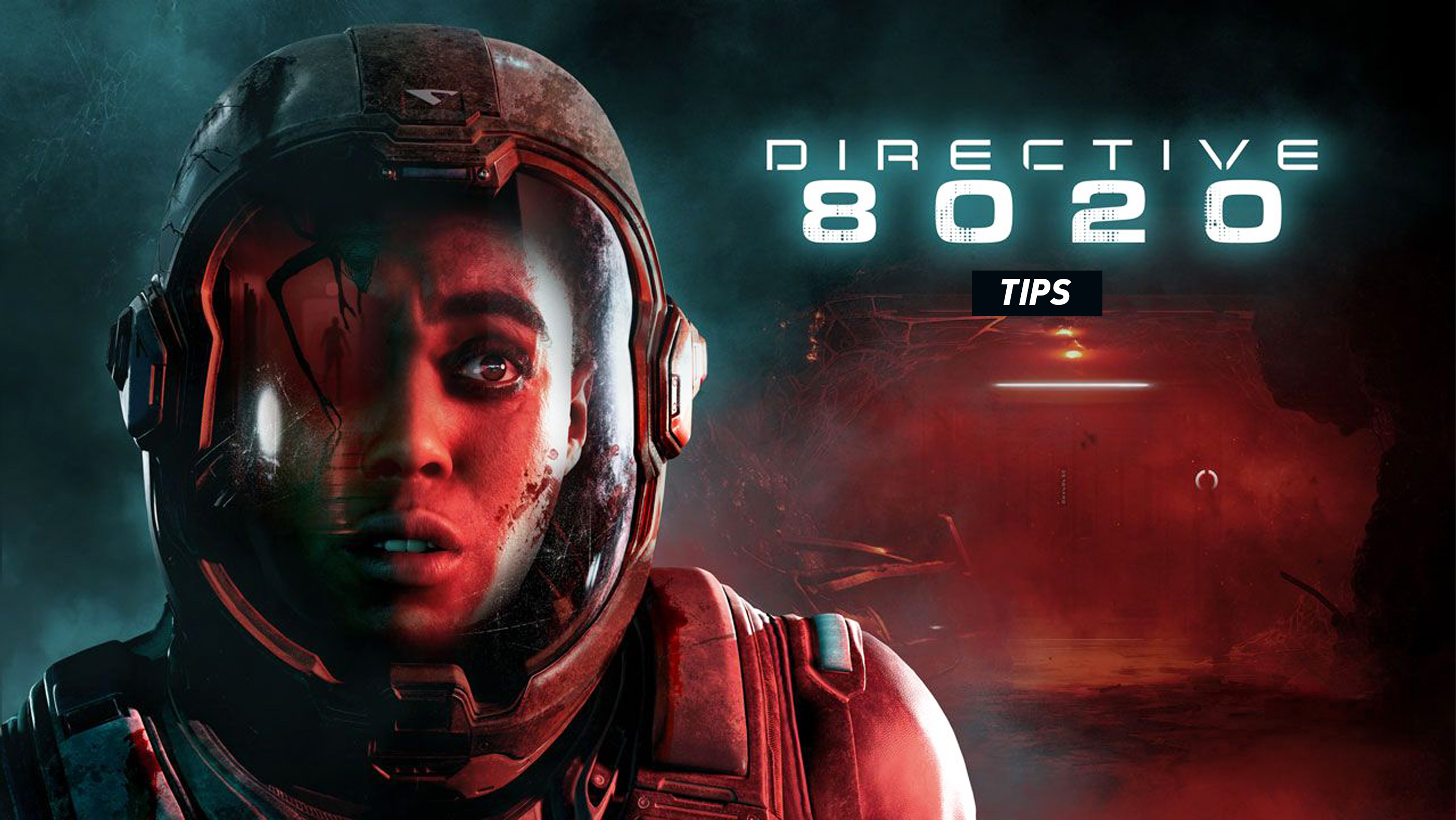
In Directive 8020, the biggest danger is not always the creature waiting in the next corridor. Sometimes it is the person standing beside you, the noise you make while exploring or a decision that seems harmless until much later.
Supermassive Games combines its familiar branching storytelling with more active survival gameplay aboard the Cassiopeia. These Directive 8020 tips and tricks will help you understand stealth, use your equipment effectively, handle quick time events and keep more of your crew alive.
Use the Scanner Before Entering Dangerous Areas
The scanner is one of your most useful survival tools. It can detect organic matter through solid surfaces, giving you information about threats that might otherwise remain hidden.
Before entering an unfamiliar room or corridor, take a moment to scan the area. The tool can also reveal hidden electrical elements associated with certain puzzles, so it is worth using during exploration rather than saving it exclusively for enemy encounters.
Remember That Enemies React to Sound and Light
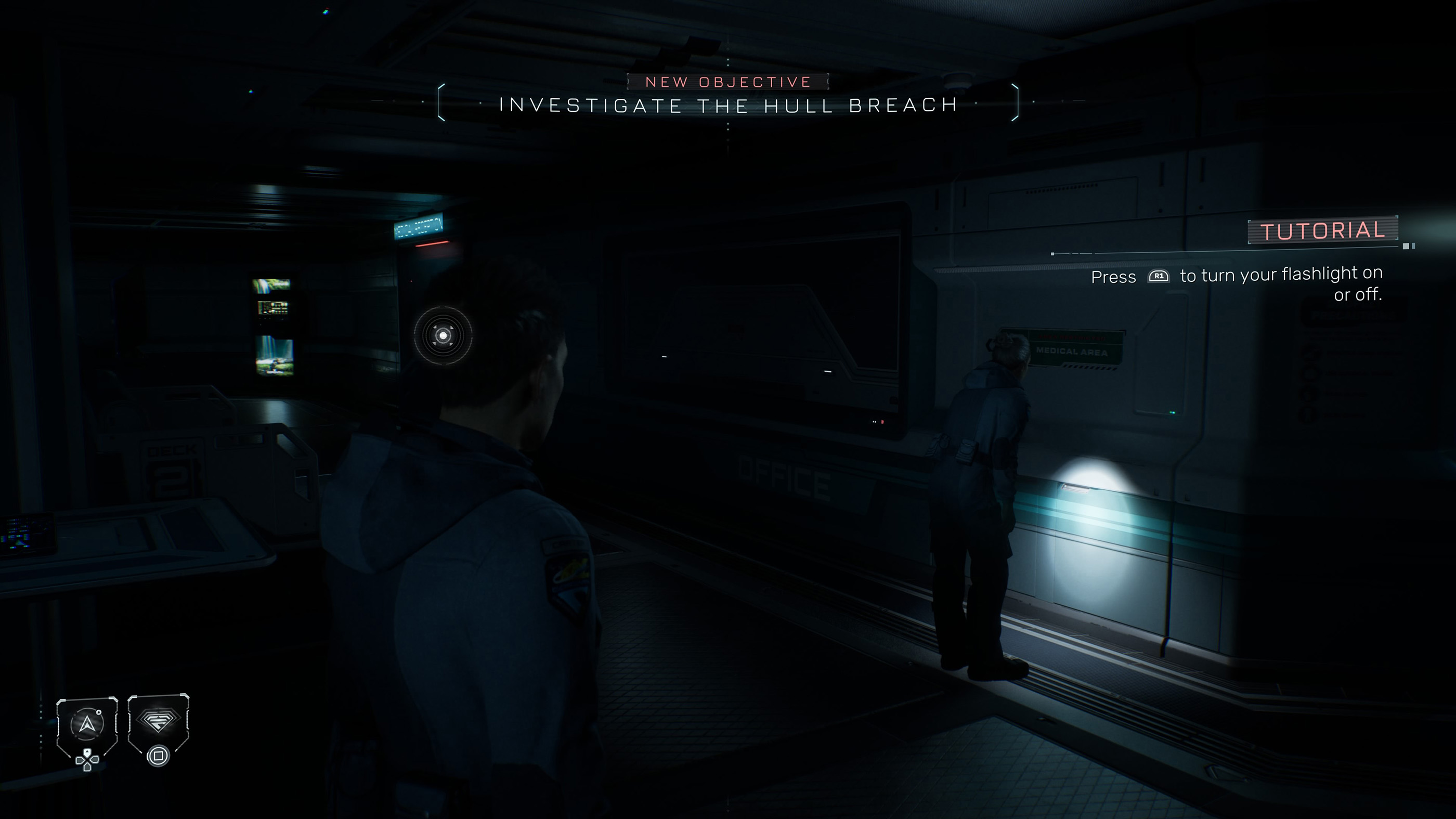
Directive 8020 introduces real time stealth encounters where careless movement can expose your position. Mimics and hunters are sensitive to sound and light, which means running everywhere is a dangerous habit.
Pay attention to the surfaces beneath your feet. Stepping on broken glass can alert nearby enemies, while switching on your flashlight may reveal your position.
Move cautiously when a threat is nearby and avoid creating unnecessary noise.
Do Not Keep Your Flashlight On All the Time
The flashlight helps you navigate the Cassiopeia's darker sections, but it is not always the safest option.
Use it when you need to identify your surroundings, then consider turning it off when moving through an area where hostile creatures may be searching for you.
A little less visibility can sometimes be safer than giving away your location.
Learn the Difference Between Use and Activate
The game assigns different inputs to ordinary interactions and certain contextual actions. On PlayStation, Cross handles Use while R2 handles Activate. The corresponding Xbox buttons are A and RT.
If an object is not responding as expected, check the action prompt. Some equipment, obstacles and environmental interactions require a different input from the one used to examine or select an item.
Take Quick Time Events Seriously
Quick time events remain an important part of Directive 8020. Missing a prompt during a dangerous scene can change what happens to a character and potentially affect the wider story.
Keep your attention on the screen during tense conversations, chase sequences and other cinematic moments. If you struggle with several different button prompts, consider enabling Single Action QTE in the accessibility settings.
Choose Explorer or Survivor Mode Carefully
Directive 8020 offers two different approaches to story consequences. Explorer Mode includes Turning Points, which lets you revisit pivotal decisions and explore different outcomes.
Survivor Mode removes that safety net. Once you make a choice or lose a character, you must continue with the consequences.
Explorer is a good choice if you want to discover alternate paths or protect favorite characters. Survivor is better suited to players who enjoy the tension of irreversible decisions.
Use Turning Points Without Spoiling Your First Playthrough
Turning Points allows you to revisit important moments through a branching story tree. It can help you discover missed content, change decisions and explore different endings.
However, constantly replaying scenes can interrupt the story's momentum. For a first playthrough, consider accepting most outcomes and using Turning Points only when you genuinely want to reverse a major mistake.
You can return later to investigate other branches and discover how different decisions affect the crew.
Do Not Trust Appearances
The alien threat in Directive 8020 can imitate members of the crew. That makes trust one of the game's central challenges.
Pay attention to what characters say, how they behave and whether their actions match the information you have already discovered.
Avoid making important decisions based only on familiarity. A convincing appearance does not necessarily mean someone is safe.
Explore Carefully for Hidden Information
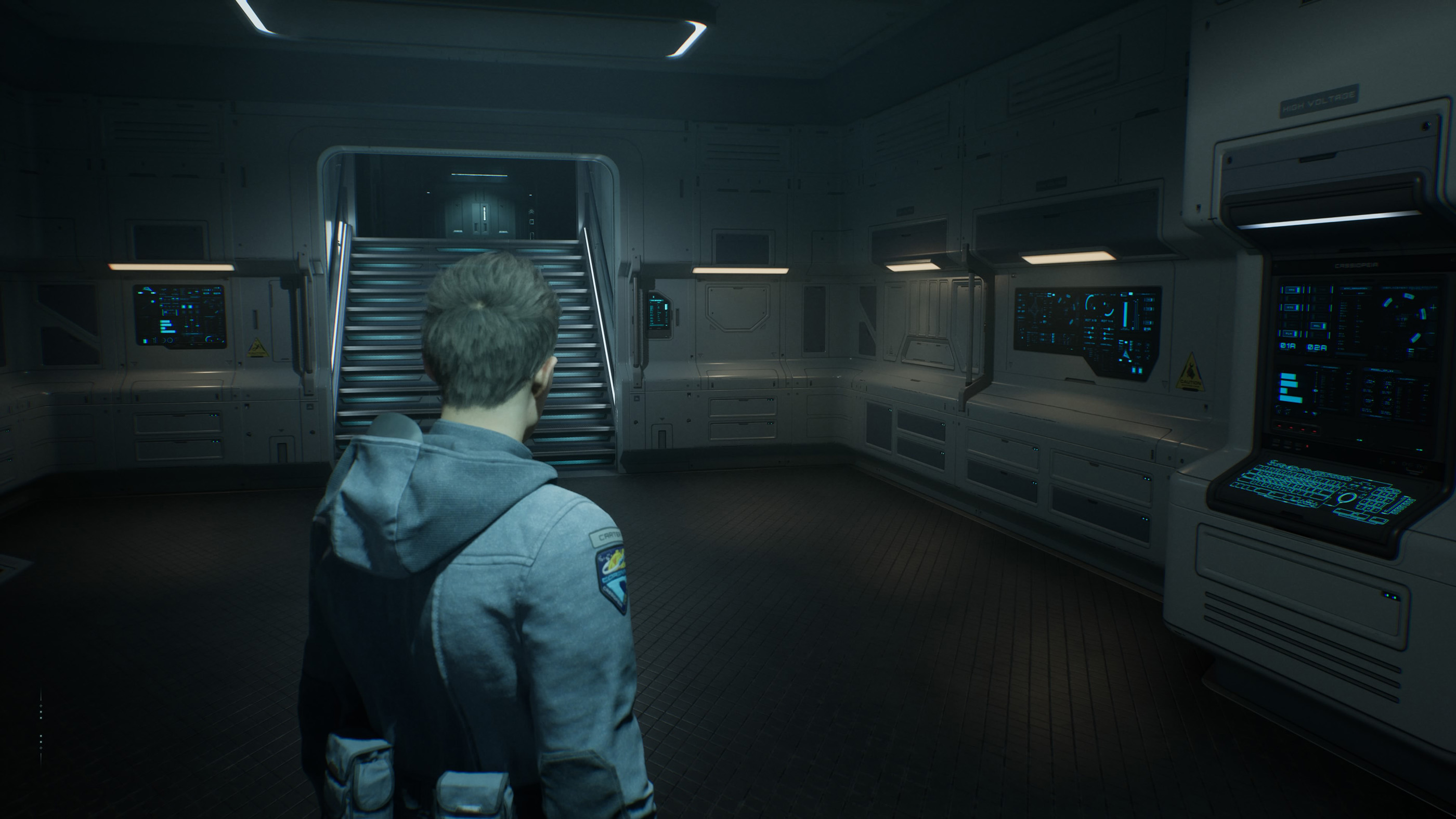
The Cassiopeia contains environmental details, interactive equipment and optional discoveries that can provide additional context for the story.
When an area is safe enough to explore, check nearby objects and investigate anything unusual. Use the inspection controls to examine items and navigate terminals or other devices.
If you are playing in Explorer Mode, Turning Points can help you revisit earlier sections to find content you missed.
Think About the Entire Crew Before Making Decisions
Directive 8020 features a branching story where every major character can survive or die. A decision that appears beneficial for one person may create problems for someone else.
Consider the information available to you before making a difficult choice. Immediate safety is important, but the consequences of your actions can extend far beyond the current scene.
There is no need to rush a decision simply because the situation feels tense, unless the game is actively asking for a timed response.
Play With Friends for a Different Experience
Directive 8020 supports Movie Night, a local multiplayer mode for up to five players. Each participant can take responsibility for different characters as the story unfolds.
Playing together creates an interesting challenge because different people may have different ideas about who to trust and which risks are worth taking.
For a first multiplayer session, agree beforehand whether everyone wants to accept the consequences or use Turning Points to revisit major decisions.
Directive 8020 Beginner FAQ
Can everyone survive in Directive 8020?
Yes. The branching narrative allows every major playable character to survive, although your decisions and performance during dangerous sequences affect the outcome.
What is the scanner used for?
The scanner detects organic matter through surfaces and can reveal hidden elements useful during exploration and puzzles.
Can aliens detect your flashlight?
Yes. Hostile creatures can react to light, so using the flashlight carelessly during stealth sections can attract attention.
Can you undo a character's death?
Explorer Mode includes Turning Points, which lets you revisit important decisions and attempt a different outcome. Survivor Mode does not allow this kind of rewind.
Does Directive 8020 have multiplayer?
Yes. Movie Night supports local play with up to five participants. Online multiplayer was also announced as a later addition.
What should beginners focus on first?
Learn how to use the scanner, understand the stealth controls, pay attention to quick time events and decide whether you want the flexibility of Explorer Mode or the permanent consequences of Survivor Mode.


Comments
No comments yet. Be the first to share your thoughts!