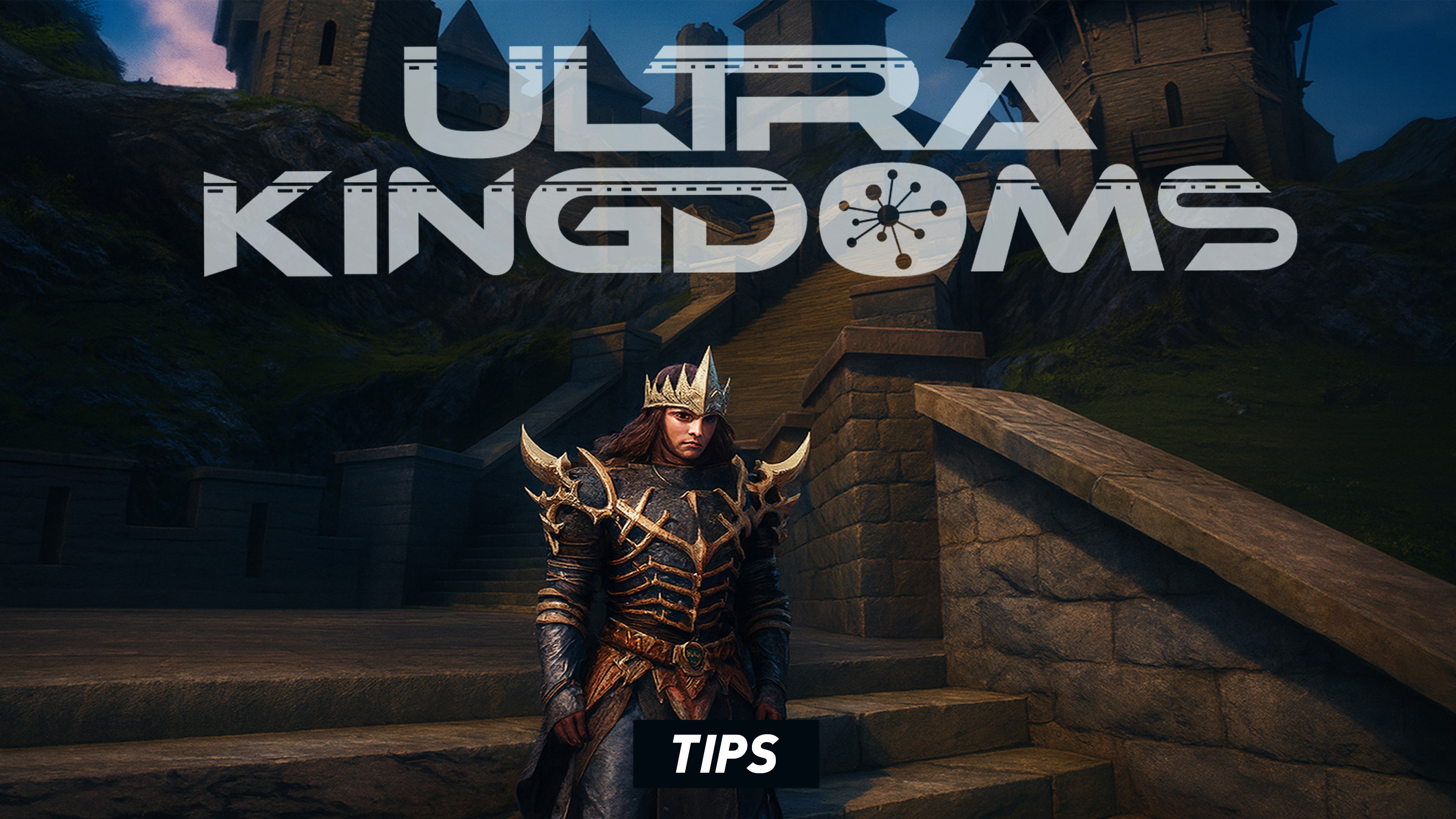
Ultra Kingdoms is easier to understand when you stop treating it as a conventional RPG with one obvious objective. Its larger idea is a persistent online multiverse in which players explore, socialize, hunt, build and manage kingdoms, interact with other players and take part in systems such as crafting and trading.
That freedom also makes the first hours potentially confusing. A player who immediately tries to understand every menu, building option and multiplayer feature at once is likely to spend more time fighting the interface than actually learning the world. A better approach is to establish comfortable controls, learn one system at a time and create a simple home routine before worrying about ambitious kingdom projects.
These tips focus on the current Ultra Kingdoms beta and deliberately avoid pretending that every system is final. The game is actively evolving, so exact balance, progression values and individual mechanics can change. The principles below are designed to remain useful even as the developers update the worlds around them.
Essential Beginner Tips
- Fix camera sensitivity before doing anything else.
- Use Practice Mode to learn controls without consequences.
- Do not remap half the controller at once.
- Explore before committing to a large kingdom layout.
- Learn the building interface with small projects first.
- Use Ping when coordinating with other players.
- Keep Quick Chat configured for common messages.
- Do not ignore crafting and trading while focusing only on combat.
- Learn where important menus live before a busy session.
- Use control and tutorial reminders whenever you forget a system.
- Build around usable space, not merely appearance.
- Keep your camera moving while exploring unfamiliar areas.
- Join other players only after understanding your basic controls.
- Change hold, vibration and trigger settings if they cause fatigue.
- Expect beta systems to change and re-check settings after updates.
Start with the Controls, Not the Kingdom
It is tempting to enter Ultra Kingdoms and immediately start exploring every available system. Resist that urge for a few minutes.
Fix Camera Sensitivity
A badly tuned camera makes everything else harder: exploration, combat, building and menu navigation. Adjust stick sensitivity until a normal movement produces the amount of camera rotation you expect.
Choose Normal or Inverted Look
Set inversion before you build muscle memory. Relearning the camera several hours later is unnecessarily frustrating.
Remap Only Obvious Problems
Do not redesign the controller before understanding why the default layout works the way it does. Change only the commands that genuinely feel uncomfortable.
Use Practice Mode Properly
Practice Mode is one of the easiest features to overlook and one of the smartest places to begin.
Test Movement First
Walk, turn, change camera direction and experiment with sensitivity until basic navigation becomes automatic.
Test Interactions Next
Learn how contextual prompts behave before attempting a complicated activity.
Then Test Combat
Once movement no longer requires conscious thought, practise the combat-related commands and any custom bindings you have created.
Learn One System at a Time
Ultra Kingdoms mixes MMORPG mechanics with kingdom construction, crafting, trading and social systems. Trying to master all of them during the first session creates unnecessary confusion.
First Learn Exploration
Become comfortable moving through the world, navigating interfaces and recognizing interaction prompts.
Then Learn Building
Once navigation is natural, create small structures and understand placement behavior.
Add Economy Systems Later
Crafting and trading make much more sense once you know which resources and items are actually useful to your playstyle.
Explore before Building Big
Kingdom construction is one of Ultra Kingdoms' defining features, but your first large project should not begin five minutes after entering an unfamiliar world.
Understand the Surrounding Space
Explore nearby routes, landmarks and activity areas before deciding how you want to organize a permanent-looking settlement.
Think about Access
An impressive structure is less useful if every trip through it requires awkward navigation.
Leave Expansion Room
Do not pack the first version of your kingdom so tightly that adding another important structure becomes difficult later.
Build Small before Building Beautiful
The first objective should be understanding the placement interface, not producing the most elaborate castle on the server.
Place Simple Structures
Learn how selection, positioning and confirmation work using projects that are easy to abandon or modify.
Inspect from Several Angles
Use the camera before committing to placement. A structure can look perfectly aligned from one direction and awkward from another.
Develop a Functional Core
Prioritize a layout that is easy to navigate. Decorative complexity can come once the basic structure of your kingdom works.
Do Not Treat Ultra Kingdoms as a Solo Game with Other People in It
The current PS5 release is an online-focused experience supporting large numbers of players. Communication tools exist for a reason.
Use Ping
A location marker communicates instantly and avoids the ambiguity of trying to describe a landmark through chat.
Use Quick Chat
Preset messages are ideal for routine coordination when typing would interrupt gameplay.
Learn before Joining Complicated Group Activities
Basic competence with movement, interaction and communication makes multiplayer much more enjoyable for everyone involved.
Organize Your Communication Controls
When your group needs information quickly, opening the wrong menu three times is not useful.
Know the Ping Input
Make it one of the controls you can activate without thinking.
Prepare Useful Quick Messages
Choose messages that match the kind of multiplayer activity you actually do rather than filling shortcuts with options you never use.
Keep Voice Optional
Ultra Kingdoms also provides alternatives to voice-based coordination, so do not feel forced into voice chat merely to participate effectively.
Treat Crafting as Part of Progression
Crafting is one of the activities listed as part of the Ultra Kingdoms experience. Do not think of collected materials as meaningless clutter until you know how the economy uses them.
Learn What You Actually Consume
A resource that appears common may be part of something you craft repeatedly.
Avoid Dumping Materials without Understanding Them
Trading away every unfamiliar item can leave you searching for the exact same material later.
Create a Resource Routine
When exploring, know what you are currently looking for instead of collecting randomly with no plan.
Trading Is More Useful When You Know Values
Player interaction and trading can reward knowledge just as much as grinding.
Do Not Trade in a Hurry
Understand whether an item is genuinely surplus before giving it away.
Value Utility, Not Rarity Alone
Something ordinary but constantly useful can matter more to your progression than an impressive item you never need.
Know Your Current Goal
Trade toward a purpose: a building objective, crafting need or character progression goal.
Use the World Instead of Staring at Menus
Kingdom management can become menu-heavy, but exploration is how you learn what the wider game actually offers.
Travel outside Familiar Routes
Repeatedly following the same path teaches you little about the larger environment.
Watch for Other Players
Large shared spaces are easier to understand when you pay attention to where activity naturally gathers.
Return Home with a Purpose
Exploration is more satisfying when it produces a clear next action such as crafting, trading or expanding your kingdom.
Use the Camera as Information
A third-person camera is not only for making the game look good. It is one of your most important information tools.
Look behind You Regularly
Do not assume the space you passed five seconds ago remains irrelevant.
Inspect Building Placement from the Side
Depth is much easier to judge from more than one angle.
Slow the Camera for Precision Tasks
If management and placement feel too twitchy, reduce sensitivity rather than trying to compensate manually.
Do Not Ignore Accessibility Options
Ultra Kingdoms has an unusually broad range of controller options on PS5, and many of them improve comfort even for players who do not consider themselves accessibility users.
Disable Button Holds
If a frequently used hold command becomes tiring, use the available alternative behavior.
Disable Adaptive Triggers
If trigger resistance makes repeated actions uncomfortable, turn it off.
Disable Vibration
Some players concentrate better without constant feedback, especially during longer MMO sessions.
Avoid Simultaneous Inputs
The game can be configured without requiring multi-button combinations, which can also simplify a complicated custom layout.
Use Visual and Audio Accessibility as Gameplay Tools
The PS5 version includes high-contrast visuals, directional audio indicators and visual alternatives for important audio information.
Try High Contrast if Objects Blend into the World
Better separation between characters, enemies, items and interactive objects can make navigation easier.
Use Directional Indicators in Busy Spaces
Additional information about where a sound originated can improve awareness when several things are happening around you.
Increase Text Size before Long Sessions
MMO interfaces involve a lot of reading. Larger HUD and menu text can be more comfortable than leaning toward the screen repeatedly.
Re-check Settings after Major Updates
Ultra Kingdoms is currently presented as a beta on PS5, while its Steam release remains forthcoming. That means the game should be treated as an evolving product rather than something whose interface will never change.
Check Controls First
If an action suddenly feels different, confirm the binding before assuming something is broken.
Review Tutorial Reminders
An updated system may behave differently from the version you originally learned.
Expect Balance Changes
Do not design your entire playstyle around one beta-era strategy being permanently optimal.
Do Not Hoard Information in Your Head
With building, crafting, trading, social systems and exploration all competing for attention, forgetting a command or mechanic is normal.
Use Control Reminders
The feature exists precisely so returning players do not need to remember every input.
Use Tutorial Reminders
Review the relevant tutorial instead of guessing at a system you have not touched in several weeks.
A Reliable First-Session Routine
- Open Settings before committing to serious play.
- Adjust camera sensitivity and inversion.
- Review the current control layout.
- Change only bindings that immediately feel uncomfortable.
- Visit Practice Mode.
- Learn movement and interaction.
- Practise basic combat.
- Learn Ping and Quick Chat.
- Explore your immediate surroundings.
- Experiment with a small building project.
- Learn one crafting or economy system.
- Only then begin planning a larger kingdom.
A Reliable Building Routine
- Decide what the structure is supposed to accomplish.
- Choose a location with enough surrounding space.
- Enter placement mode.
- Check alignment from the front.
- Rotate the camera and check the sides.
- Think about how players will reach the structure.
- Leave room for later additions.
- Confirm only after the layout makes practical sense.
A Reliable Multiplayer Routine
- Make sure your essential controls are comfortable.
- Confirm the Ping command.
- Prepare useful Quick Chat options.
- Understand the activity before joining a group.
- Stay aware of where teammates are moving.
- Ping locations instead of relying on vague descriptions.
- Use chat for decisions that require more context.
- Re-group before starting another objective.
Common Beginner Mistakes
Building Too Much Too Soon
Learn placement and navigation with small structures before committing to a large kingdom design.
Never Changing Camera Sensitivity
A poor camera setup makes every other system feel clumsier than it actually is.
Remapping Everything Immediately
Understand the default logic before replacing it.
Ignoring Practice Mode
Use the consequence-free environment to learn controls instead of experimenting during important gameplay.
Ignoring Ping
Location markers are one of the fastest ways to coordinate in a shared world.
Treating Crafting as Optional Clutter
Learn what resources support the activities you actually care about.
Trading before Understanding an Item
An apparently useless resource may become important once you learn another system.
Forcing Uncomfortable Controller Inputs
The game provides advanced remapping and numerous input-accessibility options; use them.
Assuming Beta Information Is Permanent
Re-check tutorials, controls and mechanics after major updates.
Frequently Asked Questions
What should I do first in Ultra Kingdoms?
Configure the camera and controls, use Practice Mode and learn basic movement and interaction before committing to building or multiplayer activities.
Should I build a large kingdom immediately?
No. Learn placement behavior and explore the surrounding area before investing time in an elaborate layout.
Is Ultra Kingdoms multiplayer?
Yes. The current PS5 release is online-focused and supports large multiplayer sessions.
Can I play with friends and guild members?
Yes. Exploration, social interaction and group play with friends and guild members are core parts of the game's current description.
Does Ultra Kingdoms have crafting?
Yes. Crafting is listed among the game's activities alongside building, trading and social interaction.
Can players trade?
Trading is included as part of the game's MMO feature set.
Can I build my own kingdom?
Yes. Kingdom creation and management, including structures such as castles and cities, are central to the game's concept.
What is the best controller setting to change first?
Camera sensitivity. It affects exploration, situational awareness and building precision constantly.
Should I use Practice Mode?
Yes. It is particularly useful after remapping controls or returning after an update.
Does the game have accessibility settings?
Yes. The PS5 release includes extensive visual, audio, subtitle, control and gameplay accessibility features.
Can I make text larger?
Yes. Large text and large subtitle options are among the supported PS5 accessibility features.
Is Ultra Kingdoms still changing?
Yes. The PS5 release is currently labeled as a beta, and the PC Steam version is still listed as coming soon.
Ultra Kingdoms is easiest to learn in layers. Begin with movement and camera control, then interaction, building, combat, communication and economy systems. Trying to learn the entire multiverse during one session only makes each individual mechanic harder to understand.
Use the flexibility the game gives you. Advanced remapping, sensitivity controls, Practice Mode, control reminders, Quick Chat and Ping are not side features; they are tools that can make a large online game substantially easier to manage.
Finally, remember that Ultra Kingdoms is still evolving. A good beta guide should teach you how to approach the systems rather than pretend that one build, resource strategy or controller configuration will remain optimal forever.
See our Ultra Kingdoms Controls Guide for the current PS5 control system, controller remapping, camera settings, communication controls and accessibility options.
Comments
No comments yet. Be the first to share your thoughts!