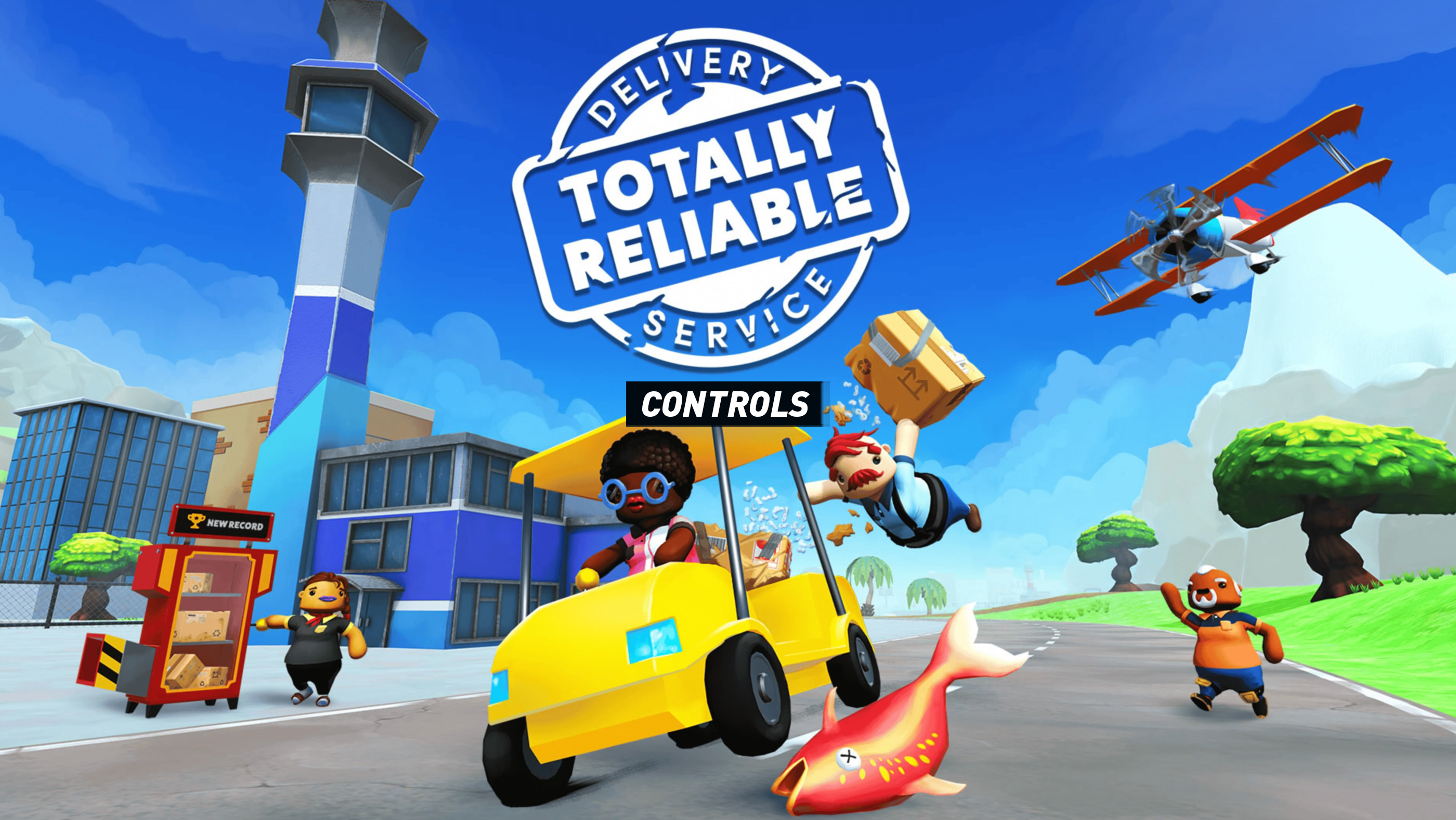
Totally Reliable Delivery Service turns a simple courier job into a physics-powered struggle involving floppy arms, unstable vehicles, breakable packages, awkward landings, and friends who may cause more trouble than they prevent. The controls are intentionally physical: each hand and arm has its own input, so carrying a parcel securely often requires holding several buttons at the same time.
The default layout below follows the current PlayStation controller screen. Xbox buttons are included for players using an Xbox controller on console or PC. Some prompts can change when driving special vehicles, using machinery, entering Photo Mode, or interacting with mission-specific equipment.
Totally Reliable Delivery Service Controls
| Action | PlayStation | Xbox |
|---|---|---|
| Move | Left Stick | Left Stick |
| View / Camera | Right Stick | Right Stick |
| Jump | X | A |
| Dive | Circle | B |
| Run / Walk | Square | X |
| Toggle Run | L3 | LS |
| Left-Hand Grab | L2 | LT |
| Raise Left Arm | L1 | LB |
| Right-Hand Grab | R2 | RT |
| Raise Right Arm | R1 | RB |
| Raise Both Arms | Triangle | Y |
| Ping | D-Pad Up | D-Pad Up |
| Emote 1 | D-Pad Left | D-Pad Left |
| Emote 2 | D-Pad Right | D-Pad Right |
| Emote 3 | D-Pad Down | D-Pad Down |
| Photo Mode | Touchpad | View Button |
| Pause | Options | Menu Button |
How Grabbing and Carrying Work
Grabbing is the most important mechanic in Totally Reliable Delivery Service. Hold L2 or LT to grip an object with the left hand and R2 or RT to grip it with the right hand. A hand remains attached only while its grab input is held unless the Toggle Hand Grab option is enabled.
L1 or LB raises the left arm, while R1 or RB raises the right arm. Holding both arm buttons lifts a parcel above your character's head. Triangle or Y provides a dedicated Raise Both Arms command, which is often easier when loading packages onto high platforms or vehicle beds.
- One-hand carry: Hold either left or right grab while walking.
- Two-hand carry: Hold both grab triggers for better stability.
- Lift an object: Grab it first, then raise the matching arm.
- Lift with both hands: Hold both grab triggers and use Triangle or Y.
- Release an object: Let go of the relevant grab trigger.
- Throw an object: Lift it, build momentum, then release the grab buttons.
Movement Controls Explained
Movement has deliberate weight and momentum. The character does not stop or turn as sharply as a conventional action-game hero, especially while carrying something heavy. Square or X switches between running and walking, while pressing L3 or LS toggles running. Walking gives you greater control around ledges, vehicle beds, delivery targets, and fragile cargo.
The dive command is useful for reaching switches, catching moving objects, entering open vehicle beds, or creating spectacular accidents. It is not a precision dodge, so leave enough space to recover after landing.
Vehicle Controls
Totally Reliable Delivery Service includes cars, trucks, forklifts, boats, helicopters, aircraft, and unusual machines. Exact contextual prompts vary, but most ground vehicles use the following general layout:
| Vehicle Action | PlayStation | Xbox |
|---|---|---|
| Steer | Left Stick | Left Stick |
| Look Around | Right Stick | Right Stick |
| Operate / Accelerate | Contextual Trigger or Grab Input | Contextual Trigger or Grab Input |
| Brake / Reverse | Contextual Trigger | Contextual Trigger |
| Grab Steering Wheel or Control | L2 / R2 | LT / RT |
| Exit or Release Control | Release Grab Input | Release Grab Input |
| Operate Vehicle Equipment | Displayed Contextual Input | Displayed Contextual Input |
Many vehicles are operated physically rather than through one universal driving scheme. Your character may need to grab a steering wheel, lever, throttle, forklift control, helicopter stick, or other handle. Watch the on-screen prompts when entering an unfamiliar vehicle.
Simple Controls and Accessibility Options
The settings menu includes options that can make the deliberately awkward control system easier to manage. Available choices may vary by platform and game version, but the controller screen includes settings for inverted vertical camera movement, vibration, Toggle Hands Up, and Toggle Hand Grab.
- Toggle Hand Grab: Lets a hand remain attached without continuously holding its trigger.
- Toggle Hands Up: Changes arm raising from a held input to a toggle.
- Invert Y: Reverses vertical camera movement.
- Vibration: Enables or disables controller vibration.
- Simple control scheme: An alternative designed to make the game easier to pick up.
- Joystick HUD Visualizer: Displays stick interactions and can help new players understand physical controls.
Additional Control Notes
- Grab before lifting: Raising an empty arm will not pick up a package. Hold the corresponding grab trigger first.
- Two hands are safer: Use both grabs for fragile deliveries, high-speed vehicles, aircraft, and objects that swing.
- Walk near delivery zones: Running can cause your character to trip, overshoot the target, or slam the parcel into scenery.
- Controls are contextual: Vehicle levers, cannons, forklifts, aircraft, switches, and special delivery equipment can display unique prompts.
- Photo Mode: Use the touchpad on PlayStation to pause the action visually and frame screenshots.
- Multiplayer coordination matters: One player can hold the package while another drives or operates machinery.
- Modern online features: The updated edition supports expanded online play and cross-platform multiplayer, although local-player limits and online requirements depend on the platform.
Check out Tips and Guide for Totally Reliable Delivery Service
Comments
No comments yet. Be the first to share your thoughts!