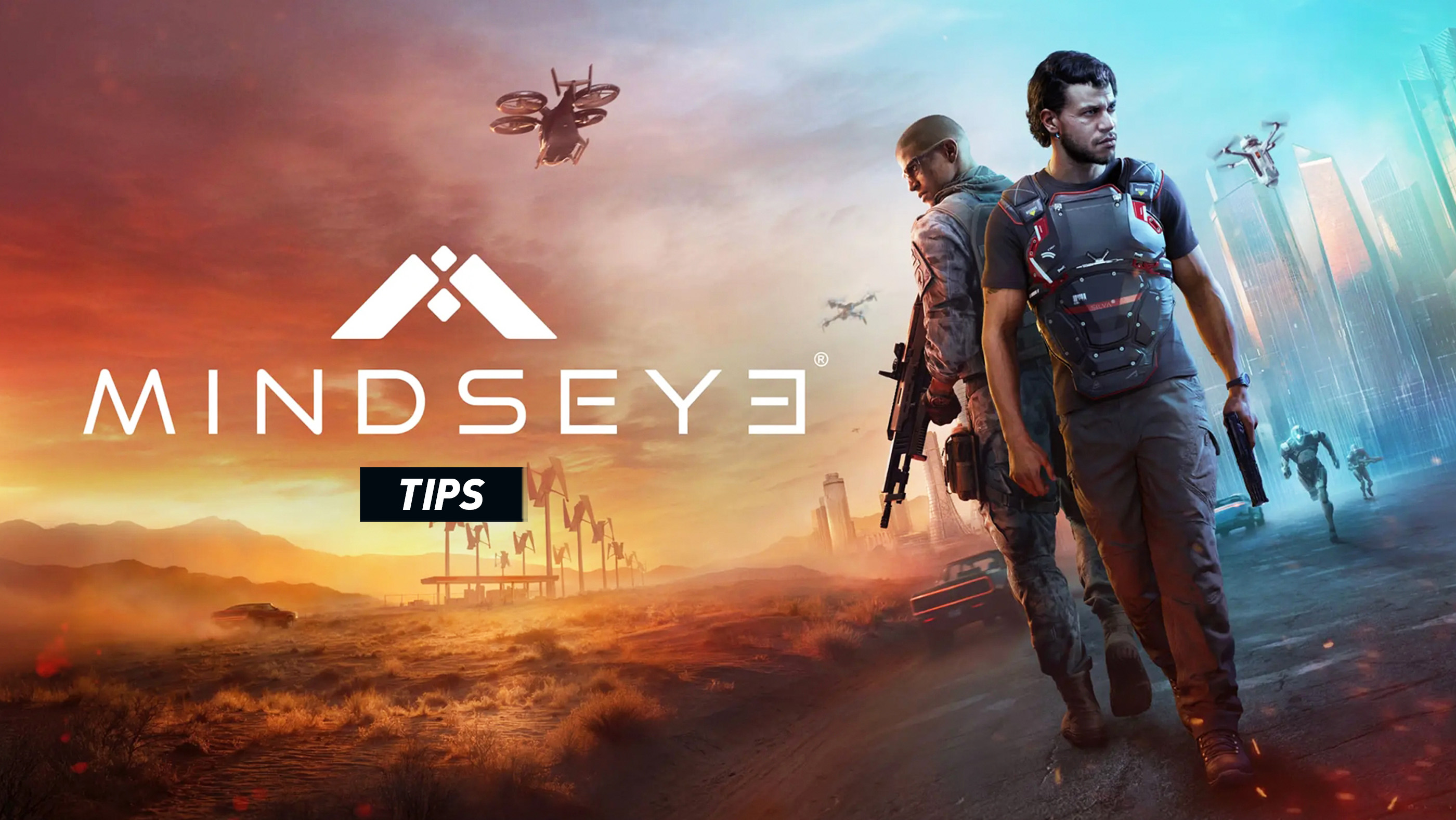
MindsEye looks like an open-world action game, but its campaign is much more directed than a sandbox such as Grand Theft Auto. Missions frequently move between cover shooting, driving, drone sequences, timed pursuits, and cinematic interactions. The best way to progress is therefore not to treat Redrock as a playground, but to understand what each mission is testing and prepare for the next change of pace.
These MindsEye tips cover the current version of the game, including the evade roll, shoulder swapping, improved ammunition availability, and upgraded hacking introduced through post-launch updates.
1. Use the Evade Roll Instead of Trying to Tank Damage
The evade roll gives Jacob a much-needed way to escape grenades, shotgun rushers, exposed positions, and enemies pushing around cover. Press X on PlayStation or A on Xbox, then immediately move toward safer cover rather than rolling in place. It is most effective when used to break an enemy's line of fire, not as a repeated combat animation.
2. Swap Shoulders Before Peeking
While aiming, press L3 or LS to move the camera to Jacob's other shoulder. This small adjustment can completely change whether you can see and shoot around a doorway without exposing most of Jacob's body. Match the camera shoulder to the side of the cover you intend to use.
3. Fight From Cover, but Do Not Become Stationary
Cover is useful, yet remaining behind the same object gives enemies time to spread out, throw explosives, or approach from the side. Fire a controlled burst, assess the battlefield, then move to a second position before opponents surround you. Low walls and vehicles are best treated as temporary protection rather than permanent bunkers.
4. Prioritize the Enemies Who Are Closing Distance
A distant rifleman is dangerous, but a shotgun user or aggressive enemy moving around your flank can end an encounter far faster. Eliminate close-range threats first, then deal with enemies who remain behind cover. The reduced shotgun range introduced in an update makes distance more reliable, but allowing a shotgunner to approach is still a major mistake.
5. Fire in Short Bursts
Long sprays waste ammunition and make it harder to keep shots on target. Use short, deliberate bursts at medium range and allow the weapon to settle between them. This is particularly useful when enemies expose only their heads or shoulders from cover.
6. Reload Before Triggering the Next Encounter
MindsEye frequently places combat after a door, elevator, vehicle ride, or dialogue sequence. Reload as soon as one group is defeated, even when the magazine is not empty. Starting the next wave with only a few rounds creates unnecessary pressure.
7. Collect Ammunition Before Leaving the Area
Post-launch balancing increased ammunition drops, but it is still worth checking defeated enemies and obvious pickup locations before following the objective marker. Some missions move forward immediately after entering a vehicle or crossing a checkpoint, preventing you from returning to the battlefield.
8. Do Not Ignore the Combat Drone
When a mission gives you access to a drone or hacking ability, use it before exposing Jacob. Drones can reveal threats, create openings, attack robotic enemies, and let you influence a fight from a safer position. Treat the drone as part of your combat kit rather than as an occasional scripted gadget.
9. Spend Hack Charges on the Most Disruptive Targets
The upgraded Hack ability can affect two robotic enemies when two charges are available. Do not spend both charges on weak targets at the beginning of a fight. Look for enemies or machines whose removal will reduce incoming fire, interrupt a defensive line, or distract the rest of the group.
10. Read Drone Warning Lights During Stealth Sections
Some surveillance sequences communicate detection through colored lights. Green means the drone has not identified you, yellow signals growing suspicion, and red means detection is imminent or complete. Stop moving when awareness begins to rise and wait for the drone's attention to shift before continuing.
11. Treat Driving Missions Like Racing Lines, Not Traffic Simulations
Look beyond the vehicle directly in front of you and aim the car toward the exit of the next corner. Brake before turning, release the brake as the car rotates, then accelerate smoothly out of the bend. Holding full throttle through every corner usually creates more lost time than braking briefly.
12. Use the Handbrake Selectively
The handbrake is useful for sharp turns, but using it on every bend removes too much speed and can spin the vehicle. Save it for hairpins, emergency direction changes, and moments when an ordinary brake-and-turn approach will not be fast enough.
13. Avoid Unnecessary Collisions
Campaign chases often have narrow failure conditions. Hitting civilian traffic, barriers, or roadside objects can cost more time than driving slightly below maximum speed. A clean route is normally faster than an aggressive route filled with corrections.
14. Follow the Objective Route Unless the Mission Clearly Allows Freedom
Redrock may appear open, but MindsEye's story missions are heavily directed. Cutting across terrain, taking an unmarked road, or moving too far from the intended route can confuse navigation or trigger a mission failure. During objectives, treat the waypoint as the designed path rather than a general suggestion.
15. Watch for Contextual Prompts
The game regularly changes what a button does during drone operation, machinery puzzles, hacking scenes, vehicle sequences, and cinematic interactions. Do not rely entirely on muscle memory. A quick glance at the on-screen prompt can prevent an accidental cancellation or failed timed input.
16. Use the Environment to Control Enemy Sightlines
Door frames, concrete pillars, parked vehicles, and elevation changes can reduce the number of enemies able to shoot Jacob simultaneously. Move so that one object blocks several opponents while you focus on a single visible target. This is often safer than choosing the nearest piece of cover.
17. Roll Across Danger, Not Directly Away From It
When an enemy is firing in a straight line, a sideways or diagonal roll is usually safer than rolling backward along the same line of fire. Roll toward cover or across the shooter's aim, then change direction once you are protected.
18. Check the Controls After Major Updates
MindsEye has changed several gameplay systems since launch, including controller assignments. An old guide or remembered layout may therefore be incorrect. Open Controls Mapping after a large patch and check roll, shoulder swap, drone inputs, sensitivity, and any custom bindings.
19. Adjust Aim Sensitivity Before Blaming the Weapon
If your reticle repeatedly passes over targets, lower the horizontal and vertical aiming sensitivity slightly. If turning between enemies feels too slow, increase camera sensitivity while keeping aiming sensitivity more controlled. Testing one adjustment at a time makes it easier to find a stable setup.
20. Use Mission Checkpoints to Experiment
A failed section is useful information. Instead of immediately repeating the same approach, identify what caused the failure: poor target priority, late braking, an exposed route, or misunderstanding a contextual prompt. Change one decision on the next attempt rather than trying to perform the same plan faster.
21. Complete Extra Activities to Practise Individual Systems
Developer and community activities can focus on shooting, racing, drones, puzzles, or other isolated mechanics. These are useful places to practise without replaying a long campaign chapter. A short race can improve cornering, while a combat activity provides a safe way to learn rolling and shoulder swapping.
22. Keep Performance Stable During Combat
On PC, an unstable frame rate can make aiming and driving feel inconsistent. Lower the most demanding visual settings before reducing resolution to an uncomfortable level, close unnecessary background programs, and use an appropriate frame-rate cap if performance fluctuates heavily.
23. Do Not Layer Multiple Controller Remaps
When playing on PC, use either the game's Controls Mapping menu or an external remapping layer whenever possible, not both. Steam Input, controller utilities, and in-game remapping can overlap and cause one button to trigger two commands.
24. Separate Campaign Progress From Play Activities
The main campaign and additional Play or Arcadia activities serve different purposes. When you want story progress, follow the campaign's directed objectives. When you want to practise or explore community content, use the separate activity selection rather than expecting every marker in Redrock to advance Jacob's story.
25. Play Methodically Rather Than Aggressively
MindsEye rewards preparation more than improvisation. Enter fights with a full magazine, identify the closest threats, use cover that protects multiple angles, deploy the drone when available, and move before enemies collapse on your position. The combat becomes far more manageable once every encounter is treated as a sequence of small decisions.
Frequently Asked Questions
How do you roll in MindsEye?
Press X on PlayStation or A on Xbox. The evade roll was added and assigned through a post-launch update.
How do you switch shoulders in MindsEye?
Hold aim and press L3 on PlayStation or LS on Xbox to move the camera to the opposite shoulder.
Can MindsEye controls be remapped?
Yes. Controller and keyboard assignments can be changed through Controls Mapping. On PC, this is a separate settings section from the standard Mouse and Keyboard tab.
Is MindsEye an open-world game?
Redrock provides a large connected setting, but the main campaign is structured as a directed, cinematic sequence of missions. Following the intended objective route is usually safer than treating every mission like an unrestricted sandbox.
Should you use the drone in combat?
Yes. When available, it can scout, distract, attack, or hack robotic targets, reducing the pressure on Jacob before he leaves cover.
See also Controls and Buttons for MindsEye
Comments
No comments yet. Be the first to share your thoughts!