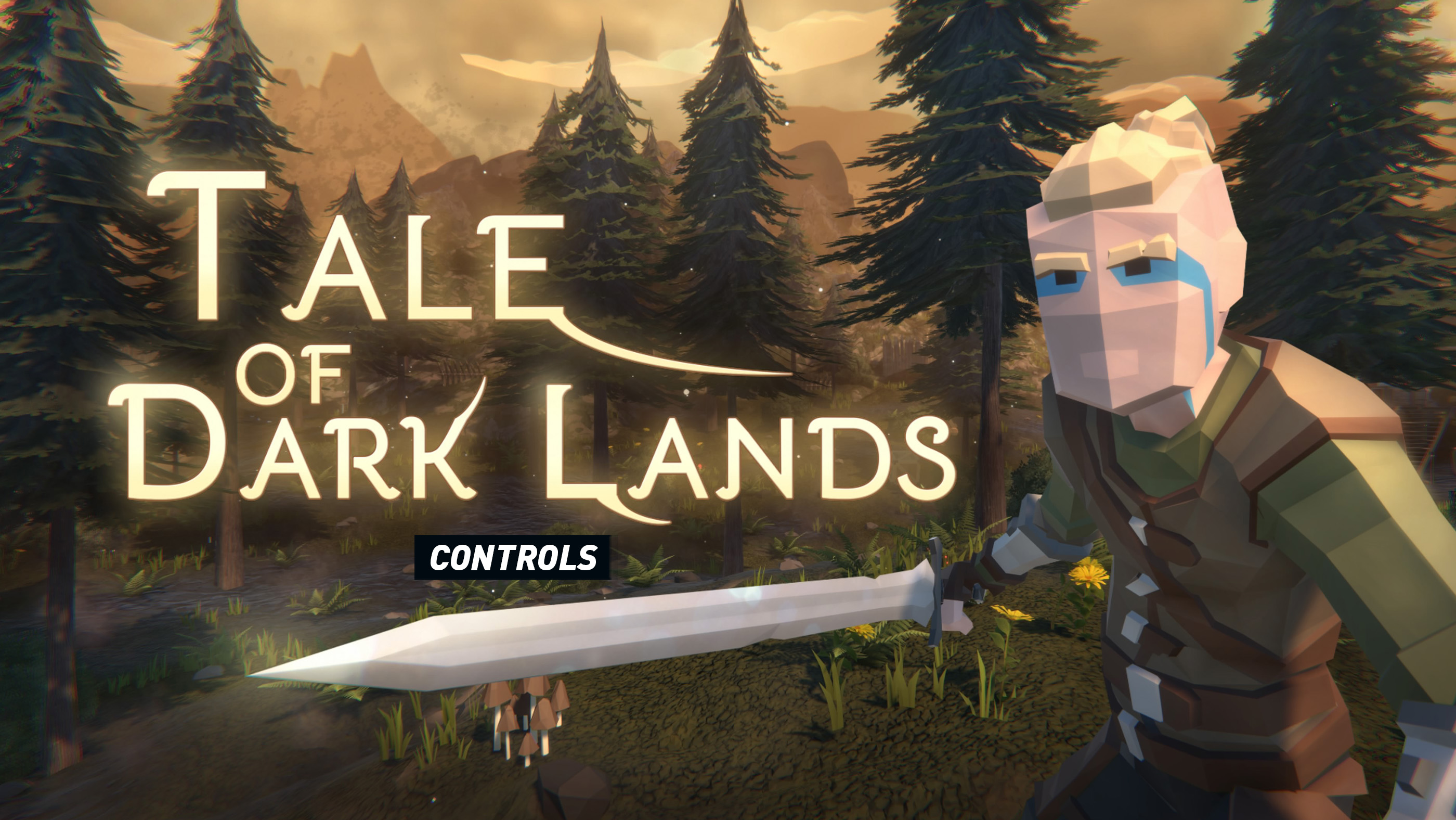
Tale of Dark Lands uses a compact action-RPG control scheme built around close-range attacks, shield blocking, dodge rolls, bow aiming, quick-item use, and inventory management. The basics are straightforward, but fights become much easier once you stop treating every encounter like a button-mashing contest and begin using movement, blocking, healing, and equipment together.
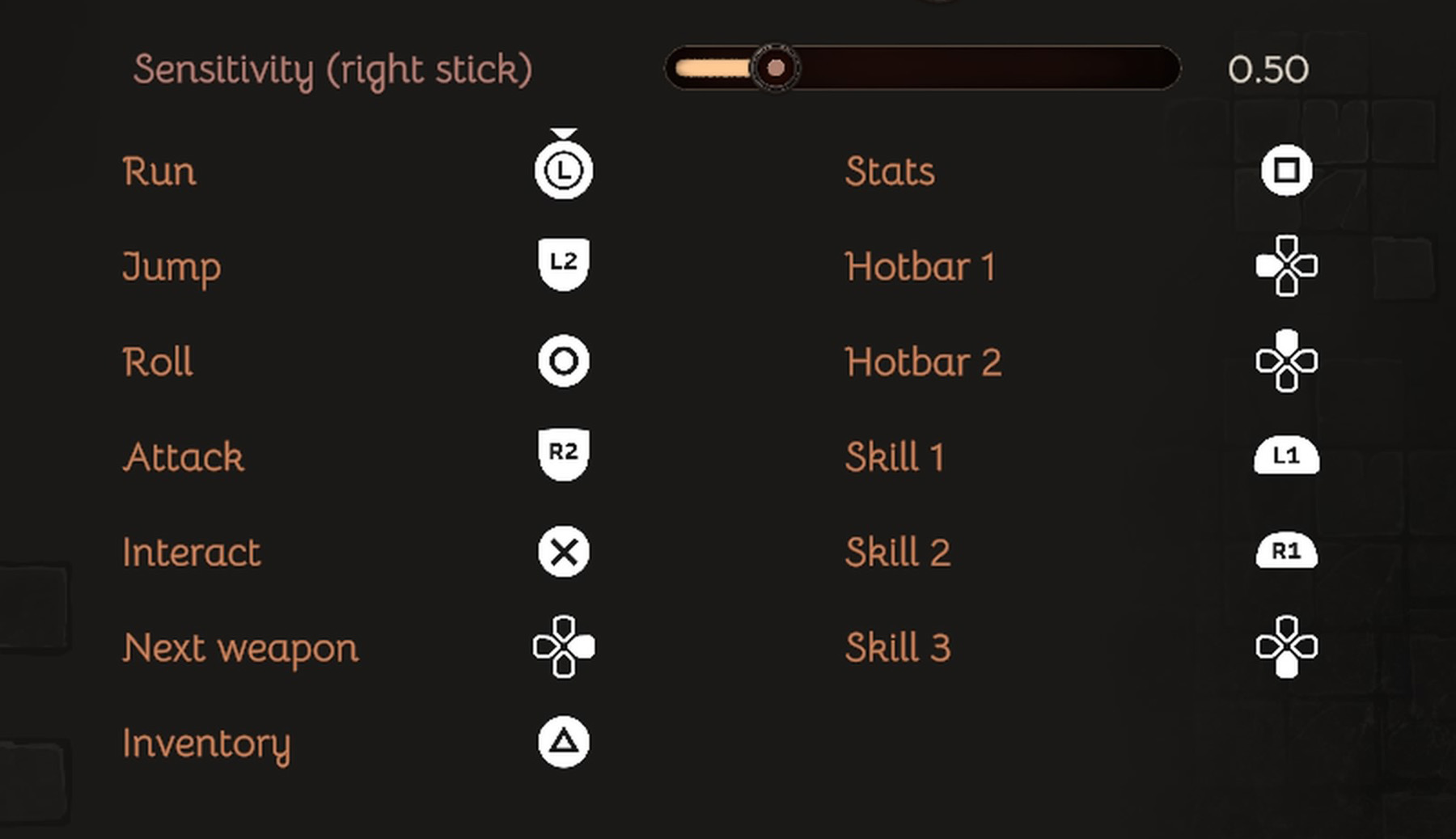
The PC edition supports customizable key bindings, including a separate binding for aiming and blocking. Console button prompts may differ slightly between PlayStation, Xbox, and Nintendo Switch versions, so check the Controls screen if your current layout does not match the table below.
Tale of Dark Lands Controls
| Action | PlayStation | Xbox | Nintendo Switch | PC Default |
|---|---|---|---|---|
| Move | Left Stick | Left Stick | Left Stick | W / A / S / D |
| Move Camera | Right Stick | Right Stick | Right Stick | Mouse |
| Primary Attack | R2 | RT | ZR | Left Mouse Button |
| Aim Bow / Block with Shield | L2 | LT | ZL | Right Mouse Button |
| Dodge Roll | Circle | B | A | Space |
| Interact / Talk / Pick Up | X | A | B | E |
| Sprint | L3 | Left Stick Click | Left Stick Click | Left Shift |
| Use Equipped Skill | R1 | RB | R | Assigned Skill Key |
| Use Quick Item | D-Pad | D-Pad | D-Pad | Number Keys / Assigned Key |
| Open Inventory | Touch Pad | View | Minus | Tab / I |
| Open Character or Equipment Screen | Menu Tab | Menu Tab | Menu Tab | Inventory Menu |
| Navigate Menus | D-Pad / Left Stick | D-Pad / Left Stick | D-Pad / Left Stick | Mouse / Arrow Keys |
| Confirm Menu Choice | X | A | B | Left Mouse Button / Enter |
| Back / Close Menu | Circle | B | A | Esc |
| Pause | Options | Menu | Plus | Esc |
Important: Tale of Dark Lands allows control customization on PC. Controller prompts and individual menu shortcuts can vary by platform or game version. Open Settings > Controls to confirm or change your active layout.
How Combat Controls Work
Tale of Dark Lands gives you several ways to approach an enemy, but each one serves a different purpose. A sword-and-shield setup offers reliable defense, bows let you begin fights from a safer distance, and learned skills provide extra damage, healing, or support when normal attacks are not enough.
Attacking
Primary attack performs your basic weapon strike. Repeated attacks can overwhelm weaker enemies, but attacking without watching your surroundings may leave you exposed to enemies approaching from the side or rear.
Avoid committing to another swing when an enemy is already beginning an attack animation. Create space, block, or roll first, then counter when the enemy finishes.
Blocking and Bow Aiming
The same contextual control is used to raise a shield or aim a bow, depending on the equipment in your hands. With a shield equipped, hold the control before an incoming hit. With a bow equipped, hold it to aim and use the attack control to release the shot.
Blocking is most useful against readable frontal attacks. It is not a substitute for positioning: enemies behind you, multiple attackers, and attacks that arrive while you are recovering can still cause problems.
Dodge Rolling
The dodge roll is your emergency escape tool. Use it to leave an enemy's attack path, reposition around a group, or gain enough distance to drink a potion. Rolling too early can be just as dangerous as rolling too late, so react to the actual swing rather than repeatedly dodging on instinct.
Skills and Quick Items
Skills are learned as you progress and can change the outcome of a difficult fight. Keep frequently used healing or support options easy to reach, and place restorative items in your quick-use slots before entering a dangerous area.
The quick panel is meant to save you from opening the full inventory during combat. Check it whenever you change equipment or reorganize consumables so that you do not activate the wrong item under pressure.
Inventory and Equipment Controls
Tale of Dark Lands uses a grid-based inventory rather than an unlimited item list. Every weapon, armor piece, rune, crafting resource, potion, and trade item occupies space, making organization part of the game.
- Open the inventory regularly: Compare newly found equipment before selling or dismantling anything valuable.
- Keep usable items accessible: Place potions and important combat items where they are easy to select.
- Separate valuable equipment from vendor loot: A quick visual system prevents accidental sales.
- Leave free grid space: Entering a mission with a completely full inventory may force you to abandon useful drops.
- Check requirements: A stronger-looking item may not be practical until your character has the necessary level or statistics.
Recommended Control Adjustments
Bind Block and Aim to a Comfortable Button
Because blocking is central to sword-and-shield combat and aiming is required for bows, the shared aim/block action should be placed somewhere you can hold comfortably while moving and attacking.
Keep Dodge Separate from Interact
A dedicated dodge button prevents accidental interactions near dropped items, doors, merchants, and environmental objects during combat.
Lower Camera Sensitivity if You Overcorrect
The game often places several enemies in small combat spaces. A slightly lower sensitivity can make it easier to keep the camera behind your hero and follow fast-moving targets.
Try Invert Y if That Feels Natural
An invert-Y option is available in updated versions of the game. It can be changed from the settings menu without altering the rest of your control layout.
Rebind Quick Items Before Difficult Missions
Choose a healing-item shortcut that you can reach without looking away from the fight. A theoretically perfect key is not useful if you cannot press it comfortably while moving.
Frequently Asked Questions
Can you remap controls in Tale of Dark Lands?
Yes. The PC version includes customizable bindings, and updated builds include an assignable action for aiming and shield blocking. Use the Controls menu to review your current setup.
How do you block in Tale of Dark Lands?
Equip a shield and hold the assigned Aim/Block control while facing the incoming attack. On a standard controller layout, this is normally a left trigger action. On PC, it is commonly assigned to the right mouse button but can be changed.
How do you aim a bow?
Equip the bow, hold the Aim/Block control to enter an aiming stance, line up the shot, and use the attack control to fire. Bows are especially useful for damaging or attracting an enemy before entering melee range.
Why is my block button not working?
First confirm that a shield is equipped. Then open the control settings and make sure the Aim/Block action has a binding. Older PC builds had a binding-related issue, so updating the game and resetting or reassigning the control may solve the problem.
Does Tale of Dark Lands support controllers?
Yes. The game is designed for third-person controller play and is available on PlayStation, Xbox, and Nintendo Switch as well as PC.
Can you change the camera direction?
Updated versions include an invert-Y option. Camera sensitivity and related settings can also be checked in the options menu.
Final Control Advice
The most important Tale of Dark Lands controls are not complicated: attack, block, dodge, interact, and use a quick item. The challenge comes from using them in the right order. Begin encounters from a favorable position, keep enemies in front of the camera, defend before taking unnecessary damage, and leave enough space to heal safely.
Once your bindings feel comfortable, spend a few minutes practicing against weaker enemies. Learning the timing of attacks and rolls early will save far more time than repeatedly changing equipment after every defeat.
Also read our Tale of Dark Lands Tips and Tricks Guide for combat, crafting, inventory, runes, progression, and exploration advice.
Comments
No comments yet. Be the first to share your thoughts!