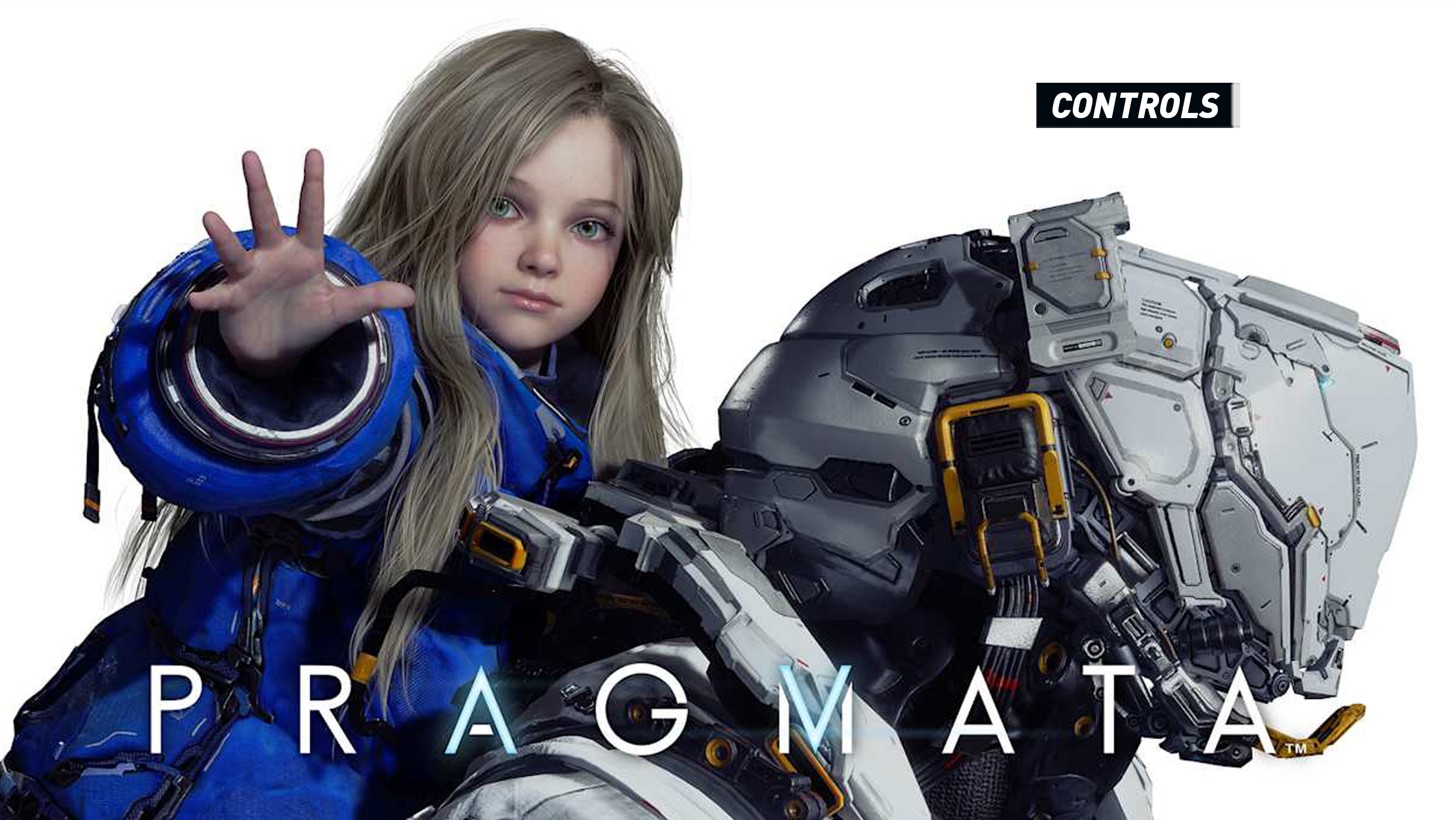
PRAGMATA has an unusual control scheme because you are effectively commanding two characters at once. Hugh handles movement, aiming, weapons, dodging, and exploration, while Diana hacks hostile machines through a grid that appears during combat.
The important difference from a conventional third-person shooter is that hacking does not pause the action. You must guide Diana's cursor with the face buttons while Hugh continues moving, aiming, avoiding attacks, and firing. The controls can feel busy at first, but they become intuitive once you separate them into three layers: movement, hacking, and weapon use.
PRAGMATA Controls
| Action | PlayStation 5 | Xbox Series / PC Controller | Nintendo Switch 2 | PC Default |
|---|---|---|---|---|
| Move Hugh | Left Stick | Left Stick | Left Stick | W / A / S / D |
| Move Camera | Right Stick | Right Stick | Right Stick | Mouse |
| Run | Hold L3 | Hold Left Stick Click | Hold Left Stick Click | Left Shift |
| Jump / Hover | X | A | B | Space |
| Dodge / Jet Dash | R1 | RB | R | Left Ctrl |
| Interact / Pick Up | Triangle | Y | X | F |
| Use Repair Cartridge | Hold Circle | Hold B | Hold A | Q |
| Scan | Square | X | Y | C |
| Aim Weapon / Begin Hacking | Hold L2 | Hold LT | Hold ZL | Right Mouse Button |
| Fire Weapon | Hold L2 + R2 | Hold LT + RT | Hold ZL + ZR | Right Mouse Button + Left Mouse Button |
| Move Hack Cursor Up | Hold L2 + Triangle | Hold LT + Y | Hold ZL + X | Hacking Direction Input |
| Move Hack Cursor Down | Hold L2 + X | Hold LT + A | Hold ZL + B | Hacking Direction Input |
| Move Hack Cursor Left | Hold L2 + Square | Hold LT + X | Hold ZL + Y | Hacking Direction Input |
| Move Hack Cursor Right | Hold L2 + Circle | Hold LT + B | Hold ZL + A | Hacking Direction Input |
| Cancel Hack / Lock On | Assigned Control | Assigned Control | Assigned Control | V |
| Reset Hacking Route | Assigned Control | Assigned Control | Assigned Control | R |
| Equip Top Weapon Slot | D-Pad Up | D-Pad Up | D-Pad Up | 1 |
| Equip Left Weapon Slot | D-Pad Left | D-Pad Left | D-Pad Left | 2 |
| Equip Right Weapon Slot | D-Pad Right | D-Pad Right | D-Pad Right | 3 |
| Equip Bottom Weapon Slot | D-Pad Down | D-Pad Down | D-Pad Down | 4 |
| Activate Overdrive | L3 + R3 | LS + RS | Left Stick Click + Right Stick Click | X |
| Lim Eraser / Contextual Ability | Hold R1 when prompted | Hold RB when prompted | Hold R when prompted | E / Assigned Key |
| Reset Camera | Assigned Control | Assigned Control | Assigned Control | B |
| Pause | Options | Menu | Plus | Esc / P |
Control note: PRAGMATA includes remapping for its main gameplay actions, and PC players can choose keyboard-and-mouse or controller input. Platform symbols differ, but the hacking directions always correspond to the four face-button positions rather than their printed letters or symbols.
How PRAGMATA's Controls Work
Combat revolves around a simple relationship: Diana opens the enemy and Hugh exploits the opening. Most hostile machines are protected by armor that greatly reduces the effectiveness of ordinary gunfire. Holding the aim button targets an enemy and brings up Diana's hacking grid.
Your objective is to move the hacking cursor through the grid and reach its destination. On a controller, each face button represents a direction:
- Top face button: Move upward.
- Bottom face button: Move downward.
- Left face button: Move left.
- Right face button: Move right.
This positional system is important on Nintendo Switch 2 and on PC controllers with different button labels. Do not think in terms of “press X” or “press A.” Think in terms of top, bottom, left, and right.
Aiming and Firing
Hold L2, LT, ZL, or the PC aim input to raise Hugh's weapon. Press the firing control while aiming to shoot. Hugh can fire before a hack is completed, but armored enemies usually take much less damage until Diana exposes them.
The same aim state also activates Diana's hacking interface when a valid machine is targeted. You can alternate between face-button hacking inputs and R2 or RT gunfire without releasing aim.
The Core Combat Sequence
Hold Aim, begin tracing a route through Diana's grid, dodge when an attack approaches, complete the hack, and then fire into the exposed machine while its armor is open.
Moving While Hacking
Hugh is not rooted in place while Diana works. Keep the left stick held toward open space and continue circling the enemy while entering the hacking path. The camera can also be adjusted, although large camera movements may make it harder to follow the grid.
New players often stare entirely at the hacking display. Instead, use peripheral vision to monitor Hugh and the enemy. The grid matters, but so do missile indicators, charging animations, floor hazards, and nearby robots.
Jumping and Hovering
Press Jump to leap. Holding or using the same control in suitable situations engages Hugh's suit-assisted hover, allowing him to remain airborne longer and cross wider spaces.
In combat, a short jump can clear certain low hazards, but the dodge is usually a faster defensive response. Save hovering for traversal or encounters where remaining above a floor-level threat is clearly safer.
Dodging with the Jetpack
R1 or RB performs Hugh's fast jet-assisted dodge. The dodge is essential because hacking puzzles remain active during enemy attacks. Use it without releasing Aim whenever possible so that you can continue the same hacking attempt after moving.
Dodge across an attack's path rather than repeatedly retreating in a straight line. Sideways movement keeps the enemy within view and often preserves a better firing angle after the hack is complete.
Running
Hold the left-stick click or the assigned keyboard key to run. Running is primarily useful while exploring and when creating distance from slower enemies.
During close combat, the jet dodge is more responsive than attempting to sprint away. Running has greater value when repositioning before a battle, searching a large room, or retreating toward cover.
How to Hack Enemies
Aim at a hackable machine to display Diana's grid. Move from the starting point toward the goal by pressing the face button matching the direction you want the cursor to travel.
Some paths contain directional restrictions, blocked spaces, or optional nodes. Read one or two moves ahead instead of entering the first available direction immediately.
Follow the Route to the Goal
A basic hack is completed by reaching the destination node. Once successful, the enemy enters an exposed or open state in which Hugh's weapons inflict substantially greater damage.
Use Bonus Nodes When They Are Safe
Optional nodes can improve the result of a hack, but they also lengthen the route. Take them when the enemy is distant, disabled, trapped, or distracted. Use the shortest valid route when missiles or nearby machines are already pressuring Hugh.
Reset a Bad Route
If the cursor is trapped or the route has become inefficient, use Reset Hacking instead of continuing to press random directions. Beginning again is often faster than trying to rescue a poor sequence.
Cancel Before You Lose Control of the Fight
A hack does not have to be finished immediately. Cancel it, dodge to safety, deal with a closer threat, and restart when the battlefield is manageable.
Scanning and Exploration Controls
Press Scan to highlight useful information in the surrounding area. Scanning can help locate objectives, interactive devices, pickups, equipment, and routes that blend into the lunar facility's bright interiors.
Do not leave Scan permanently active in a complicated battle. The additional markers may make an already busy screen harder to read. Use it deliberately after combat or when entering a new exploration space.
Interacting and Picking Up Items
Press Triangle on PlayStation, Y on an Xbox controller, X on Nintendo Switch 2, or the assigned PC key near an interaction prompt. This action is used for ordinary pickups, terminals, doors, environmental devices, and other context-sensitive objects.
Some specialized containers or corrupted objects require a different ability, such as the Lim Eraser. Follow the displayed prompt rather than assuming every object uses the standard interaction button.
Using Repair Cartridges
Hold the repair control to restore Hugh's suit. Healing is not instantaneous, so do not begin the animation directly beside an attacking enemy.
Dodge behind cover, immobilize a threat, create distance, or wait for a long enemy recovery animation before repairing. Releasing the button too soon may interrupt the action before the repair is completed.
Weapon Selection Controls
Hugh can carry weapons in four directional slots. Press the matching D-Pad direction or number key to equip one immediately. Learning the position of each weapon is faster than repeatedly looking at the radial display.
- Top slot: D-Pad Up or 1.
- Left slot: D-Pad Left or 2.
- Right slot: D-Pad Right or 3.
- Bottom slot: D-Pad Down or 4.
Organize the slots by purpose. For example, keep the reliable Primary Unit at the top, a high-damage Attack Unit on the right, a Tactical Unit on the left, and a defensive tool at the bottom. A consistent arrangement reduces hesitation during crowded encounters.
Primary Unit
The Primary Unit is Hugh's dependable weapon. Its energy supply recovers, making it the best option for routine damage and finishing exposed enemies without consuming a limited secondary weapon.
Attack Unit
Attack Units deliver concentrated damage and are ideal for vulnerable weak points, dangerous elite enemies, or the final moments of a boss opening. Their ammunition is limited, so avoid wasting shots against closed armor.
Tactical Unit
Tactical Units alter the shape of a fight by pinning, slowing, trapping, interrupting, or controlling enemies. They are especially useful when Diana needs more time to finish a complicated route.
Defense Unit
Defense Units protect Hugh or manipulate enemy attention. Use them before becoming surrounded rather than saving them until Hugh is already trapped.
Overdrive Controls
After Overdrive becomes available, press both stick buttons together on a controller or use its assigned PC key. Overdrive uses energy built through successful combat actions and can create a decisive advantage against a dangerous group or boss.
Because pressing L3 and R3 simultaneously can be awkward while moving, players with rear controller buttons may benefit from assigning Overdrive to an easier combination where supported.
How to Remap PRAGMATA Controls
- Open the title or pause menu.
- Select Options.
- Open the Controls or Button Configuration section.
- Highlight the function you want to change.
- Move left or right through the available button assignments.
- Use Reset All to restore the default configuration.
The attached configuration screen confirms individual reassignment for Jump/Hover, Interact/Pick Up, Use Repair Cartridge, and Scan. Availability may differ for certain context-sensitive or hacking commands.
Recommended Control Changes
Keep Dodge Within Immediate Reach
You will dodge while holding Aim and thinking about the hacking grid. R1 or RB works well because it can be pressed without releasing L2 or LT.
Do Not Move the Four Directional Hack Inputs
The face-button diamond mirrors the hacking grid. Changing those buttons individually can make Diana's controls less visually intuitive, especially if the displayed grid continues to use positional prompts.
Choose a Comfortable Repair Button
Repair must be held rather than tapped. Assign it somewhere comfortable enough to hold while watching the battlefield, but far enough from Dodge that the two actions are not confused under pressure.
Keep Weapon Slots Consistent
Use the same role in each D-Pad direction throughout the game. Consistency is more useful than reorganizing all four slots whenever a new weapon is discovered.
Frequently Asked Questions
How do you shoot in PRAGMATA?
Hold L2 on PlayStation, LT on Xbox, ZL on Nintendo Switch 2, or the aim input on PC. Press R2, RT, ZR, or Fire while continuing to aim.
How do you hack enemies?
Aim at a valid enemy to open Diana's grid. Use the four face buttons as directional controls and guide the cursor to the goal node. Completing the route opens the enemy's armor and increases the damage it receives.
Can Hugh move while Diana is hacking?
Yes. Hugh can move, dodge, aim, and fire while the hacking grid is active. Learning to do these actions simultaneously is central to PRAGMATA's combat.
Why are my bullets doing so little damage?
The enemy is probably still armored. Complete Diana's hacking puzzle first, then fire while the target is in its exposed state.
What button heals Hugh?
Hold Circle on PlayStation, B on Xbox, A on Nintendo Switch 2, or the assigned Repair Cartridge key on PC.
What does Scan do?
Scan highlights nearby information and can help reveal interactive objects, pickups, objectives, and environmental details.
How do you dodge?
Press R1 on PlayStation, RB on Xbox, R on Nintendo Switch 2, or the assigned keyboard dodge key. Hugh uses his suit's propulsion system to dash quickly out of danger.
Can the controls be remapped?
Yes. PRAGMATA provides a Button Configuration menu for its main actions. PC also supports keyboard-and-mouse input.
Why do the hacking buttons feel reversed on my controller?
The hacking system follows physical button position rather than the printed letters. Use the top button to move up, the bottom button to move down, and the left or right button for the corresponding horizontal direction.
How do I change weapons quickly?
Use the D-Pad directions on a controller or the assigned number keys on PC. Each direction selects the weapon stored in that position.
Final Control Advice
Do not try to learn every input at once. Begin by practicing one repeatable sequence: hold Aim, trace the shortest hacking path, dodge without releasing Aim, finish the hack, and fire the Primary Unit into the exposed target.
Once that sequence becomes automatic, add bonus nodes, Tactical Units, weapon switching, aerial movement, and Overdrive. PRAGMATA's controls are demanding because they ask your hands to perform two jobs at once, but that multitasking is also what makes its combat distinctive.
Continue with our PRAGMATA Tips and Tricks Guide for hacking strategies, weapon management, Shelter upgrades, exploration, healing, and boss preparation.
Comments
No comments yet. Be the first to share your thoughts!