STARSEEKER: Astroneer Expeditions rewards curiosity, but curiosity needs a clock. Every planetary Expedition gives you a limited oxygen supply, so the difference between a productive run and a disastrous one is usually deciding when to explore farther and when to head back.
It also pays to forget a few habits from ASTRONEER. There are no long tether networks to build here. You are much more mobile, you can climb and swim, objects have practical uses, the EXO Multi Tool accepts different nozzles and your Squad is expected to solve problems together.
Treat Oxygen as Your Expedition Clock
Your backpack carries roughly 30 minutes of oxygen for an Expedition. That timer should influence every major decision you make on the planet.
Do Not Wait for the Warning
Once oxygen becomes visibly critical, your choices are already limited. Start thinking about extraction while you still have enough time to deal with an unexpected cave, creature or navigation mistake.
Include the Return Journey in Your Plan
Reaching a distant objective with five minutes remaining is not success if the Landing Site is another five minutes away.
Open Planet View Regularly
Press D Pad Up on controller to check Planet View and locate nearby Landing Sites.
A good habit is to check the map whenever you finish a major objective or move into a new area. That keeps your extraction route fresh in your memory.
Explore in Loops
A route that gradually curves back toward a Landing Site is safer than travelling in one straight line away from every extraction point.
Read the DAD before Deploying
Your Digital Assistant Device tracks Missions and Tasks. Spend a moment reading them aboard the ESS Starseeker before choosing what to carry.
Look for Overlapping Objectives
If one Expedition can provide a required scan, useful resources and progress for another Task at the same time, you get far more value from the same oxygen supply.
Do Not Try to Finish Everything in One Drop
The expedition structure is built around repeated trips. Leaving safely with useful progress is better than losing a strong run because you insisted on one additional objective.
Scan Anything You Have Not Seen before
Scanning is one of the easiest ways to make ordinary exploration productive.
New creatures, plants, minerals and unusual discoveries can contribute Bytes and help build your understanding of a region.
Scan before Touching
When you discover something unfamiliar, press R3 before harvesting, throwing something at it or getting close enough to provoke it.
Use the EXO Multi Tool as a Traversal Tool
Terrain deformation is not merely for resource collection.
Build Ramps
Create gentle slopes toward ledges and cave exits instead of wasting time searching for a natural route.
Open Shortcuts
A small amount of digging can sometimes connect two routes that would otherwise require a much longer walk.
Do Not Dig a Vertical Trap
Whenever you descend underground, think about how you will get back out with less oxygen and possibly a full inventory.
Choose Nozzles for the Mission
The EXO Multi Tool's nozzle system lets you tailor the tool to different expedition jobs.
Do not automatically carry the same setup into every Region. Consider whether the mission emphasizes movement, resources, creatures or another specific problem.
Protect Valuable Disposable Gear
Some equipment is intended for limited use. Read what you are bringing and avoid burning a useful disposable nozzle on a trivial situation.
Use Quick Items for Things You Actually Need Quickly
The Item Wheel is useful when you have time to choose. Quick slots matter when you do not.
Put frequently needed tools or consumables where you can reach them without searching through a radial menu during a dangerous encounter.
Pick Objects Up and Experiment
Physical objects can be carried, dropped and thrown, and their uses are not always obvious from appearance alone.
STARSEEKER often rewards trying a sensible interaction instead of looking for a single scripted solution.
Throw before You Fight
When a creature reacts to a particular object, using the environment may be much safer than confronting it directly.
Do Not Fight Every Creature
Alien life can be dangerous, and defeating something is not always the actual objective.
Scan first, understand what the mission requires and look for environmental or equipment based solutions before committing to a fight.
Keep an Escape Route
Do not allow a creature encounter to push you deeper into unfamiliar terrain when oxygen is already running low.
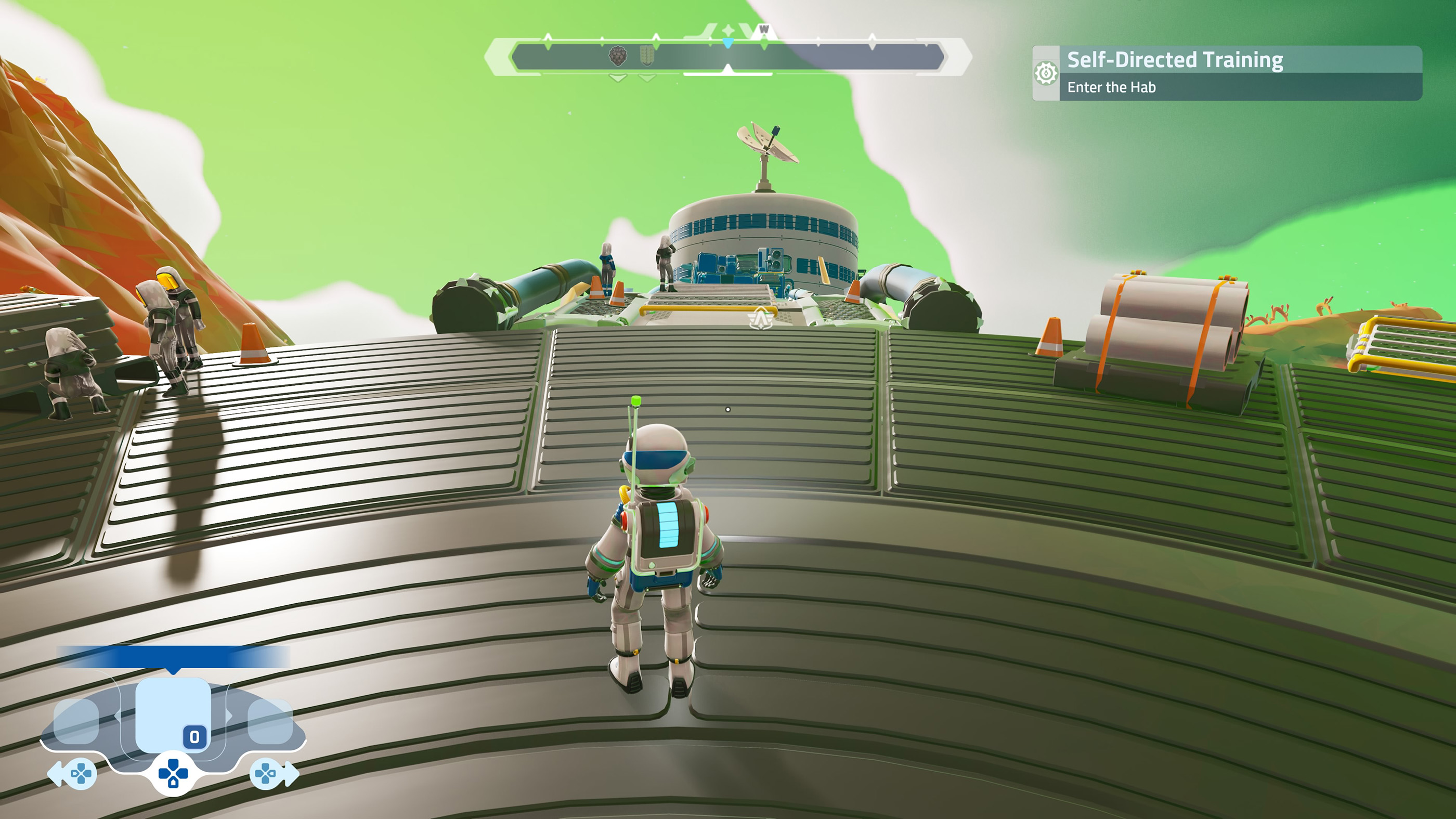
Roll before You Panic
Circle gives you an immediate evasive option on land.
Use movement and rolling to create distance before opening menus or trying to select another tool. Solving the danger first is better than searching the Item Wheel while something is attacking you.
Take Advantage of Climbing
You are not restricted to walking around every cliff or rock formation. Climbing can create direct routes through vertical terrain.
Look Up before Digging
Sometimes climbing is faster than using the Multi Tool to reshape an entire slope.
Check the Landing before Releasing
Circle lets you release your grip, so make sure there is a useful ledge or safe ground below before dropping.
Use Water as a Route, Not Just an Obstacle
Tephra contains substantial aquatic areas. Cross lets you ascend, Circle descends and L3 activates Swim Dash.
Dash across Open Water
Use Swim Dash when you know where you are going. Save slower movement for detailed underwater exploration where precise positioning matters more.
Keep Track of Shorelines
Before diving deeply into an unfamiliar area, note where you can leave the water and continue toward an objective or Landing Site.
Travel with a Squad When Possible
STARSEEKER is built around cooperative Expeditions. A Squad can divide tasks, cover more ground and help recover from mistakes that would end a solo run.
Do Not All Bring the Same Loadout
Complementary equipment gives the Squad more possible solutions than four Astroneers carrying identical tools.
Share What You Find
Use the Communications Wheel and pings when you locate resources, objectives or danger. Good communication saves the group from searching the same ground repeatedly.
Join Useful Field Ops
Field Ops are shared planetary objectives that can bring Astroneers from different Squads together.
They can provide valuable rewards and contribute to larger goals, so check nearby Field Ops when your oxygen, equipment and route make participation sensible.
Do Not Cross the Entire Region for Every Field Op
A reward stops being attractive if reaching it leaves you with no safe route back. Oxygen still decides whether the detour makes sense.
Return with Time to Spare
Extraction should not feel like an emergency every run.
Once the backpack oxygen display is getting low, open Planet View, identify a Landing Site and start heading toward it. Unexpected terrain or another encounter can easily consume the buffer you thought you had.
Greed Is Expensive
The last resource deposit or optional scan is rarely worth putting an entire expedition's rewards and gear at risk.
Spend Your Station Time Properly
Returning to the ESS Starseeker is not simply the end screen. Use the station to review rewards, improve gear, craft useful equipment and prepare for your next objective.
Follow Reputation Progress
Crew Missions provide progression and unlocks, so check whose objectives align with what you already intend to do on the planet.
Craft for the Next Expedition
Do not build equipment purely because you unlocked it. Build something that solves the next problem you actually expect to encounter.
Do the Tutorial Even If You Played ASTRONEER
Veteran ASTRONEER players may recognize terrain deformation and resource gathering, but STARSEEKER changes the overall rhythm significantly.
Climbing, swimming, thrown objects, scanning, quick equipment, timed extraction and nozzle based tools are important enough that the tutorial is worth completing properly.
Common Beginner Mistakes
Ignoring Oxygen while Exploring
Check your remaining supply before committing to another distant objective.
Waiting Too Long to Find a Landing Site
Use Planet View throughout the Expedition, not only when oxygen is almost empty.
Digging without an Exit Route
Create slopes you can use on the return journey.
Skipping Scans
Scan unfamiliar discoveries before leaving an area.
Taking Every Piece of Gear Everywhere
Build a loadout for the Expedition instead of packing without a plan.
Ignoring Quick Items
Prepare important equipment before entering a dangerous area.
Trying to Solve Everything with the Terrain Tool
Climbing, swimming, objects and Squad equipment may provide faster solutions.
Staying for One More Objective
A safe extraction with progress is better than losing a productive run.
A Good Expedition Routine
- Check Missions and Tasks on your DAD.
- Choose equipment and nozzles that match your goals.
- Check Planet View after landing.
- Scan unfamiliar discoveries while travelling.
- Use terrain deformation only when it saves time or creates a useful route.
- Ping important discoveries for your Squad.
- Complete nearby objectives that fit the same route.
- Check oxygen before making any large detour.
- Locate a Landing Site before oxygen becomes critical.
- Return to the ESS Starseeker with enough time to handle an unexpected delay.
Frequently Asked Questions
How long is an Expedition in STARSEEKER?
Your available oxygen provides roughly 30 minutes of planetary expedition time before you need to return to the ESS Starseeker.
What should I do first on an Expedition?
Check your objectives and Planet View, then plan a route that lets you complete useful Tasks without losing track of the nearest Landing Site.
How do I earn more Bytes?
Scanning new discoveries is an important source of Bytes, so scan unfamiliar plants, creatures, resources and other discoveries while exploring.
Should I play solo or with a Squad?
Solo play is possible, but Squads provide more equipment options, better coverage and help if an encounter goes wrong.
What is the DAD?
The Digital Assistant Device is where you can review Missions, Tasks and other important progression information.
What is Planet View used for?
It helps you navigate the planet, track important locations and find Landing Sites for extraction.
Should I extract as soon as oxygen gets low?
Ideally, start returning before it becomes critical. Leave enough time for navigation mistakes, terrain and unexpected encounters.
Is STARSEEKER the same kind of game as ASTRONEER?
It shares the universe and terrain technology, but STARSEEKER focuses much more heavily on cooperative timed Expeditions, mission objectives, gear loadouts and returning safely to the station.
Come Back with Something, Not Nothing
The smartest STARSEEKER player is not necessarily the Astroneer who travels farthest. It is the one who consistently returns with completed objectives, useful discoveries and intact equipment.
Plan before deploying, scan as you travel, use the terrain as part of your movement toolkit and keep Planet View in your routine. When oxygen reaches the point where you start wondering whether you have time for one more objective, that is usually the moment to head home.
See our STARSEEKER: Astroneer Expeditions Controls Guide for the full PS5 controller layout, terrain tool, item, climbing and swimming controls.
Comments
No comments yet. Be the first to share your thoughts!