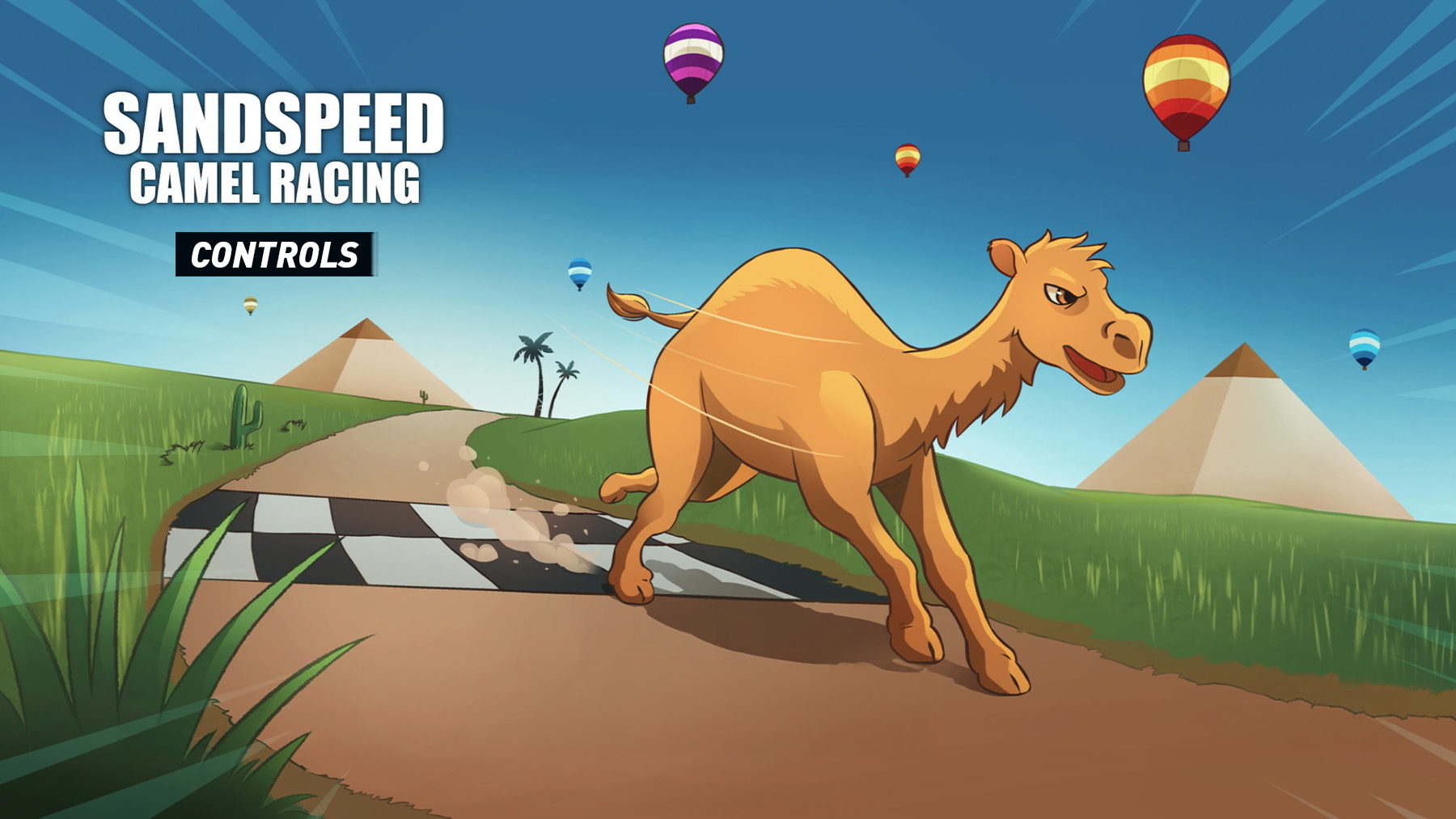
SANDSPEED: CAMEL RACING uses a simple arcade racing layout focused on steering, accelerating, braking, and staying in control across desert tracks. The game is built around quick races, time trials, power-ups, hazards, and fast movement through sandy terrain, so the controls are easy to learn but still reward clean racing lines and good timing.
SANDSPEED Controls
| Action | PlayStation | Xbox |
|---|---|---|
| Steer | Left Stick | Left Stick |
| Accelerate | R2 | RT |
| Brake / Slow Down | L2 | LT |
| Camera / Look | Right Stick | Right Stick |
| Use Power-Up / Boost | X | A |
| Pause | Options | Menu Button |
| Menu Select | X | A |
| Back | Circle | B |
Additional Notes
SANDSPEED: CAMEL RACING is an arcade camel racing game where players race across desert tracks, compete in high-speed races and time trials, collect watermelons for speed boosts, avoid hazards, and unlock more tracks and achievements.
- R2 / RT is the main acceleration input and should be held on straights.
- L2 / LT helps slow down before sharper turns or dangerous sections.
- Left Stick controls steering, so small adjustments are better than sudden heavy turns.
- Power-ups are important because watermelons can give speed advantages during races.
- The game supports controllers and includes control reminders, pausing, adjustable difficulty, and accessibility options such as playing without rapid button presses or motion controls.
- Controls may be adjusted or shown differently depending on platform and version, so check the in-game control menu if your layout is different.
Check out Tips and Guide for SANDSPEED
Comments
No comments yet. Be the first to share your thoughts!