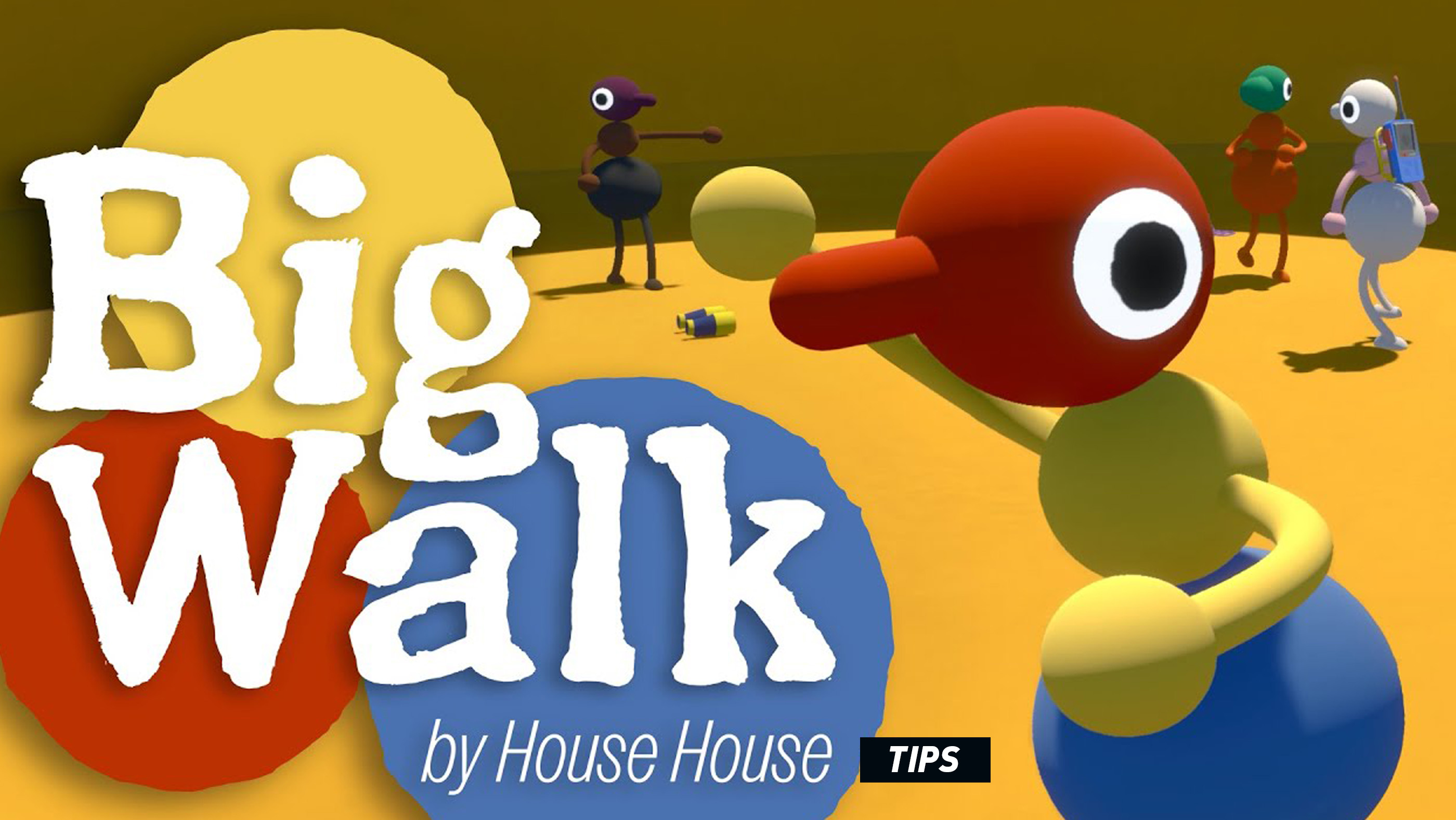
Big Walk looks relaxed, but its puzzles can become surprisingly complicated once friends are separated, voices fade with distance, useful objects go missing, and every player has interpreted the clues differently.
This Big Walk tips and tricks guide covers exploration, proximity chat, teamwork, nonverbal communication, item handling, navigation, group management, and the small habits that make a multiplayer walk far less chaotic.
Spoiler-light guide: The advice below focuses on systems and strategies rather than revealing specific puzzle solutions or major discoveries.
Stay Close Until Everyone Understands the Basics
The opening stretch is the best time to learn how your group communicates. Before wandering in different directions, make sure everyone knows how to:
- Grab and release an object.
- Raise either arm.
- Sprint and jump.
- Mute and unmute voice chat.
- Open text chat.
- Recognize the group’s simplest signals.
A thirty-second practice session can prevent ten minutes of confusion later.
Create a Simple Gesture Language
Because distance and puzzle conditions can interfere with speech, agree on a handful of physical signals before you need them.
- Raise one arm to mean “look here.”
- Raise both arms to mean “I need help.”
- Jump repeatedly to mean “follow me.”
- Crouch repeatedly to acknowledge an instruction.
- Sit down to mean “wait here.”
- Hold an object overhead to identify the item being discussed.
The exact meanings do not matter. Consistency does.
Better than shouting: Give each repeated gesture one purpose. When jumping means five different things, it stops communicating anything.
Use Short, Specific Voice Instructions
Proximity chat becomes confusing when several people talk at once. Replace long explanations with compact instructions:
- “Red marker, left side.”
- “Hold that switch.”
- “Do not throw it.”
- “Count to three.”
- “Stay where you are.”
The person with the clearest view should lead temporarily, while everyone else confirms what they can see.
Give Every Player a Role
Large groups become inefficient when all twelve players inspect the same object. Divide responsibilities instead.
- One player reads or studies the central clue.
- One or two players scout nearby routes.
- One player protects or carries the important object.
- One player remains at a landmark as a reference point.
- Another relays information between separated groups.
Roles can change from puzzle to puzzle. The goal is not rigid leadership; it is preventing duplicated effort.
Choose a Meeting Point Before Splitting Up
Before the group separates, identify an obvious landmark and agree to return there. Good meeting points include:
- A distinctive tower or structure.
- A brightly coloured object.
- A junction between major paths.
- A high location visible from several directions.
- The entrance to the current challenge.
Avoid vague instructions such as “meet near the trees.” In a natural environment, that description may fit half the map.
Use Human Relay Stations
When players are too far apart to hear one another, position teammates between the two groups. Each person can relay the message to the next.
This is especially useful when a puzzle requires information from one area to be acted upon somewhere else. Keep the message short and repeat it back before sending it onward.
Repeat Important Information
A message can become distorted as it passes through several people. Use a simple confirmation process:
- The sender gives the instruction.
- The receiver repeats it exactly.
- The sender confirms or corrects it.
- Only then does the receiver move away.
This sounds formal, but it prevents a surprising number of failed attempts.
Do Not Carry Every Object Away
Finding an unusual item does not automatically mean it belongs at the next puzzle. Moving everything can erase useful environmental context and make later players wonder where an object originally came from.
Before taking something:
- Inspect its surroundings.
- Ask whether it appears connected to a nearby mechanism.
- Tell the group what you are moving.
- Remember or mark its original location.
Assign One Person to Valuable Objects
When an item clearly matters, nominate a carrier. Constantly passing it between players increases the chance of accidental throws, drops, or separation.
The carrier should move near the centre of the group and announce whenever the object is set down.
Throw Only When a Handoff Is Necessary
Throwing objects is entertaining, but it should not be the default method of transport. Before a long throw:
- Confirm that the receiver is ready.
- Check for slopes, cliffs, water, and gaps.
- Use a short practice throw with an unimportant object.
- Stand still and face the target.
- Count down before releasing it.
For valuable items, walking the object over is often faster than recovering it after a failed throw.
Use Height to Regain Your Bearings
When lost, look for a safe elevated position. Higher ground can reveal paths, structures, lights, moving teammates, and the general shape of nearby terrain.
Do not let the entire group climb at once. One or two scouts can observe while the others remain at a known landmark.
Turn Around Regularly
Routes often look completely different in reverse. Glance behind you while exploring so that the return journey feels familiar.
This small habit is particularly valuable in caves, dense vegetation, and areas with several similar-looking paths.
Describe Landmarks, Not Just Directions
“Go left” depends on the listener’s orientation. “Go toward the broken tower, then take the path beside the yellow object” is much harder to misunderstand.
Build descriptions around permanent, distinctive landmarks rather than temporary player positions.
Keep the Group Small During Delicate Puzzles
A twelve-player session can be wonderfully chaotic, but some interactions become harder when everyone crowds a switch, doorway, or movable object.
Let two or three people handle the mechanism while the rest observe from a short distance. Extra players can watch for patterns or report what changes elsewhere.
Count Down Simultaneous Actions
When several players must act together, choose one person to count:
“Ready—three, two, one, now.”
Use the word “now” as the action point. Otherwise, some players will act on one while others wait for the end of the count.
Change One Variable at a Time
When an attempt fails, do not immediately change every player’s position and action. Keep most of the setup the same and alter one thing.
This makes it easier to understand what caused the result and prevents the group from repeatedly rediscovering the same failed arrangement.
Watch Before Touching
Many environmental puzzles communicate through movement, sound, lighting, or repetition. Spend a few seconds observing before interacting with everything.
Ask:
- What changes on its own?
- Is there a repeating sequence?
- Does the environment react to player distance?
- Are several objects visually related?
- Can one player see information hidden from another?
Remember That Silence May Be the Mechanic
When communication suddenly stops working, do not immediately assume the game or microphone has broken. Big Walk deliberately explores alternative ways of communicating.
Try:
- Moving closer together.
- Using arm gestures.
- Pointing with a carried tool.
- Placing objects in a sequence.
- Jumping or crouching in a repeated rhythm.
- Using text chat when permitted.
Use Mute Responsibly
Mute your microphone when there is background noise, feedback, or an interruption. Remember to unmute before giving essential information.
When the group hears doubled voices, ask players to mute one at a time. When the echo disappears, you have identified the microphone causing the feedback.
Wear Headphones
Headphones improve directional awareness and reduce the chance that game audio or other players’ voices will feed back into your microphone.
They also make differences in distance and environmental sound easier to interpret.
Allow Players to Discover Things
Avoid narrating every solution the moment you understand it. Big Walk is at its best when players get the satisfaction of connecting the clues themselves.
Offer graduated hints:
- First, point out the relevant area.
- Then identify the type of clue.
- Only explain the full solution when the group is genuinely stuck.
Do Not Treat Every Detour as Wasted Time
Exploration and hanging out are part of the experience. A strange object, scenic overlook, or improvised game between friends may be just as memorable as completing the next challenge.
Progress matters, but rushing from objective to objective can miss the game’s strongest social moments.
Use Sitting as a Group Signal
The Sit Down command is surprisingly useful. A seated player can indicate:
- “I am waiting here.”
- “This is the meeting point.”
- “I am not ready yet.”
- “We should stop and listen.”
It is clearer than standing motionless, especially in a busy group.
Keep a Lost Player Stationary
When someone is lost, the worst response is for everyone to move. Ask the lost player to stop at a visible landmark while one or two scouts search.
A moving target is much harder to find, particularly when voice range is limited.
Recover From Separation Methodically
When the group loses contact:
- Return to the most recent shared landmark.
- Stop talking periodically and listen for nearby voices.
- Move to open or elevated terrain.
- Use repeated jumps or arm gestures when visual contact is possible.
- Send only one search party in each direction.
Common Beginner Mistakes
- Running ahead without telling the group.
- Moving puzzle items before studying their original placement.
- Everyone speaking simultaneously.
- Using vague directions such as “over there.”
- Throwing important objects for no reason.
- Changing the entire plan after one failed attempt.
- Ignoring nonverbal controls.
- Assuming silence always means a technical problem.
- Splitting up without a meeting point.
- Trying to lead every puzzle personally.
Big Walk FAQ
How many people can play Big Walk?
Big Walk supports online cooperative groups ranging from two to twelve players.
Can Big Walk be played alone?
Its challenges and communication systems are designed around cooperative multiplayer, so the intended experience is playing with other people.
Does Big Walk use proximity voice chat?
Yes. Players’ ability to hear one another is influenced by distance and game situations, making physical positioning part of communication.
What should you do when teammates cannot hear you?
Move closer, use gestures, relay messages through another player, or use text chat when available. Silence may occasionally be an intentional challenge mechanic.
What is the best group size?
Smaller groups are easier to coordinate, while larger groups create more social chaos and allow complex role splitting. The best size depends on whether your group values focused puzzle solving or a livelier hangout.
How do you avoid getting lost?
Use distinctive landmarks, look behind you while travelling, agree on meeting points, and leave at least one player at known locations during scouting.
Should every player carry an item?
No. Assign important objects to dedicated carriers and leave unrelated items near their original locations until their purpose becomes clear.
Final Tips
The best Big Walk groups are not necessarily the fastest or most experienced. They are the groups that listen, confirm instructions, allow everyone to contribute, and turn mistakes into part of the fun.
Develop a few shared gestures, protect important objects, choose clear landmarks, and resist the urge to solve everything alone. Big Walk is designed so that communication itself becomes the adventure.
Also see our Big Walk Controls Guide for the complete controller layout and explanations of every movement, object, gesture, and communication command.


Comments
No comments yet. Be the first to share your thoughts!