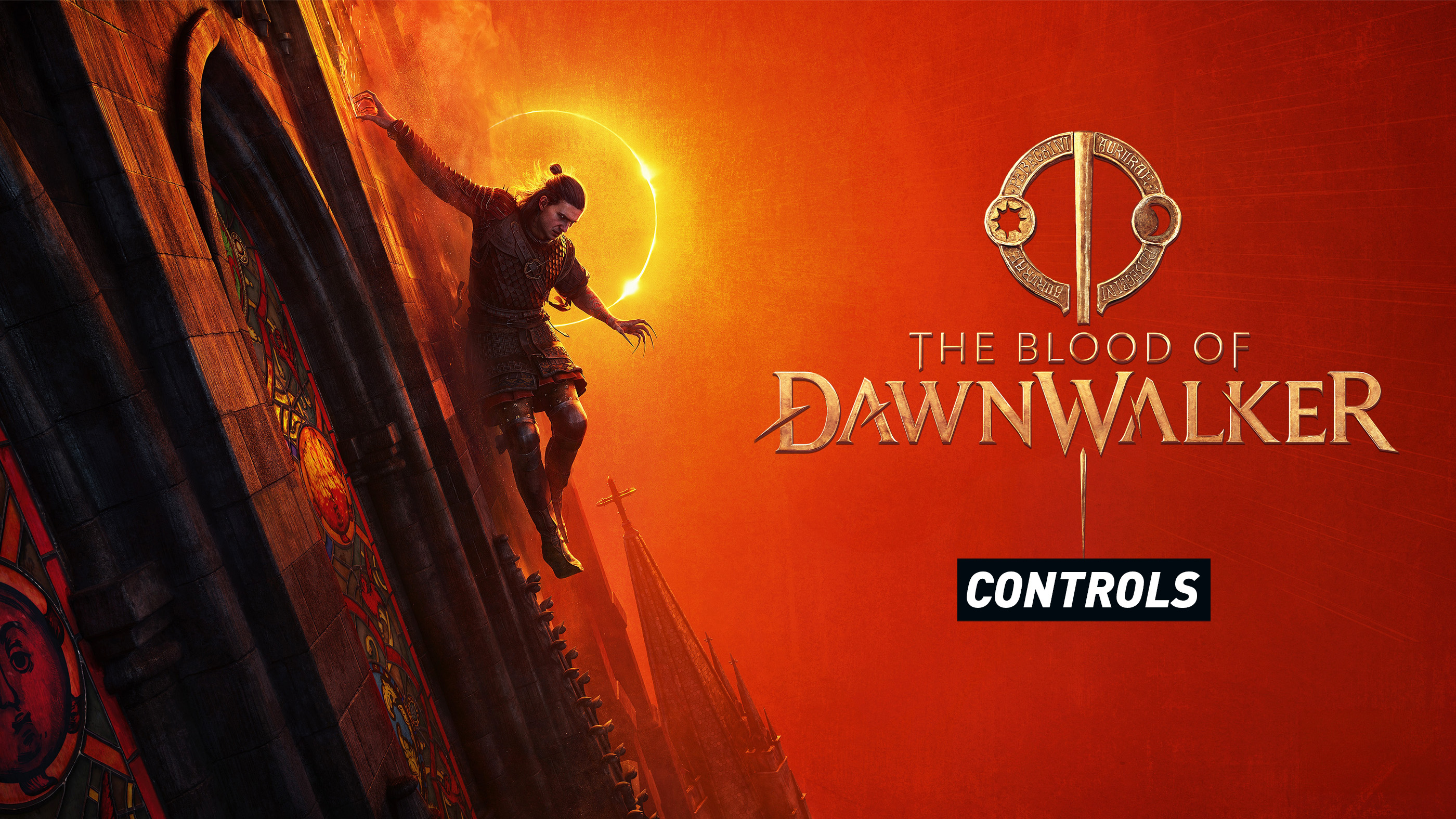
The Blood of Dawnwalker uses a control scheme built around directional sword combat, quick access to abilities and Coen's split identity as a human by day and a vampire by night. The basic movement will feel familiar if you play modern action RPGs, but attacking and blocking have an extra layer because your direction matters.
The controls below cover the default PlayStation, Xbox and PC layouts. Controller players can also switch between Default and Alternative presets, while keyboard and mouse users can freely rebind individual actions in the settings menu.
The Blood of Dawnwalker PS5 Controls
| Action | PS5 Control |
|---|---|
| Move | Left Stick |
| Move Camera | Right Stick |
| Sprint | L3 |
| Jump | Cross |
| Crouch | Circle |
| Interact | Square |
| Lock Target | R3 |
| Switch Target | Right Stick |
| Draw Weapon | Triangle |
| Attack | R1 |
| Directional Attack | R1 + Left Stick Direction |
| Block | L1 |
| Directional Block | L1 + Left Stick Direction |
| Dodge | Circle + Left Stick Direction |
| Focus | L2 |
| Navigate Ability Wheel | Left Stick while holding L2 |
| Use Ability | Cross while focused |
| Shadow Step Forward | Tap R2 |
| Aim Shadow Step | Hold R2 and aim with Right Stick |
| Left Quickslot | D Pad Left |
| Top Quickslot | D Pad Up |
| Right Quickslot | D Pad Right |
| Bottom Quickslot | D Pad Down |
| Quick Menu | Options / Left side of Touch Pad |
| Main Menu | Right side of Touch Pad / Menu input |
The Blood of Dawnwalker Xbox Controls
| Action | Xbox Control |
|---|---|
| Move | Left Stick |
| Move Camera | Right Stick |
| Sprint | Press Left Stick |
| Jump | A |
| Crouch | B |
| Interact | X |
| Lock Target | Press Right Stick |
| Switch Target | Right Stick |
| Draw Weapon | Y |
| Attack | RB |
| Directional Attack | RB + Left Stick Direction |
| Block | LB |
| Directional Block | LB + Left Stick Direction |
| Dodge | B + Left Stick Direction |
| Focus | LT |
| Navigate Ability Wheel | Left Stick while holding LT |
| Use Ability | A while focused |
| Shadow Step Forward | Tap RT |
| Aim Shadow Step | Hold RT and aim with Right Stick |
| Left Quickslot | D Pad Left |
| Top Quickslot | D Pad Up |
| Right Quickslot | D Pad Right |
| Bottom Quickslot | D Pad Down |
| Quick Menu | View Button |
| Menu | Menu Button |
The Blood of Dawnwalker PC Controls
| Action | Keyboard and Mouse |
|---|---|
| Move | W, A, S, D |
| Jump | Space |
| Crouch | Left Ctrl |
| Interact | F |
| Move Camera | Mouse |
| Lock Target | Middle Mouse Button |
| Next Target | Mouse Wheel Down |
| Previous Target | Mouse Wheel Up |
| Draw or Sheathe Weapon | Y |
| Swap Weapon | F |
| Attack | Left Mouse Button |
| Directional Attack | W, A, S or D + Left Mouse Button |
| Block | Right Mouse Button |
| Directional Block | W, A, S or D + Right Mouse Button |
| Dodge | Movement Direction + Space |
| Shadow Step | E |
| Aimed Shadow Step | Hold E and aim with Mouse |
| Left Quickslot | 1 |
| Top Quickslot | 2 |
| Right Quickslot | 3 |
| Bottom Quickslot | 4 |
| Quick Menu | Tab |
| Map | M |
| Inventory | I |
| Journal | J |
| Character | C |
| Crafting | T |
| Pause | Esc |
| Quicksave | F5 |
| Quickload | F9 |
How Directional Combat Works
The Blood of Dawnwalker does not treat every sword swing as the same attack. Coen can strike from different directions, and enemies can defend specific sides.
On controller, hold a direction with the Left Stick while pressing the attack button. On keyboard, combine the appropriate movement direction with the attack input.
You can also use the simpler omni attack input without selecting a direction, but learning directional combat gives you much more control over tougher encounters.
Directional blocking matters too
Blocking from the correct direction can be far more efficient than relying entirely on the basic omni block. Precise defensive timing becomes especially valuable as enemy aggression rises.
Default and Alternative Controller Presets
Controller users can switch between Default and Alternative control schemes.
The Default layout keeps the main attack and block actions on R1 and L1. The Alternative layout moves several combat actions onto the face buttons, which may feel more familiar if you prefer classic action RPG controls.
Unlike keyboard controls, individual controller buttons cannot currently be freely reassigned inside the game. The preset selection is therefore important.
How Shadow Step Works
Shadow Step is one of Coen's signature vampiric movement abilities.
Tap R2 on PS5 or RT on Xbox for a forward Shadow Step. Holding the trigger allows you to aim the destination before releasing the input.
This ability becomes especially valuable at night because Coen's vampire form can approach movement and encounters in ways his human form cannot.
How to Use the Ability Wheel
Hold L2 on PlayStation or LT on Xbox to enter Focus and bring up your available abilities. Use the Left Stick to select the ability you want, then press Cross on PlayStation or A on Xbox to activate it.
Your available abilities depend on progression, the time of day and how you develop Coen's different skill paths.
Human and Vampire Controls
The basic movement controls stay familiar, but Coen does not play exactly the same during the day and night.
During daylight hours, Witchcraft provides offensive and defensive magic. At night, vampiric abilities become available and can fundamentally change movement, exploration and combat.
That means some ability inputs may only become relevant once the corresponding skill or form is available.
How Quickslots Work
The four D Pad directions are assigned to quickslots on controller. This lets you reach useful items without opening the full inventory during combat.
PC players use the number keys 1 through 4 by default.
Set these up before entering a difficult encounter rather than trying to reorganize your inventory after combat begins.
Can You Remap Controls?
Keyboard and mouse users can rebind individual actions from the Controls menu.
Controller users currently choose between Default and Alternative layouts instead of remapping every button separately. Sensitivity, vibration and camera inversion settings can also be adjusted.
The Blood of Dawnwalker Controls FAQ
What button attacks in The Blood of Dawnwalker?
The default controller layout uses R1 on PS5 and RB on Xbox. PC uses the Left Mouse Button.
How do you block?
Use L1 on PS5, LB on Xbox or the Right Mouse Button on PC.
How do you dodge?
Use Circle or B together with a movement direction. PC players combine a movement direction with Space.
How do you lock onto an enemy?
Press R3 on PlayStation, the Right Stick on Xbox or the Middle Mouse Button on PC.
How do you use vampire abilities?
Hold L2 or LT to focus, select an ability with the Left Stick and activate it with Cross or A. Certain vampiric abilities also have dedicated inputs, including Shadow Step.
Can you change the controller layout?
Yes. You can choose between Default and Alternative presets, though individual controller button remapping is not currently available inside the game.
Can PC controls be remapped?
Yes. Keyboard and mouse bindings can be changed individually from the Controls menu.
Practice Directional Attacks Before a Difficult Boss
The most important control to learn is not Shadow Step or the ability wheel. It is the directional attack and block system.
Spend a few encounters deliberately attacking from different sides and matching incoming attack directions. Once those inputs stop feeling like extra commands and start becoming part of normal swordplay, combat becomes much more deliberate and much less chaotic.


Comments
No comments yet. Be the first to share your thoughts!