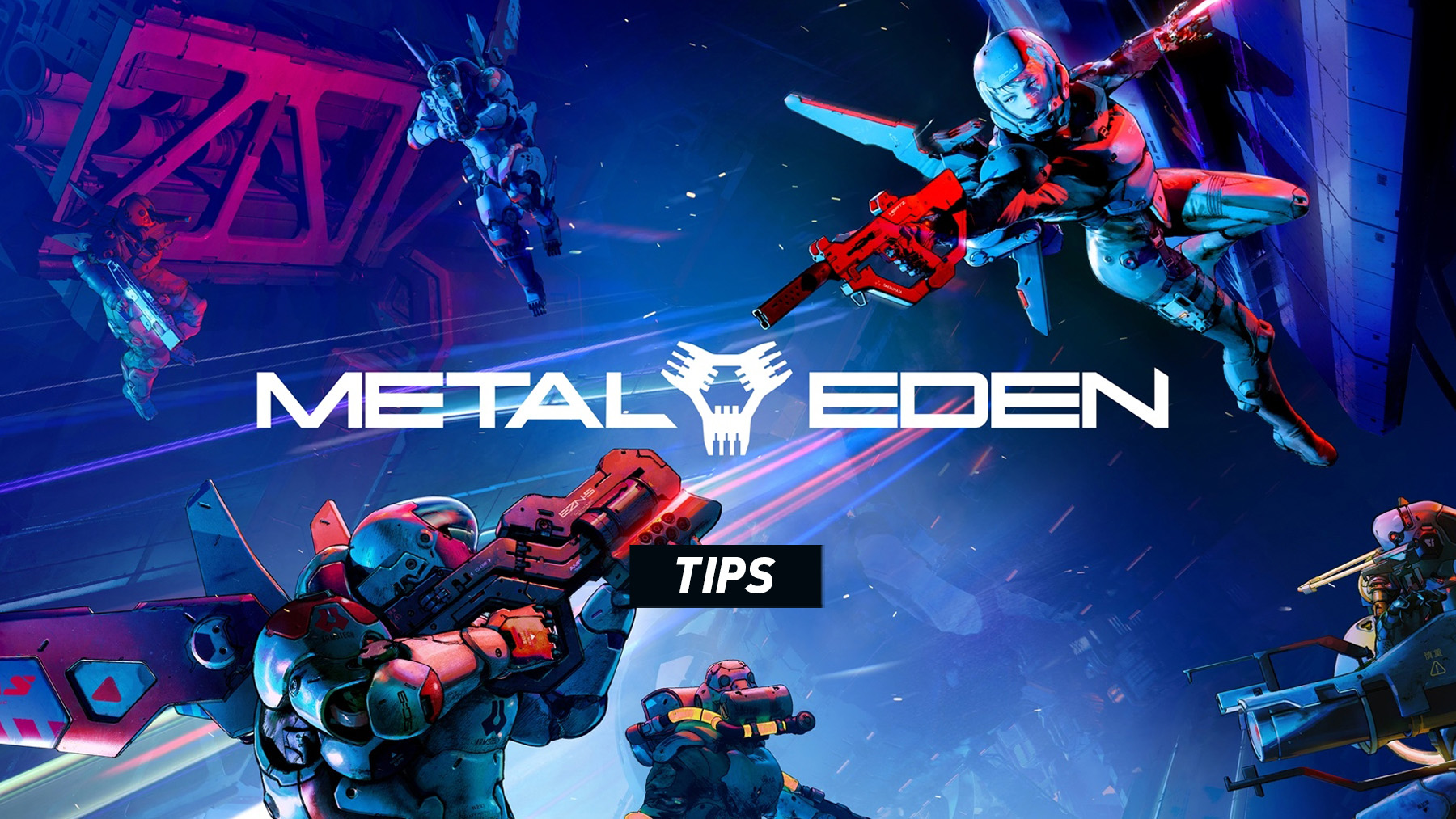
Metal Eden is built around speed, aggression, and constant movement. You are not meant to stand still and trade shots. The best way to survive is to keep moving, use the Jet Pack wisely, switch between weapons, throw grenades, use Gravity Hand, and take advantage of Ball Mode whenever the arena gives you space.
Keep Moving At All Times
Metal Eden rewards players who stay mobile. Use jumps, dashes, hovering, and fast repositioning to avoid enemy fire. Standing still makes you an easy target, especially during larger combat encounters.
Use The Jet Pack In Short Bursts
Holding jump lets you use the Jet Pack, but wasting it carelessly can leave you exposed. Use short bursts to cross gaps, dodge attacks, or stay airborne just long enough to line up a shot.
Dash Before You Get Surrounded
Dash is one of your most important defensive tools. Do not wait until enemies are already on top of you. Dash early, create space, and keep your aim on the biggest threat.
Learn When To Use Gravity Hand
Gravity Hand is not just a side ability. Use it whenever the game gives you a chance to interact with enemies, objects, or combat opportunities. It can help control the fight and open enemies up for stronger attacks.
Switch Weapons Often
Do not rely on one weapon for every situation. Use fast weapons for weaker enemies, stronger shots for tougher targets, and alternate fire when you need burst damage or crowd control.
Use Grenades Against Groups
Grenades are especially useful when enemies are clustered together. Throw them into groups instead of saving them too long, because removing several enemies quickly makes each arena much easier.
Do Not Forget Melee
Melee is mapped to R3 / RS and can be useful when enemies get too close. It is also a good way to finish weakened targets without wasting ammo.
Use Ball Mode For Speed And Combat
Ball Mode is not only for traversal. It gives you access to boost, homing missiles, and lightning attacks. Use it to move quickly across arenas, avoid danger, and attack enemies from unexpected angles.
Use Homing Missiles In Ball Mode
Homing missiles are useful when targets are moving quickly or when you need to attack while focusing on movement. They help you stay aggressive without needing perfect aim every second.
Charge Lightning Attacks Carefully
The Lightning Attack can be powerful, but do not charge it in a bad position. Create distance first, then use it when you have a clear opening.
Use Slow Motion For Precision
Slow Motion is best saved for difficult shots, dangerous enemies, or moments where you need extra control during fast movement. Do not waste it when simple shooting or movement will solve the problem.
Reload Whenever You Have Space
Reloading in the middle of a crowded fight can get you punished. Reload after clearing a wave, after dashing away, or while moving between positions.
Check The Objective Button If You Get Lost
Metal Eden moves quickly, and it is easy to lose track of where to go next after a fight. Use Show Objective to quickly reorient yourself instead of wandering around the arena.
Experiment With Controller Settings
If aiming or camera movement feels too slow or too fast, adjust the controller settings. Fast shooters feel much better when sensitivity matches your reaction speed.
Reset Controls If Needed
If you change too many bindings and the layout starts to feel confusing, use the reset option in the controller settings menu to return everything to default.
Play Aggressively
Metal Eden is at its best when you push forward. Keep shooting, keep moving, use abilities often, and treat every arena like a movement puzzle as much as a combat encounter.
See also Controls and Buttons for Metal Eden
Comments
No comments yet. Be the first to share your thoughts!