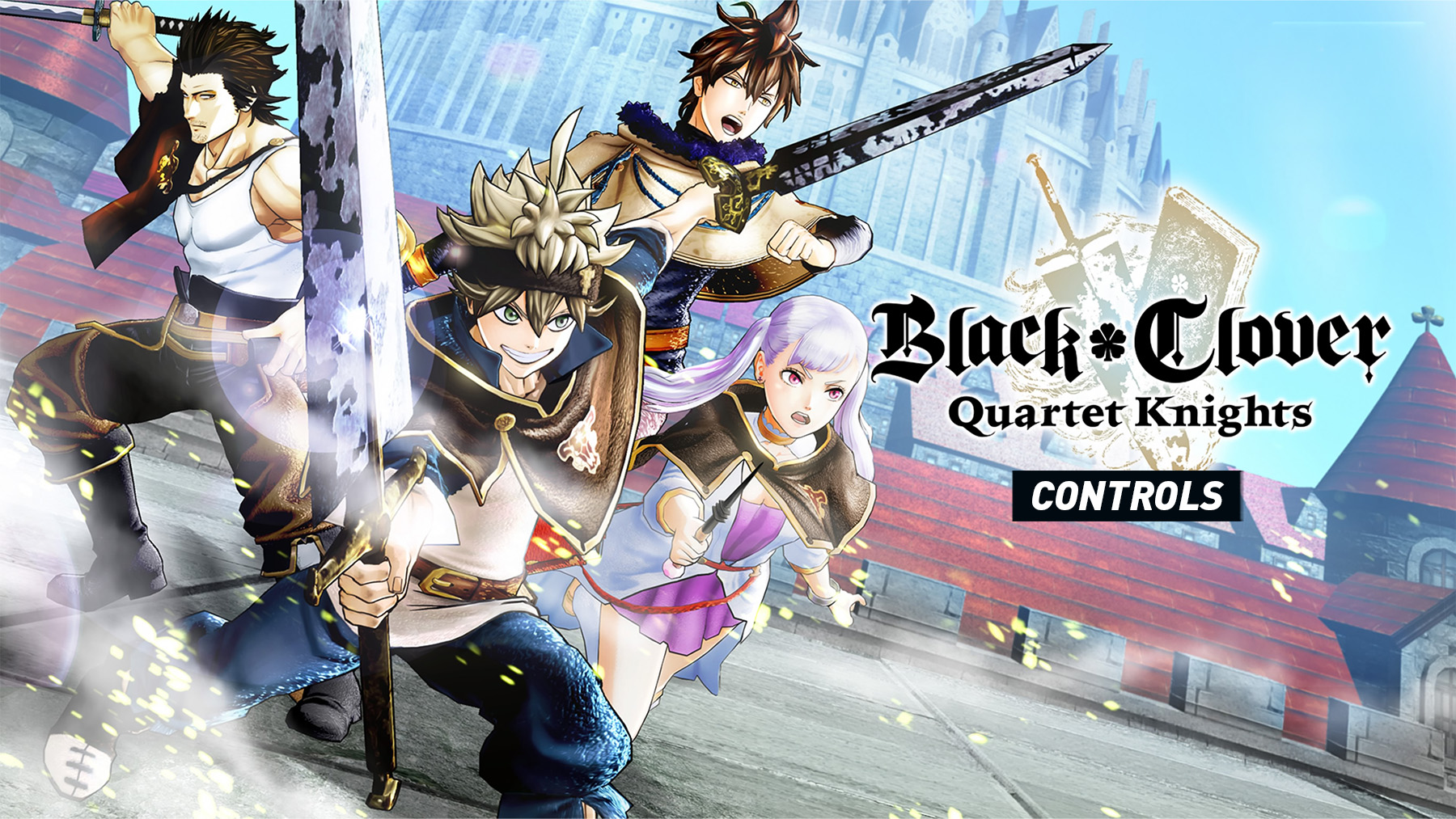
The Black Clover: Quartet Knights control layout and button mapping for PlayStation and Xbox controllers are explained below. The game uses a third-person 4v4 magic battle system, so the controls focus on movement, aiming, jumping, magic attacks, relic use, zooming and switching characters during battle.
Black Clover: Quartet Knights Controls
| Action | PlayStation | Xbox |
|---|---|---|
| Move | Left Stick | Left Stick |
| Camera / Aim | Right Stick | Right Stick |
| Jump | X | A |
| Main Magic | R2 | RT |
| Sub Magic | L2 | LT |
| Link Magic | R1 | RB |
| Extra Magic | L1 | LB |
| Ultimate Magic | Triangle | Y |
| Relic | Square | X |
| Zoom | Circle | B |
| Change Character Left / Right | R3 | RS |
| Switch Settings Tab | L2 / R2 | LT / RT |
| Switch Character Settings | L1 / R1 | LB / RB |
| Select / Confirm | X | A |
| Back / Cancel | Circle | B |
Control Settings
Black Clover: Quartet Knights lets you adjust character operation settings, including zoom sensitivity and button assignments for each character or all characters at once. This is useful because different character types rely on different magic ranges and support roles.
- Main Magic is your primary spell or attack option.
- Sub Magic is used for your secondary magic ability.
- Link Magic works with team-based actions and coordinated attacks.
- Extra Magic gives access to another character-specific ability.
- Ultimate Magic triggers your strongest magic attack when available.
- Relic activates the equipped relic effect.
- Zoom helps with ranged aiming and target focus.
Comments
No comments yet. Be the first to share your thoughts!