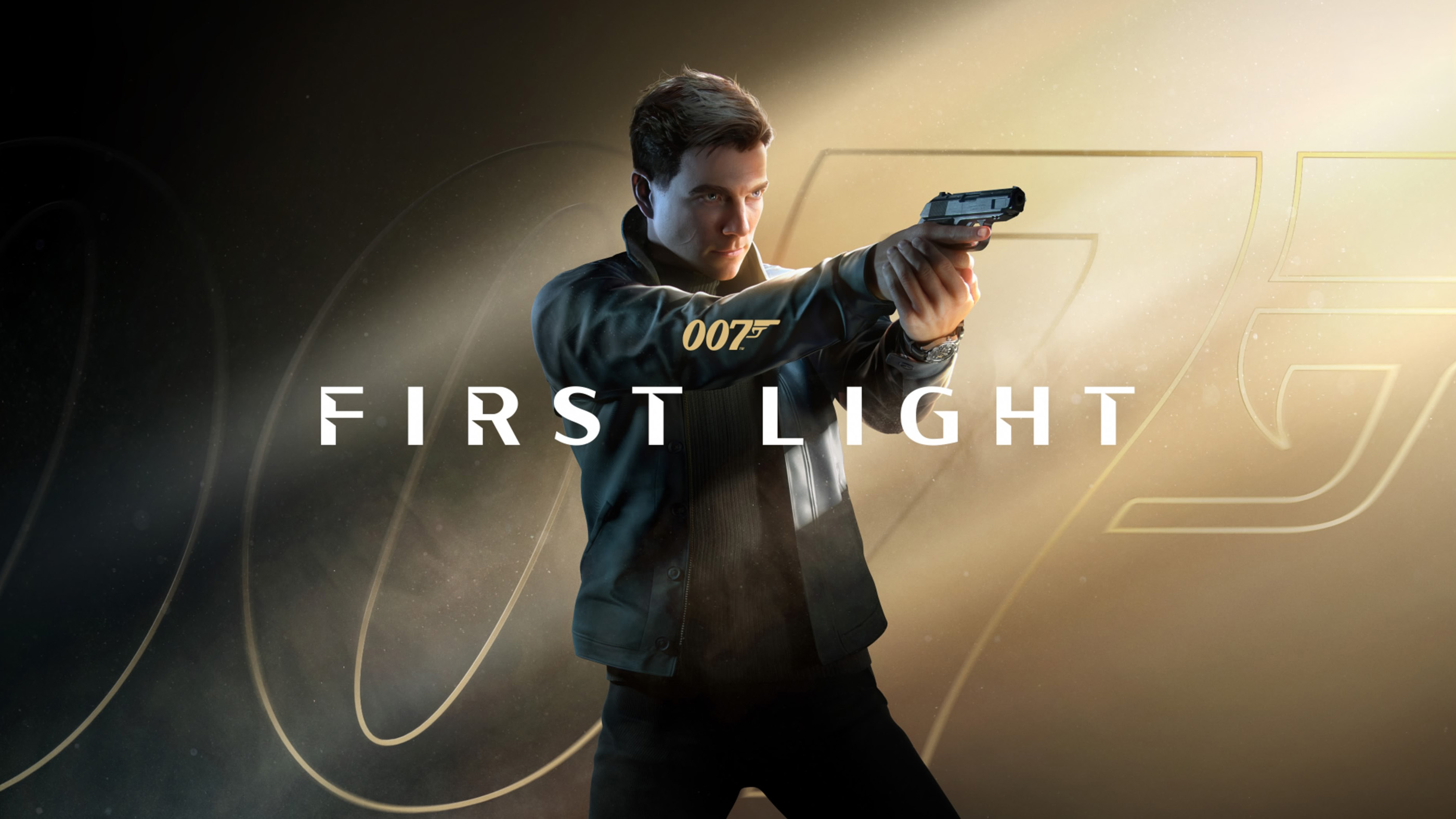
007 First Light puts you in the shoes of a young James Bond, combining stealth, hand to hand combat, shooting, gadgets and high speed driving. Knowing when to use your instincts, distract a guard or move into cover can make the difference between completing an objective quietly and turning it into a firefight.
This 007 First Light controls guide covers PlayStation 5, Xbox and PC, including exploration, combat, stealth and vehicle controls. The PlayStation inputs follow the in game control diagrams, while Xbox buttons are shown as their corresponding controller equivalents.
007 First Light Controls for PS5, Xbox and PC
The exploration controls change according to what Bond is doing. For example, the same button may perform a stealth takedown near an unsuspecting enemy or a regular strike during combat.
| Action | PS5 | Xbox Equivalent | PC |
|---|---|---|---|
| Move | Left Stick | Left Stick | W, A, S, D |
| Camera / Look Around | Right Stick | Right Stick | Mouse |
| Weapon Aim / Zoom | Hold L2 | Hold LT | Check Key Bindings |
| Quick Draw in Combat | L2 | LT | Check Key Bindings |
| Q Lens View | Hold L1 | Hold LB | Check Key Bindings |
| Lure | D Pad Up | D Pad Up | Check Key Bindings |
| Cycle Weapon | D Pad Down | D Pad Down | Check Key Bindings |
| Special Weapon | D Pad Right | D Pad Right | Check Key Bindings |
| Instinct Focus | Press L3 | Press Left Stick | Check Key Bindings |
| Grapple Enemy / Grab Rush | Hold R2 | Hold RT | Check Key Bindings |
| Shoot While Aiming / Quick Throw | R2 | RT | Check Key Bindings |
| Dash to Cover / Swap Cover | R1 | RB | Check Key Bindings |
| Special Weapon Ability | R1 | RB | Check Key Bindings |
| Sprint | Hold R1 | Hold RB | Check Key Bindings |
| Interact | Triangle | Y | Check Key Bindings |
| Parry / Move Down During Agility | Circle | B | Check Key Bindings |
| Bluff / Confront / Reload | Square | X | Check Key Bindings |
| Agility / Side Step in Combat | Cross | A | Check Key Bindings |
| Shoulder Swap While Aiming | Cross | A | Check Key Bindings |
| Strike / Stealth Takedown | R3 | Right Stick Click | Check Key Bindings |
| Charged Strike | Hold R3 | Hold Right Stick Click | Check Key Bindings |
| Crouch | Press R3 | Press Right Stick | Check Key Bindings |
| Journal Screen | Touchpad | View Button | Check Key Bindings |
| Pause Screen | Options | Menu Button | Esc |
Several actions are contextual. The game decides which action is available based on Bond's position, whether he is aiming, and whether an enemy is aware of him. PC players should check their keyboard settings for the exact bindings, since the supplied diagrams only establish the PlayStation controller inputs.
007 First Light Driving Controls
Driving has a separate control layout. Acceleration, braking, steering and vehicle weapons replace many of the exploration commands.
| Driving Action | PS5 | Xbox Equivalent | PC |
|---|---|---|---|
| Steer / Movement | Left Stick | Left Stick | Check Key Bindings |
| Accelerate | Hold R2 | Hold RT | Check Key Bindings |
| Brake | Hold L2 | Hold LT | Check Key Bindings |
| Handbrake | Hold Cross | Hold A | Check Key Bindings |
| Fire Weapon 1 | Hold Circle | Hold B | Check Key Bindings |
| Fire Weapon 2 | Hold Square | Hold X | Check Key Bindings |
| Interact | Triangle | Y | Check Key Bindings |
| Camera / Look Back | Right Stick | Right Stick | Check Key Bindings |
| Camera Reset | Press R3 | Press Right Stick | Check Key Bindings |
| Journal Screen | Touchpad | View Button | Check Key Bindings |
| Pause Screen | Options | Menu Button | Esc |
Vehicle weapons are situational and may not be available in every driving sequence. The driving control diagram also separates normal camera movement from the camera reset command.
How to Use Stealth Controls
Stealth is an important part of 007 First Light. Bond can approach enemies carefully, distract them and use takedowns when the opportunity appears.
Press R3 to crouch and reduce unnecessary movement. When positioned near an enemy who can be taken down, the same input can perform a stealth takedown. Pay attention to the available action prompts rather than assuming every nearby guard can be approached in the same way.
How to Use the Q Lens
Hold L1 on PlayStation or LB on Xbox to activate Q Lens View. This is one of Bond's important investigation tools.
Use it when examining suspicious environments or looking for opportunities that are not immediately obvious. It is especially worth checking an area before approaching guards or interacting with unfamiliar equipment.
How to Aim, Shoot and Quick Draw
Hold L2 to aim your equipped weapon, then press R2 to shoot. The same controls correspond to LT and RT on Xbox.
Quick Draw is also assigned to L2 during combat. Its behaviour depends on the current situation, so watch for the appropriate opportunity rather than treating it as a separate permanent weapon mode.
Square is used to reload when the combat context allows it.
How to Parry and Dodge
Press Circle to parry during combat. Cross is assigned to agility and side stepping, helping Bond reposition when an opponent attacks.
These actions reward paying attention to enemy movements. Instead of attacking continuously, look for the moment to interrupt a strike or move out of its path.
How to Grapple and Perform Charged Strikes
Hold R2 to grapple an enemy or perform a grab rush when the situation allows it. For a charged strike, hold R3 rather than pressing it briefly.
Grappling and charged attacks provide alternatives to ordinary strikes, particularly when an enemy is too close for comfortable shooting.
How to Sprint and Move Into Cover
Hold R1 to sprint. During combat, R1 also handles moving into cover, swapping cover positions and certain special weapon abilities.
Use nearby cover to limit exposure when enemies are shooting. Moving between positions is often safer than remaining in one place while several opponents have a clear line of sight.
How to Use Instinct Focus
Press L3 to activate Instinct Focus when the ability is available. This is separate from the Q Lens, which uses L1.
Learning the distinction is useful because Bond's investigative tools and instinct based actions serve different purposes during exploration and combat.
How to Change Weapons
Use D Pad Down to cycle weapons and D Pad Right for the special weapon input shown in the controller guide.
Available equipment depends on the mission and the current situation. If a weapon action is unavailable, check whether Bond is carrying the relevant equipment.
007 First Light Controls FAQ
How do you crouch in 007 First Light?
Press R3 on PlayStation or click the right stick on Xbox while exploring.
How do you use the Q Lens?
Hold L1 on PlayStation or LB on Xbox.
How do you perform a stealth takedown?
Approach an eligible enemy and use the R3 takedown input when the situation allows it.
How do you sprint?
Hold R1 on PlayStation or RB on Xbox during exploration.
How do you parry attacks?
Press Circle on PlayStation or B on Xbox during combat.
How do you reload?
Press Square on PlayStation or X on Xbox when using a weapon that can be reloaded.
How do you use the handbrake while driving?
Hold Cross on PlayStation or A on Xbox.
Are exploration and driving controls different?
Yes. The game has separate control layouts for movement and driving, including different assignments for the shoulder buttons and face buttons.


Comments
No comments yet. Be the first to share your thoughts!