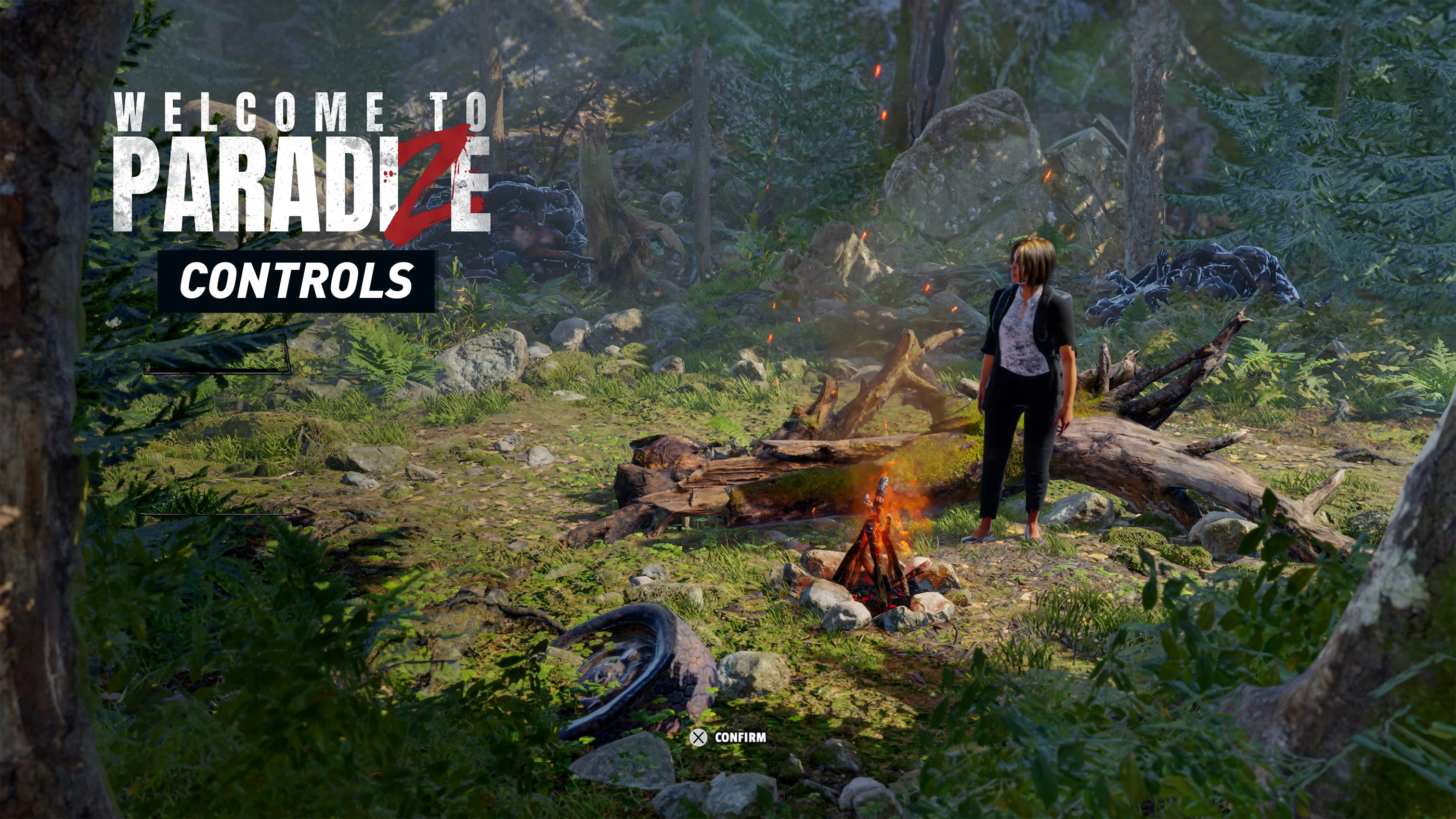
Welcome to ParadiZe blends action RPG combat, base building, crafting, and zombie management into one survival adventure. While the controls are easy to learn, mastering combat, Zombot commands, and inventory management will make exploring the world much smoother. This guide covers the default PlayStation controls along with gameplay tips to help you survive your first days in ParadiZe.
Welcome to ParadiZe Default Controls
| Button | Action |
|---|---|
| Left Stick | Move Character |
| Right Stick | Aim and Rotate Camera |
| L3 | Sprint |
| R3 | Center Camera |
| R1 | Quick Attack |
| R2 | Heavy Attack or Fire Equipped Weapon |
| L2 | Aim Ranged Weapon |
| ✕ | Interact, Confirm |
| ◯ | Dodge Roll, Cancel |
| □ | Reload or Context Action |
| △ | Use Equipped Gadget or Special Action |
| D Pad | Cycle Quick Slots and Commands |
| Touch Pad | Open Map |
| Options | Pause Menu |
Combat Controls
Combat is fast paced and rewards movement more than standing still. Whether you're fighting zombies, wildlife, or hostile survivors, staying mobile is essential.
| Action | Default Input |
|---|---|
| Quick Attack | R1 |
| Heavy Attack | R2 |
| Aim Firearm | L2 |
| Shoot | R2 while aiming |
| Reload | Square |
| Dodge Roll | Circle |
| Sprint | L3 |
Melee weapons consume less ammunition while firearms provide safer crowd control. Switching between both depending on the situation is one of the game's most important combat skills.
Interaction Controls
Exploration is just as important as combat. You'll constantly gather resources, open containers, activate switches, and interact with survivors throughout the world.
| Action | Button |
|---|---|
| Interact | X |
| Loot Container | X |
| Pick Up Resources | X |
| Talk to NPCs | X |
| Open Doors | X |
| Cancel | Circle |
Zombot Controls
One of Welcome to ParadiZe's unique mechanics is hacking zombies and turning them into loyal workers known as Zombots. They can gather materials, defend your camp, and even assist in combat.
| Action | Description |
|---|---|
| Assign Tasks | Use Command Wheel |
| Follow Player | Command Zombot |
| Gather Resources | Assign Resource Job |
| Craft Items | Assign Workshop |
| Defend Base | Assign Guard Duty |
The more efficiently you organize your Zombots, the less manual resource gathering you'll need to do yourself.
Inventory Controls
Managing your inventory properly keeps you prepared for longer expeditions.
| Action | Input |
|---|---|
| Open Inventory | Menu |
| Select Item | Left Stick |
| Equip Item | X |
| Drop Item | Square |
| Split Stack | Context Menu |
| Move Between Storage | Shoulder Buttons |
Building Controls
Your base is your safest location in ParadiZe. Building new stations and defensive structures is essential for long term survival.
| Action | Description |
|---|---|
| Open Build Menu | Construction Menu |
| Select Structure | Left Stick |
| Rotate Structure | Shoulder Buttons |
| Place Building | X |
| Cancel Placement | Circle |
Defensive walls, crafting benches, storage containers, and automated Zombot stations should be among your first construction priorities.
Comments
No comments yet. Be the first to share your thoughts!