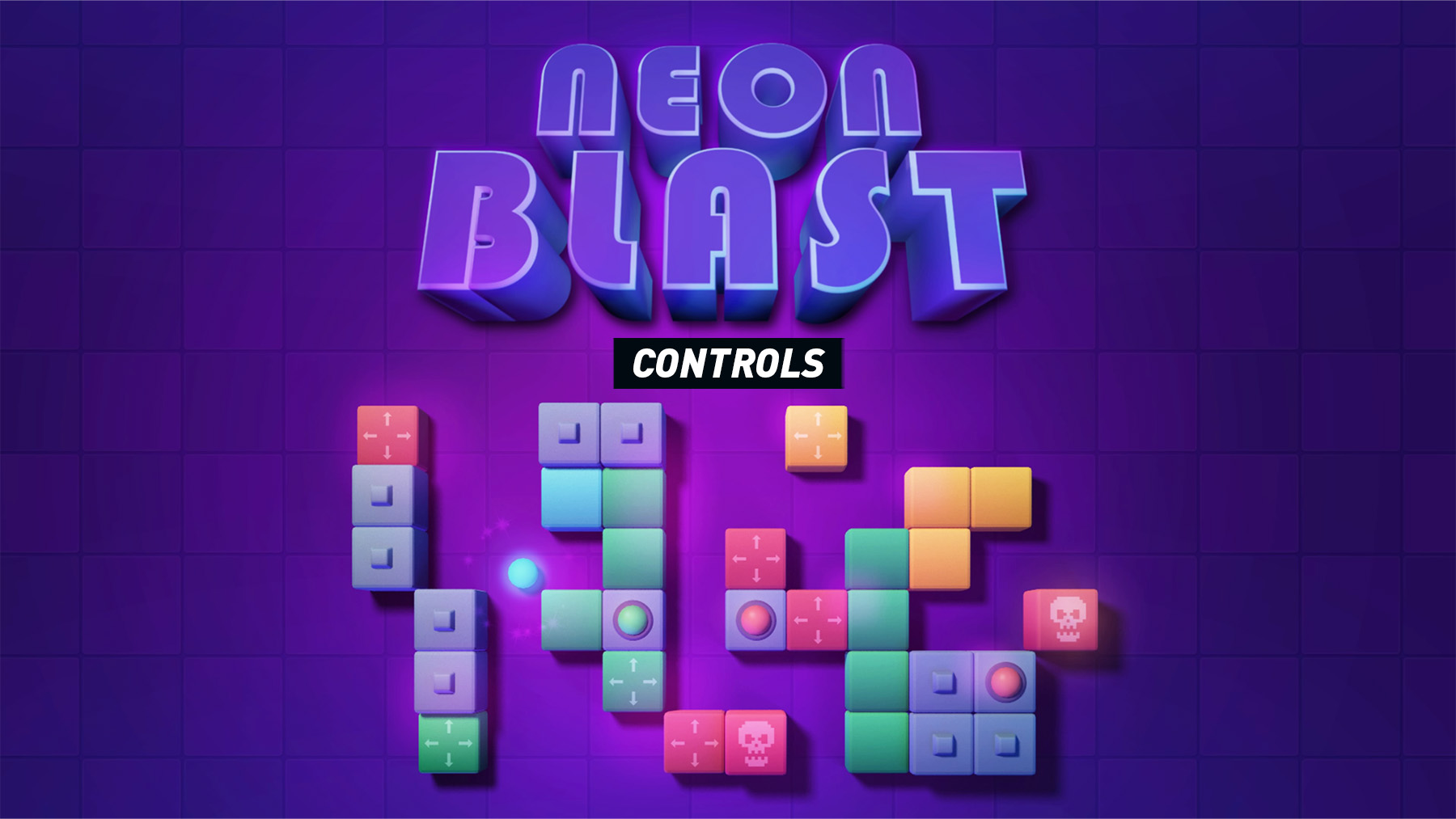
The Neon Blast control layout and button mapping for PlayStation, Xbox, Nintendo Switch and PC are explained below. Neon Blast is a puzzle game where you control a moving ball, recolour it by passing through colour fields, destroy blocks of the matching colour, push sliding stones and avoid skull fields that cost a life.
Neon Blast Controls
| Action | PlayStation | Xbox | Switch | PC |
|---|---|---|---|---|
| Move Ball Left | L Left / D-Pad Left | LS Left / D-Pad Left | Left Stick Left / D-Pad Left | A / Left Arrow |
| Move Ball Right | L Right / D-Pad Right | LS Right / D-Pad Right | Left Stick Right / D-Pad Right | D / Right Arrow |
| Navigate Menu | D-Pad / L | D-Pad / LS | D-Pad / Left Stick | Arrow Keys / WASD |
| Select / Confirm | X | A | A | Enter / Space |
| Back / Cancel | Circle | B | B | Esc |
| Pause Menu | Options | Menu | + | Esc |
| Restart Level | Triangle | Y | X | R |
Gameplay Notes
- Movement is the main control: the ball is moved horizontally, while its vertical direction changes after hitting a block or level edge.
- Colour fields recolour the ball automatically when you pass through them.
- Matching blocks are destroyed only when the ball has the same colour.
- Sliding stones can be pushed to open routes or reveal passages.
- Skull fields should be avoided because touching them costs a life.
- Level clear happens when every destructible block has been removed.
Comments
No comments yet. Be the first to share your thoughts!